






Page Table of Contents
Reviews and Awards


What is File Transfer Software for PC?
File transfer software for PC is designed to move files between computers, servers, or cloud storage. Whether you're migrating data to a new machine or sharing large files across networks, the right software makes all the difference. We have tested the file transfer software for PC and picked 8 for you. PC file transfer software moves data like applications, user settings, profiles, and even entire system configurations. You can use file transfer software for PC when you:
- Migrate to a new PC (especially the setup, including apps and settings).
- Move a large volume of data to another PC.
- Backing up important files to prevent data loss.
- Freeing up space on old PC.
Program to transfer files from old to new computer? I just got a new desktop and need to transfer files from my old laptop. I was trying to figure out how to do so since it doesn't seem that easy, and someone said there are all sorts of apps for this. - From Reddit
How to Choose the Right File Transfer Software for Your PC
Selecting the best file transfer software depends on your needs. You need to consider file sizes and transfer frequency. In addition, key factors to pick the PC file transfer software include speed, ease of use, price, compatibility, security, and reliability. This post introduces 8 best file transfer software for PC.
| Tool | Best For | Speed Rating | App Migration | Price |
| EaseUS Todo PCTrans | All PC-to-PC Migration | Highest | Yes | Free |
| Windows Easy Transfer | Basic Data Moves | Medium | No | Free |
| File Explorer | Everyday Copies | Low | No | Free |
| Cloud Storage | Remote Sharing | Medium | No | Variable |
| Transfer Cable | Local Bulk | High | No | Variable |
| Clonezilla | Disk Cloning | High | Partial | Free |
| Laplink PCmover | Pro App Transfers | High | Yes | $49 |
| Zinstall WinWin | Remote Upgrades | High | Yes | $130 |
If you want to know more about how we test the software and our workflow, please check:
Top 8 Best File Transfer Software for PC
This part introduces the 8 best file transfer software for PC. These tools suit different scenarios, whether you're moving a few documents or an entire setup with programs and custom settings.
1. EaseUS Todo PCTrans
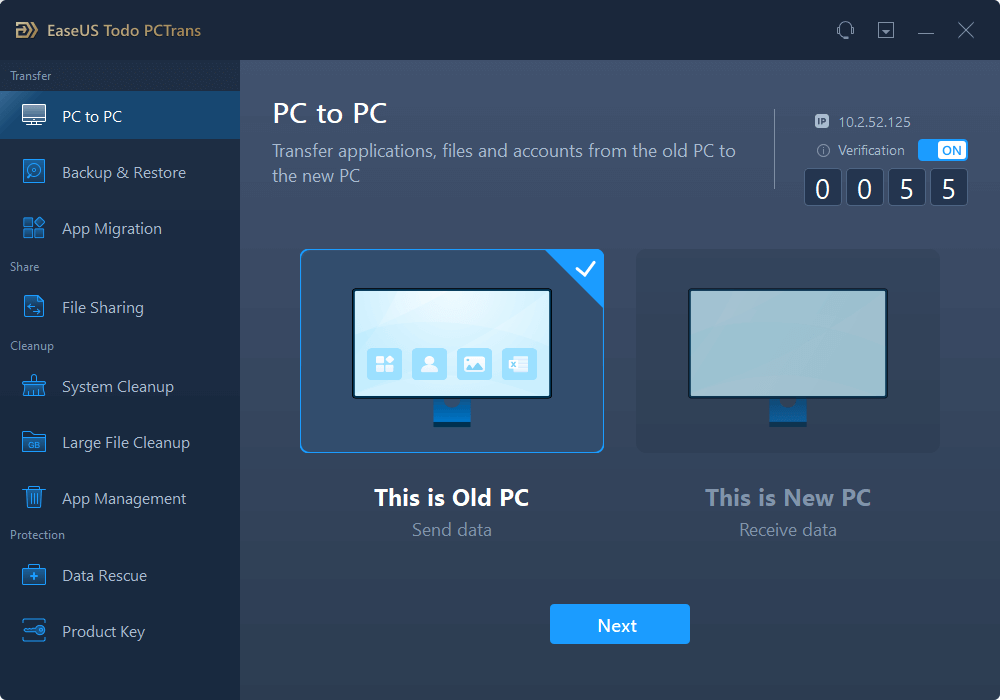
If you want to transfer everthing form one PC to another, EaseUS Todo PCTrans is your top choice. EaseUS Todo PCTrans stands out as a versatile, all-in-one solution for transferring not just files but entire applications, user accounts, and settings. It is ideal for upgrading from an old laptop to a shiny new desktop without the hassle of reinstalling software. The best PC migration software for PCs supports various PC-to-PC transfer scenarios.
| ✅Pros | ⛔Cons |
|---|---|
|
|
📖TechRepublic Review: EaseUS Todo PCTrans is a reliable and efficient PC migration software that helps you transfer data, applications and settings from one computer to another.
2. Windows Easy Transfer
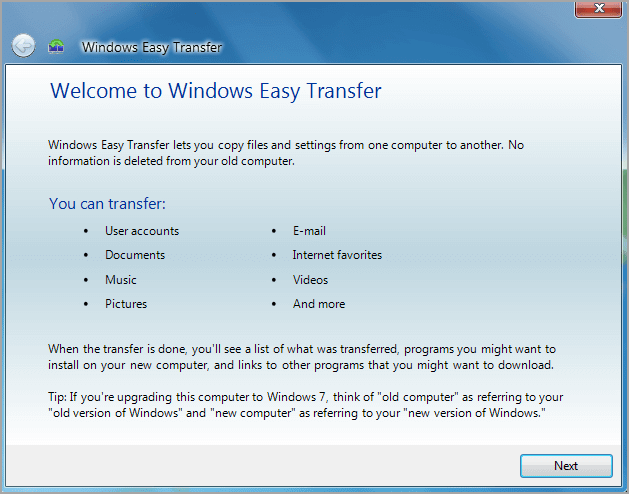
Windows Easy Transfer is a built-in transfer tool from Microsoft. It simplifies moving user data to new PCs, though it's phased out in newer Windows. Windows Easy Transfer focuses purely on user data like documents, pictures, music, and basic settings. So it is perfect for quick personal file migrations when you don't need app transfers.
Note: If you use Windows 10 or 11, you can transfer files to Windows 11 using another Microsoft transfer tool.
| ✅Pros | ⛔Cons |
|---|---|
|
|
📖Softpedia Review: Windows Easy Transfer makes it easy for you to migrate Windows data and settings in just a few simple steps.
3. File Explorer
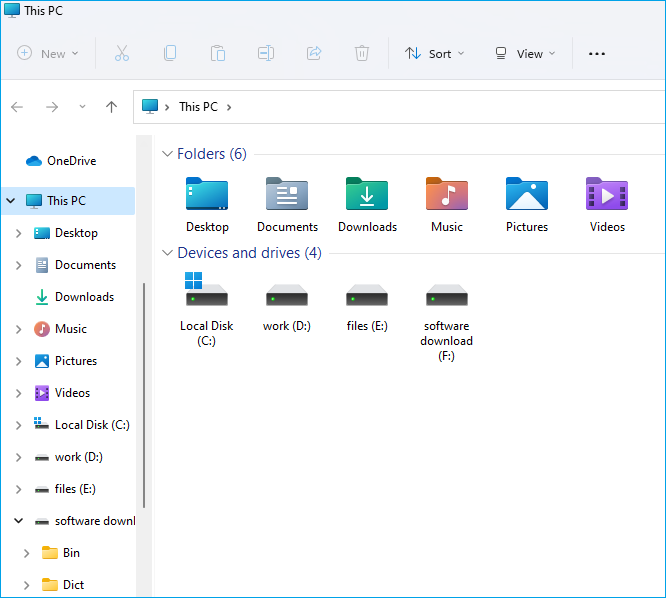
Built into Windows PC, File Explorer is a simple method for basic file transfers. You don't need to download the tool. Just Open File Explorer on your PC and start transferring files. In File Explorer, you can pair with Nearby Sharing for quick Bluetooth/Wi-Fi sends. Or you can also copy files to an external device and then paste them to another PC.
| ✅Pros | ⛔Cons |
|---|---|
|
|
📖SourceForge Review: File Explorer in Windows 11 helps you get the files you need quickly and easily.
4. Cloud Storage
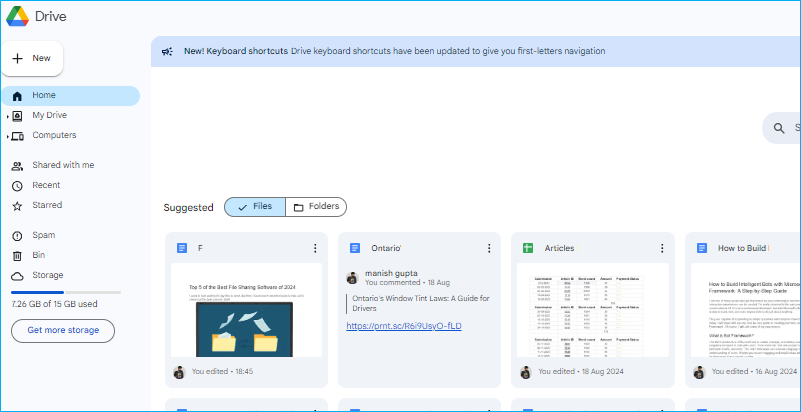
There are many Cloud storage services like Google Drive, OneDrive, and Dropbox. Cloud storage is good for file transfers, syncing folders across PCs, phones, and web browsers with real-time collaboration. These services let you upload files from one PC to the cloud and download them on another. But Cloud Storage always has a file size limit for free, such as:
- Google Drive: 15 GB
- Dropbox: 2 GB
- OneDrive: 5 GB
- Apple iCloud: 5 GB
| ✅Pros | ⛔Cons |
|---|---|
|
|
📖PCMag Review: File syncing and storage services, also known as cloud storage services, offer major convenience. They let you back up and access your data.
5. Transfer Cable
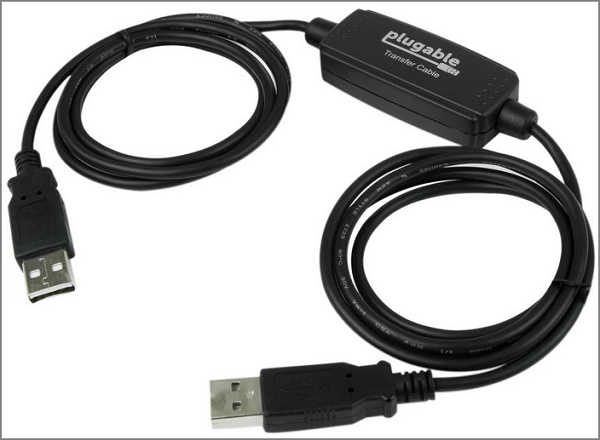
You can also use a USB transfer cable for direct PC-to-PC copying. A transfer cables are a fast, secure, offline option for moving files between PCs. It's ideal for large data migrations without internet or external drives. To use a USB transfer cable between two PCs, you need to buy a transfer cable and install the included software on both computers.
| ✅Pros | ⛔Cons |
|---|---|
|
|
6. Clonezilla
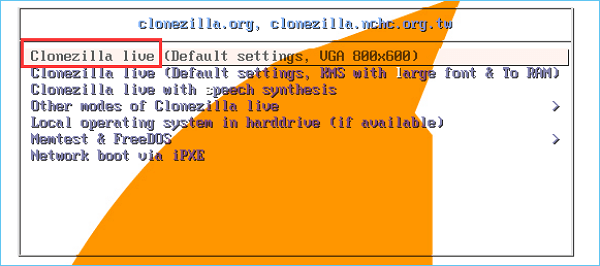
Clonezilla is a free open-source disk imaging tool. It excels at block-level disk cloning of entire drives or partitions. So, if you want to switch to another PC, you can clone the drives with Clonezilla. It creates exact copies, including OS, apps, and data. The PC migration tool handles massive data with compression and smart block copying.
| ✅Pros | ⛔Cons |
|---|---|
|
|
📖TechRadar Review: With Clonezilla Live, you can create an image of a hard disk or specific partition on your computer and save it to a file on a locally-attached hard disk drive, an SSH server, Sama network share, or a network filesystem file share.
7. Laplink PCmover
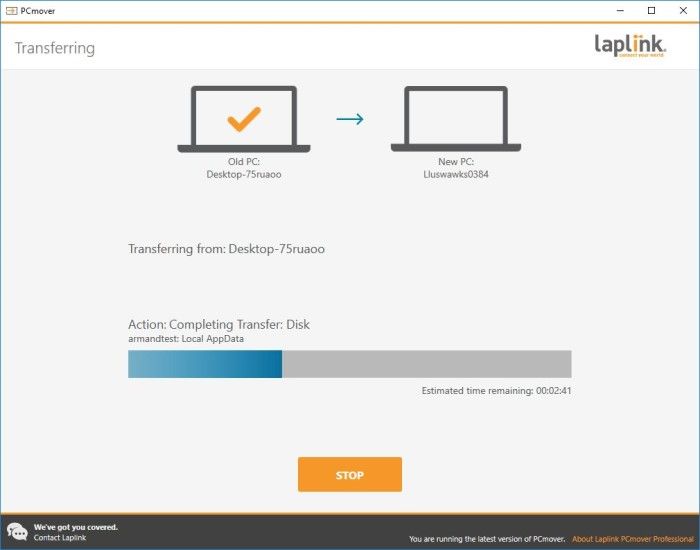
PCmover is a dedicated tool to transfer programs, files, profiles, and even licenses between PCs. The file transfer software supports Wi-Fi Direct, network, or high-speed cable connections. It supports Windows 11 and earlier versions, with prices starting at $29.95 for basic versions up to $59.95 for Pro/Ultimate.
| ✅Pros | ⛔Cons |
|---|---|
|
|
📖Software Advice Review: PCmover Enterprise is a migration solution that assists enterprises and large organizations with managing all migration scenario for PC hardware and OS refreshes.
8. Zinstall WinWin
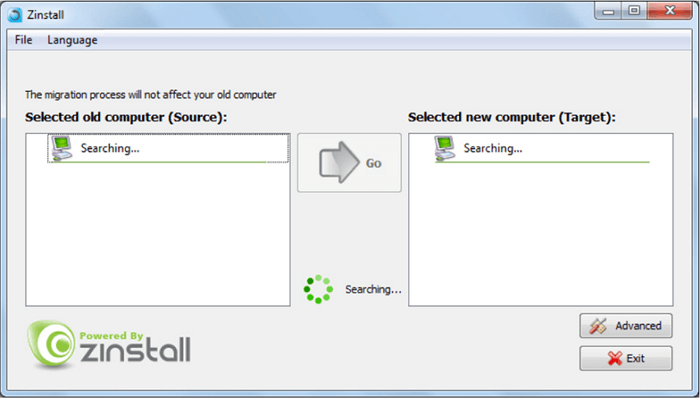
Zinstall WinWin is a file transfer software that focuses on seamless, automatic PC-to-PC transfers. It can transfer. programs, files, settings, email accounts, and profiles. The file transfer software works over network/Wi-Fi without special cables in most cases and targets minimal post-transfer fixes.
| ✅Pros | ⛔Cons |
|---|---|
|
|
📖Gadgeteer Review: Suffice it to say that I am a happy camper and very pleased with Zinstall. If you need to move from one Windows PC to another and don’t want to do it all manually, I can certainly recommend it.
Conclusion
When you want to transfer files from PC to PC, you need reliable file transfer software. It's important to consider the speed, security, and simplicity for seamless file transfers between PCs. For quick file copies, choose built-in options like File Explorer or cloud storage. When upgrading PCs and wanting to avoid reinstalling everything, dedicated tools like EaseUS Todo PCTrans.
With the right tool, moving to a new PC can feel seamless. EaseUS Todo PCTrans is my top recommendation for file transfer software for PC. It excels at PC-to-PC migration, moving apps, files, user profiles, and settings without reinstalls.
FAQs
1. Can I transfer installed programs without reinstalling them?
Yes, specialized tools like EaseUS Todo PCTrans can transfer programs. They migrate apps, settings, and licenses intact between PCs via LAN or cable. Built-in options like File Explorer or Windows Easy Transfer can't handle programs.
2. How do I avoid data loss during transfer?
There are some tips to avoid data loss during transfer.
- Back up key files on an external hard drive or another location.
- Choose reliable PC transfer software.
- Preview transfers, enable verification checks, and avoid unqualified cables.
- Test restores on small batches for peace of mind.
3. What's the difference between file transfer and full disk cloning?>
File transfer moves selected files, folders, or specific data between PCs. Full disk cloning creates an exact byte-for-byte copy of the entire drive (including OS, apps, hidden files). Cloning preserves bootability and structure; transfer is more flexible for specific files.
Share this post to help more users know these file transfer software for PC.

About the Author

Updated by Tracy King
Tracy became a member of the EaseUS content team in 2013. Being a technical writer for over 10 years, she is enthusiastic about sharing tips to assist readers in resolving complex issues in disk management, file transfer, PC & Mac performance optimization, etc., like an expert.

Written by Joey Albert
Joey is an enthusiast of science and technology. With a passion for uncovering the latest tech innovations, she creates clear, engaging how-to guides that make technology accessible and enjoyable for all.
Reviews and Awards
-
EaseUS Todo PCTrans Free is a useful and and reliable software solution created to serve in computer migration operations, be it from one machine to another or from an earlier version of your OS to a newer one.
Read More -
EaseUS Todo PCTrans is by the folks at EaseUS who make incredible tools that let you manage your backups and recover your dead hard disks. While it is not an official tool, EaseUS has a reputation for being very good with their software and code.
![]() Read More
Read More
-
It offers the ability to move your entire user account from your old computer, meaning everything is quickly migrated. You still get to keep your Windows installation (and the relevant drivers for your new PC), but you also get all your apps, settings, preferences, images, documents and other important data.
Read More

Related Articles
-
How to Increase File Transfer Speed Over WiFi
![author icon]() Tracy King/2026/01/29
Tracy King/2026/01/29 -
[Solved] Steam Local File Transfer Not Working
![author icon]() Oliver/2026/06/22
Oliver/2026/06/22 -
How to Move Games to Another Drive Xbox [Beginner's Guide]
![author icon]() Tracy King/2026/06/29
Tracy King/2026/06/29 -
How to Transfer Files From SD Card to Computer Easily and Quickly
![author icon]() Cici/2026/09/06
Cici/2026/09/06
 Oliver/2026/06/22
  Cici/2026/09/06

