Page Table of Contents

For years, Acronis True Image was one of the most trusted backup solutions for Windows users, known for reliable disk imaging, system recovery, and cloning features.
But backup software and user expectations have changed. In recent years, Acronis True Image has evolved into a larger cyber protection platform that combines backup, anti-malware tools, cloud services, vulnerability scanning, and system management features in a single ecosystem.
While this may benefit IT environments, many everyday users find it unnecessarily complex. For users with older laptops or limited system resources, lightweight and focused tools often make more sense.
That's why more people are now searching for Acronis True Image alternatives that offer simpler backup and disk cloning without the extra overhead, background services, or subscription-heavy experience.
This guide will explore Acronis True Image alternatives based on different needs. Before diving into the specific explanation, let's take a quick look at the tools that suit you.
🎯Quick Picks
| What You Need | best Options |
| Simple HDD/SSD cloning | EaseUS Disk Copy |
| veryday backups | EaseUS Todo Backup |
| Free advanced cloning | Clonezilla / Rescuezilla |
| Lightweight backup | Hasleo Backup Suite |
| Cloud backup | Backblaze |
| Multi-device backup | IDrive |
| Reliable imaging | Macrium Reflect |
Why Users Are Looking for Acronis True Image Alternatives
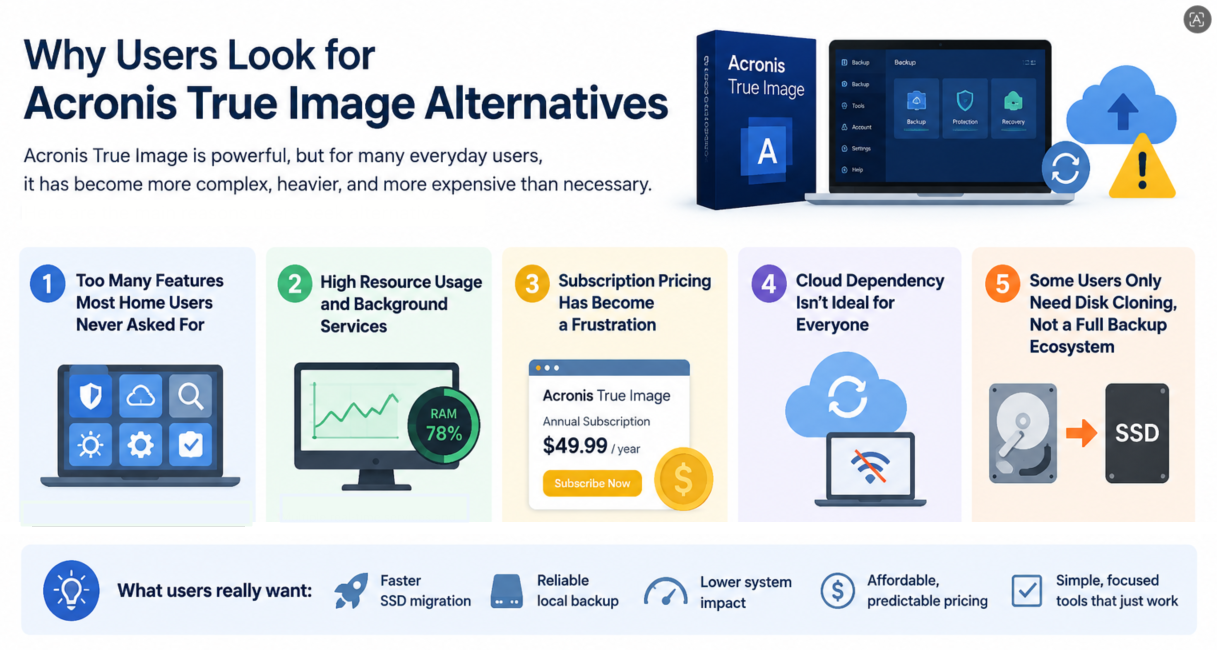
- 1. Too Many Features - Modern versions of Acronis True Image now combine backup, anti-malware, cloud sync, vulnerability scanning, and other security tools into one platform. But many users simply want basic SSD cloning or local backup functionality.
- 2. High Resource Usage - Acronis includes multiple background services and cloud-connected components that can increase RAM usage, startup processes, and disk activity. On older PCs, users often notice slower system performance.
- 3. Subscription Pricing - Acronis now relies heavily on subscription-based plans. For users who only need occasional backups or SSD migration, recurring yearly fees can feel unnecessary.
- 4. Cloud Dependency - Cloud backup can be extremely useful in some situations, but not every user wants their backup workflow tied to online services. For privacy-focused users or those who mainly work offline, a simpler local-first backup solution can often feel more reliable and predictable.
- 5. Some Users Only Need Disk Cloning - Many people searching for Acronis alternatives simply bought a new SSD and want to migrate Windows safely. In these cases, advanced security features and cloud integrations are often unnecessary.
Best Acronis True Image Alternatives Based on Your Needs
Instead of choosing a backup tool based on brand or feature lists, most users today are better served by identifying what they actually need. Some want a lightweight cloning tool, others want affordable backup software, and some still prefer cloud-based protection. Below are the best alternatives to Acronis True Image grouped by real-world usage scenarios.
SECTION 1: Lightweight Backup & Cloning Tools
If your main frustration with Acronis True Image is that it feels too heavy, too complex, or simply unnecessary for what you actually do on your PC, then the first category is likely what you need. Many users in this group are not looking for a "better backup suite", they are looking for the opposite. A tool that does fewer things, runs quietly in the background, and focuses only on essential tasks like disk cloning or basic system backup.
These lightweight alternatives are designed to remove the overhead of all-in-one platforms and bring the experience back to something simple, fast, and predictable.
1. EaseUS Disk Copy
EaseUS Disk Copy is designed for users who want a dedicated, no-frills disk cloning experience. Unlike full backup suites, it focuses purely on migrating data from one drive to another, making it especially useful for SSD upgrades or system disk replacement. The tool avoids unnecessary background services and keeps the workflow straightforward, which is why many users consider it a practical alternative to heavy backup platforms like Acronis.

Key Features
- Sector-by-sector disk cloning
- SSD/HDD migration support
- Simple, step-by-step interface
- Bootable media creation
- Supports large drives
- No cloud dependency
|
Best for |
🧑💻Users who want lightweight cloning only |
| 💻HDD to SSD clone, OS migration, SSD upgrade |
 Free Download
Windows 11/10/8/7
📚You may be interested: EaseUS Disk Copy vs Acronis True Image
2. EaseUS Todo Backup Free/Home
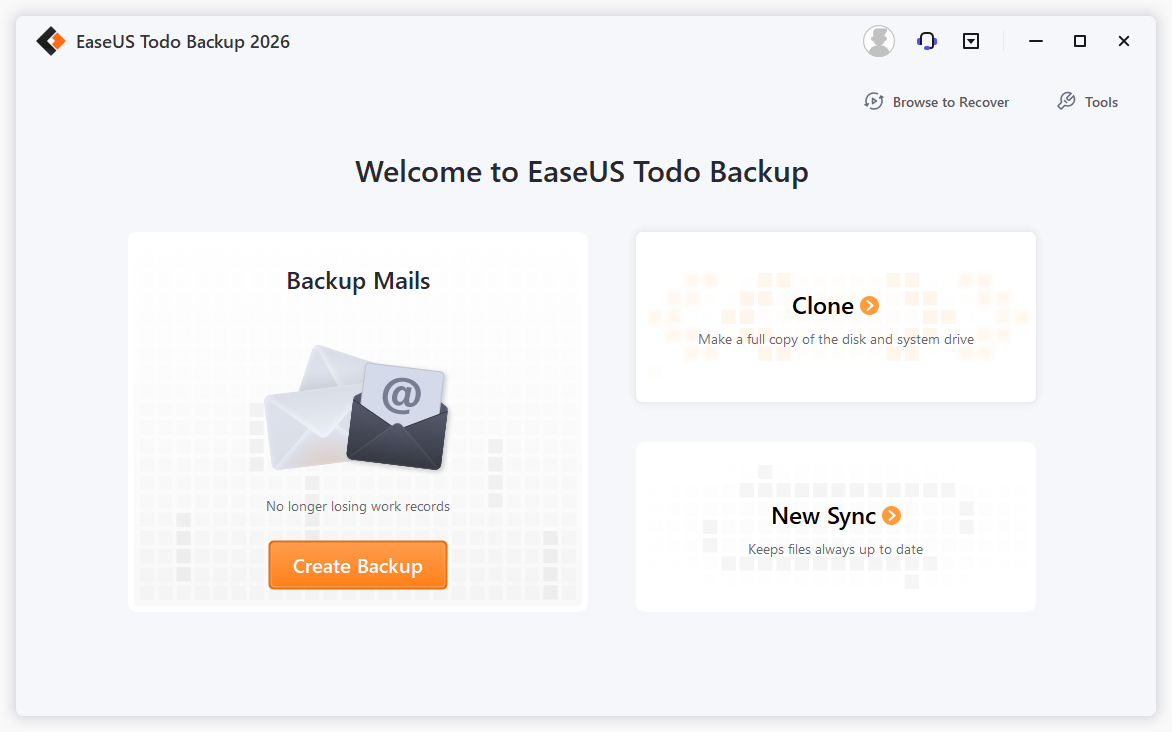
EaseUS Todo Backup offers a more balanced approach between simplicity and functionality. It provides backup and disk imaging without overwhelming users with enterprise-level complexity. Compared to Acronis, it is easier to navigate and more approachable for home users who want reliable backups without having to manage a full security suite.
Key Features
- Full, differential and incremental backups
- System and file backup
- Disk/partition cloning
- Schedule automation
- Bare-metal recovery
- Cloud backup support
|
Best for |
🧑💻Home users migrating from Acronis, Enterprises |
| 💻Simple backup, automatic backup, system image, disk image, universal restore |
Free Download Windows 11/10/8.1/8/7
Secure Download
3. Macrium Reflect
Macrium Reflect is widely respected for its reliability and imaging performance. It focuses heavily on system imaging and disaster recovery, offering a more technical but highly stable alternative. While it has a steeper learning curve, it is known for consistency and low failure rates in backup and restore operations.
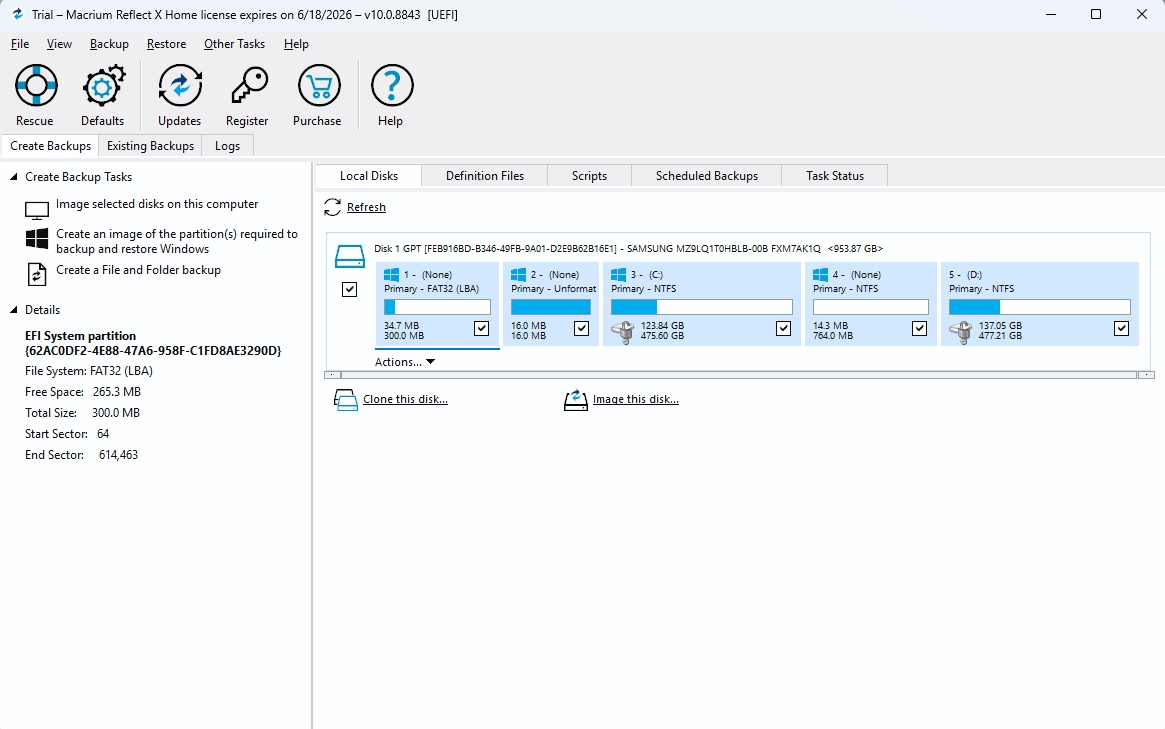
Key Features
- High-accuracy disk imaging
- Fast incremental backups
- Bootable rescue media
- Ransomware-safe backup format
- Scheduling options
- Disk cloning tools
|
Best for |
🧑💻Advanced users, IT professionals |
| 💻Reliable system imaging and cloning workflows |
4. Hasleo Backup Suite
Hasleo Backup Suite is a lightweight and increasingly popular free alternative that focuses on core backup functionality without unnecessary complexity. It provides essential system backup and cloning features while maintaining a minimal footprint, making it suitable for users who want a clean, fast tool.
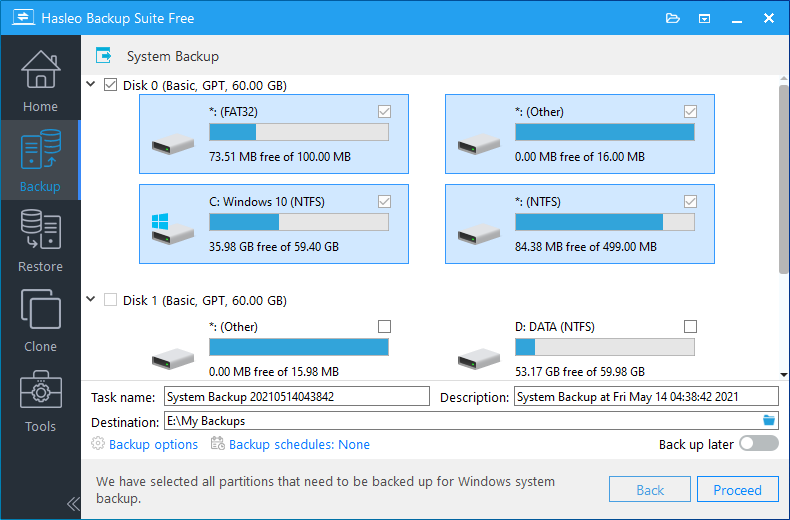
Key Features
- System backup and restore
- Disk/partition cloning
- WinPE boot media
- Incremental backups
- Lightweight installation
- Free to use
|
Best for |
🧑💻Budget-conscious users |
| 💻Lightweight backup needs, Basic system protection |
SECTION 2: Free & Budget-Friendly Alternatives
For some users, the issue is not complexity, but cost. Subscription pricing and recurring fees have become a major frustration, especially for tools that are only used occasionally.
If you fall into this group, you are likely not against backup software itself; you are against paying premium prices for features you rarely use. This is where free or budget-friendly alternatives become much more relevant.
1. Clonezilla
Clonezilla is one of the most powerful free disk cloning tools available, widely used in technical and enterprise environments. It is extremely efficient but comes with a steep learning curve due to its text-based interface. It is not designed for casual users but remains unmatched in raw cloning capability.
Key Features
- Free and open-source
- Sector-level cloning
- Supports multiple file systems
- Network cloning support
- Highly efficient imaging engine
- No licensing restrictions
|
Best for |
🧑💻IT professionals, Advanced users |
| 💻Bulk or enterprise deployments |
2. Rescuezilla
Rescuezilla is often described as a more user-friendly version of Clonezilla. It offers a graphical interface while retaining similar cloning capabilities, making it significantly easier for non-technical users.
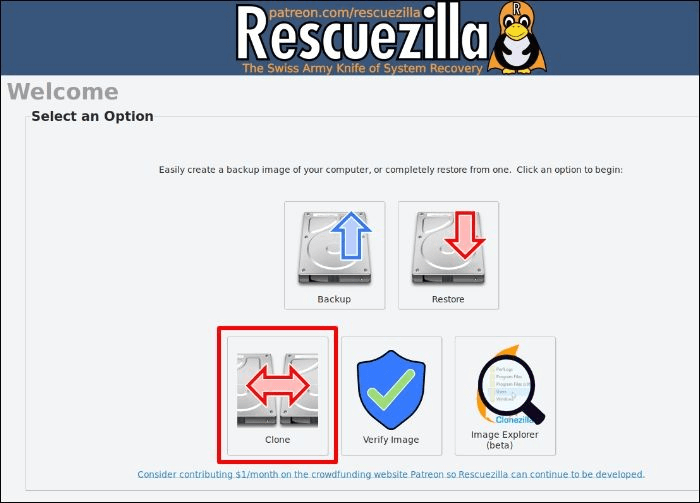
Key Features
- GUI-based cloning
- Clonezilla compatibility
- Disk imaging and restore
- Bootable USB support
- Cross-platform usage
- Free and open-source
|
Best for |
🧑💻Beginners needing Clonezilla power |
| 💻Home users wanting free cloning tools |
SECTION 3: Cloud Backup Alternatives
Not every user is trying to replace Acronis with a simpler local tool. Some are specifically looking for a more flexible or transparent cloud backup solution without the complexity of a full cyber protection suite.
In these cases, the goal is usually reliability and accessibility rather than system-level integration. Users want backups that run automatically, can be restored from anywhere, and do not require managing a full software ecosystem.
The following options focus on cloud-first backup approaches that separate storage from software complexity.
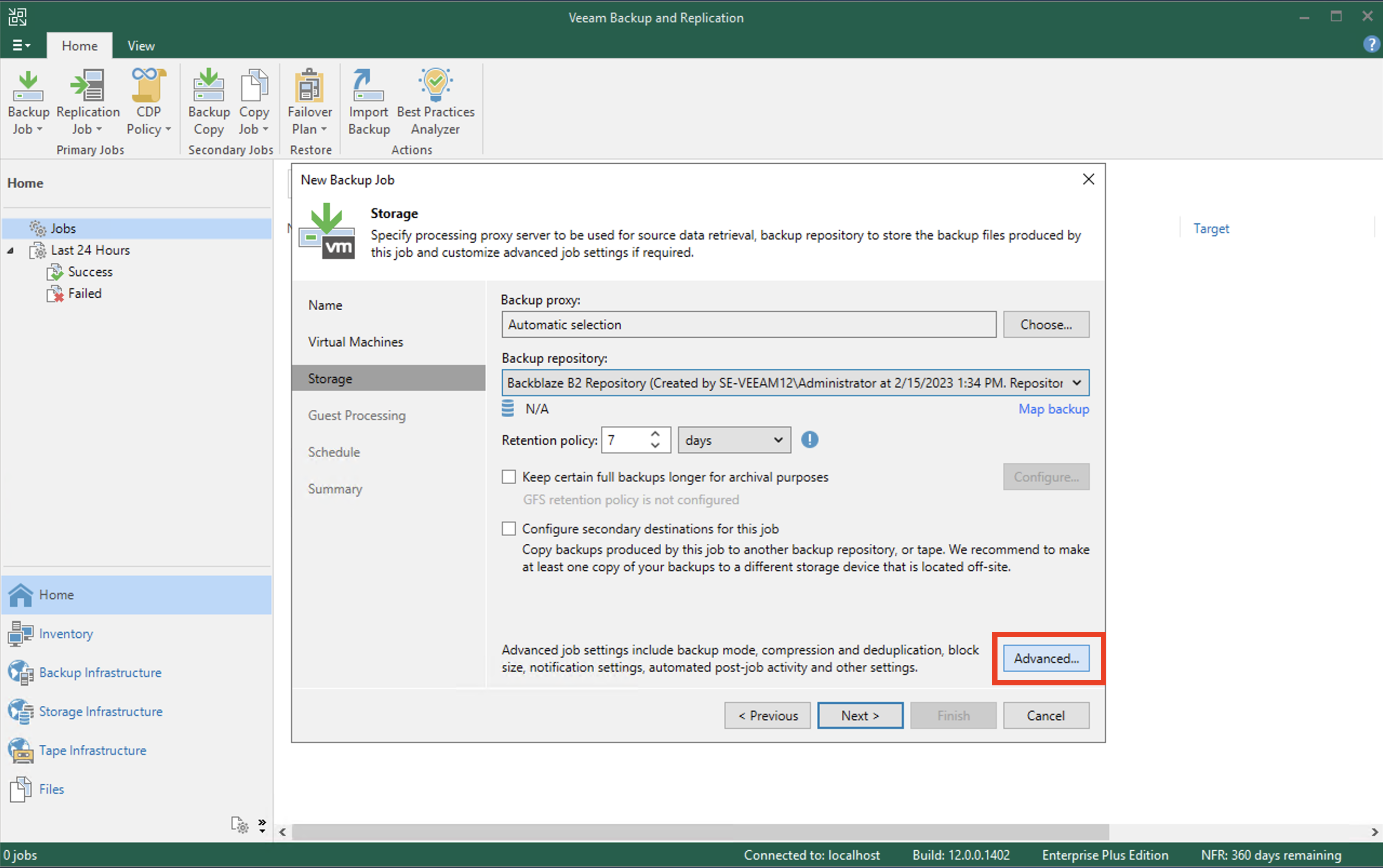
1. Backblaze
Backblaze is one of the simplest cloud backup services available. It focuses on automatic, continuous backup with minimal configuration, making it ideal for users who want “set it and forget it” protection.
Key Features
- Unlimited cloud backup
- Automatic continuous backup
- Simple setup process
- File versioning
- Web-based restore options
- Cross-device access
|
Best for |
🧑💻Cloud-first users, non-technical users |
| 💻Continuous backup needs |
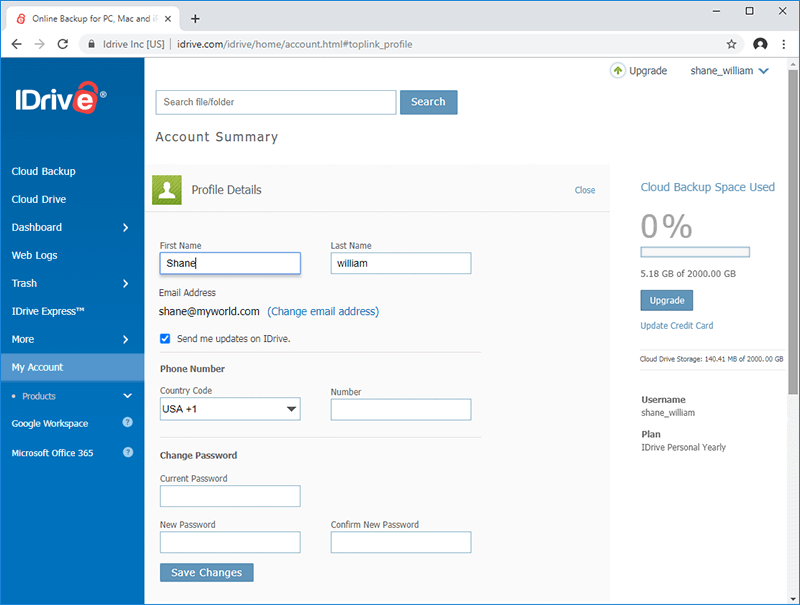
2. IDrive
IDrive offers more flexibility than most cloud backup tools, supporting multiple devices under a single account. It combines cloud backup with disk imaging, making it a more feature-rich alternative.
Key Features
- Multi-device backup
- Disk image support
- Cloud synchronization
- File versioning
- NAS support
- Scheduled backups
|
Best for |
🧑💻Multi-device households, users needing hybrid backup |
| 💻Cross-platform environments |
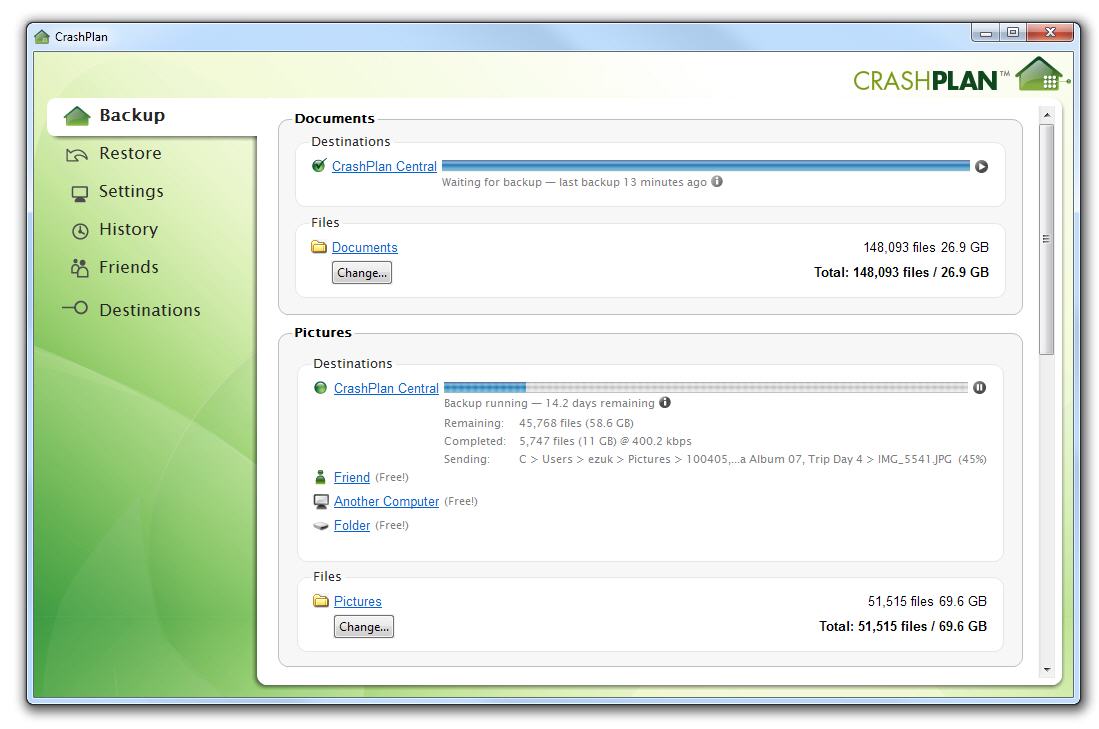
3. CrashPlan
CrashPlan is built with long-term backup retention in mind. It is popular among professionals and small businesses who need continuous data protection with strong versioning capabilities.
Key Features
- Continuous backup
- Unlimited version history
- Strong data retention policies
- Cross-platform support
- Automatic scheduling
- Secure encryption
|
Best for |
🧑💻Professionals, business users |
| 💻Long-term archival backups |
SECTION 4: SSD Migration Focused Alternatives
A surprisingly large group of users searching for Acronis alternatives are not actually interested in ongoing backup strategies at all. Their need is much more specific and time-bound.
They simply want to replace a hard drive, upgrade to an SSD, or migrate an existing Windows system without reinstalling everything manually. Once the migration is complete, the software may never be used again.
For this scenario, dedicated cloning and migration tools are far more practical than full-featured backup suites.
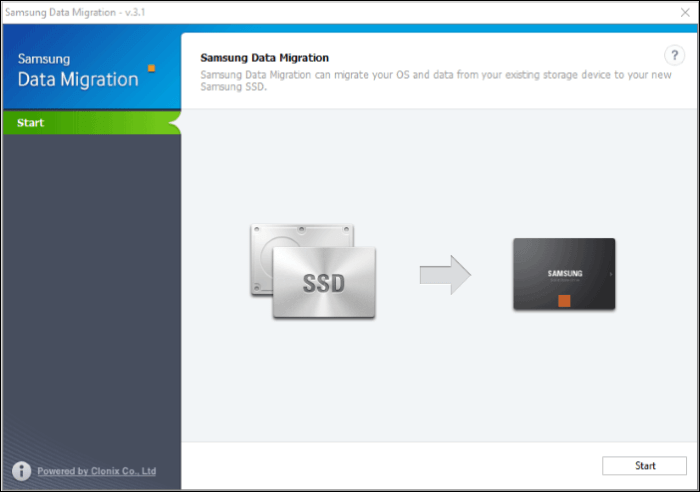
1. Samsung Magician
Samsung Magician is optimized for Samsung SSD users and includes migration tools designed specifically for Samsung drives. It combines performance optimization with migration features, making it ideal for hardware-specific workflows.
Key Features
- SSD data migration tool
- Performance optimization
- Firmware updates
- Drive health monitoring
- Benchmark tools
- Samsung-specific optimization
|
Best for |
🧑💻Samsung SSD owners, Performance-focused users |
| 💻Simple Samsung SSD migration workflows |
Final Thoughts
Acronis True Image remains a powerful and feature-rich platform, but its evolution reflects a broader trend in the software industry: consolidation into all-in-one cloud-connected ecosystems.
For many users, however, backup needs have not become more complex. They have remained simple: move data safely, clone drives when upgrading hardware, protect files locally, avoid unnecessary system overhead, and keep costs predictable.
This is why lightweight, focused, and affordable alternatives continue to grow in popularity. The best backup solution is not the one with the most features, but the one that does exactly what you need, without slowing everything else down.
Free Download
Windows 11/10/8/7
-
Updated by
![Larissa]()
Larissa
Larissa has rich experience in writing technical articles and is now a professional editor at EaseUS. She is good at writing articles about data recovery, disk cloning, disk partitioning, data backup, and other related knowledge. Her detailed and ultimate guides help users find effective solutions to their problems. She is fond of traveling, reading, and riding in her spare time.…Read full bio