Software Ecosystem
Which Disk Cloning Software Is Best for You
Discover the most popular disk cloning software, explore their features, ratings, and user reviews.
EaseUS Disk Copy
Top rated: Simple disk cloning
Rated highly for ease of use and reliability, EaseUS Disk Copy is widely praised for its high success rate in OS migration and cloning failing drives, with strong positive user feedback and consistent expert recommendations.
Key Features
- Sector-by-Sector Cloning: Skip bad sectors during cloning.
- Partition Editing: Resize partitions to optimize disk space.
- Simplicity and Reliability: Simple, reliable, one-click safe cloning.
Experts Insight - Trusted Review from Bestbackupreview
“EaseUS Disk Copy is a well designed and very easy to use disk cloning and migration tool, a tool which should be ideal for anyone wanting to quickly and easily migrate an existing system disk to a new disk (or newly installed SSD drive) with the minimal of configuration required.”
DiskGenius
Top rated: Free disk cloning tool
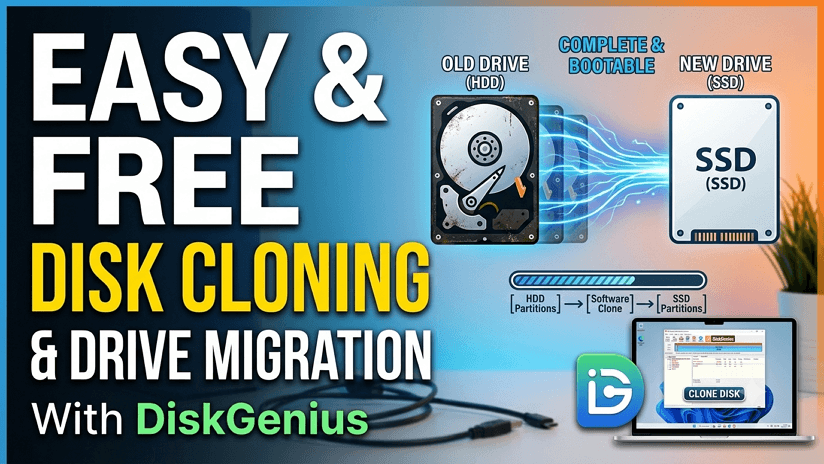
DiskGenius is a free all-in-one disk management tool that combines cloning, partition recovery, file recovery, disk management, data backup, disk utilities, etc. Safely backup & restore data, protecting personal and business data against data loss, system crashes, and disasters.
Key Features
- All-in-One Functionality: Combines cloning, partitioning, and data recovery.
- OS Migration Support: Easily transfer Windows to SSD without reinstalling.
- Partition Management: Resize, create, and manage partitions efficiently.
- Data Recovery Capability: Recover lost files and partitions during disk operations.
Experts Insight - Trusted Review from Bestbackupreview
“What stands out about DiskGenius is that they have managed to fit a lot of useful tools into a single package, ideal for those looking to consolidate the utility software on their PC.”
Clonezilla
Top rated: Powerful technical tool
A powerful, open-source, free disk cloning and imaging tool for advanced IT professional users, due to its steep learning curve and complex interface. It is highly regarded for its reliability and speed in creating full system backups or migrating drives.
Key Features
- Open-Source Flexibility: Fully customizable with no licensing cost.
- Mass Deployment Support: Clone multiple machines simultaneously with efficiency.
- High Data Integrity: Ensures accurate disk-to-disk cloning with verification..
- Cross-Platform Compatibility: Works with Windows, Linux, and various file systems.
Experts Insight - Trusted Review from Bestbackupreview
“Clonezilla is a free to use disk imaging and cloning tool, it is different to similar products in that it runs via a live CD / live USB and is not installed as an application within Windows.”
Macrium Reflect
Top rated: Reliable disk image & clone
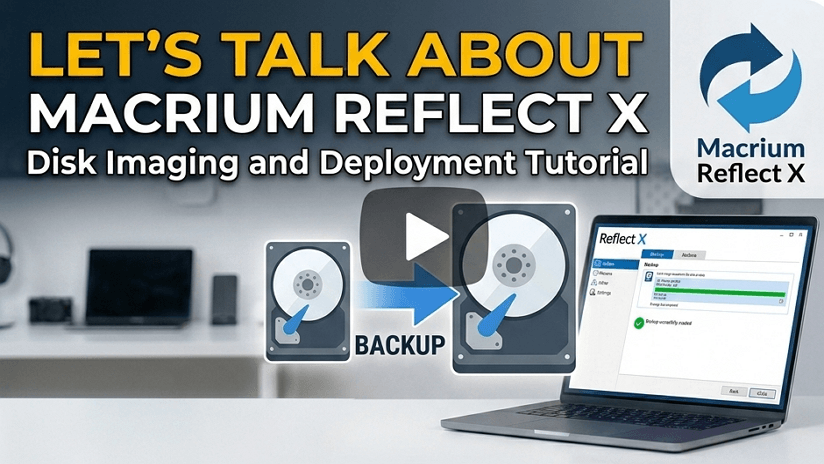
Macrium Reflect earns strong ratings for stability and backup precision, with users highlighting its reliable cloning performance and flexible restore options, though beginners often find its interface slightly complex. Its interface can certainly be intimidating, but Macrium Reflect is a top-tier bit of backup and disk cloning software.
Key Features
- Disk Imaging & Cloning: Create exact, compressed, mountable disk images for system recovery.
- Rapid Delta Cloning: Copies only changed data blocks.
- ReDeploy: Restores system images to dissimilar hardware with correct boot.
Experts Insight - Trusted Review from Bestbackupreview
“Macrium Reflect stands out as a great choice for anyone seeking a solid, reliable and easy-to-use disk cloning and disk image backup application for Windows.”
Rescuezilla
Top rated: Clonezilla GUI version
A free, open-source, bootable disk cloning and imaging tool based on Ubuntu. Rescuezilla features an easy-to-use graphical interface(GUI) for backing up, restoring, and recovering Windows, macOS, and Linux systems without installation.
Key Features
- User-Friendly Interface: Simple GUI with no command-line required.
- Live Boot Environment: Clone and recover systems even if the OS won't start.
- Clonezilla Compatibility: Restore and reuse existing Clonezilla images easily.
- Cross-Platform Support: Works across Windows, macOS, and Linux environments.
Experts Insight - Trusted Review from Bestbackupreview
“Rescuezilla stands out as a more accessible alternative to Clonezilla, offering a graphical interface that makes disk cloning and imaging easier for non-technical users. However, user discussions show that while it simplifies the process, occasional compatibility issues, boot errors, and inconsistent performance can still occur, especially in complex environments.”
Hasleo Disk Clone
Top rated: Lightweight free tool
Hasleo Disk Clone is designed for lightweight, straightforward cloning, works on Windows, and supports system migration and disk duplication with minimal complexity.
Key Features
- Easy System Migration: Clone OS to SSD without reinstalling Windows.
- Supports Smaller SSDs: Clone to smaller drives with intelligent data handling.
- Bootable Media Creation: Create WinPE media for offline cloning operations.
- Simple and Clean UI: Easy-to-use interface for quick cloning tasks.
Experts Insight - Trusted Review from Bestbackupreview
“Hasleo Disk Clone is a highly functional free disk cloning tool, one that is ideal for performing a variety of disk and partition cloning tasks, with additional disk management and recovery media tools also included.”
Acronis True Image
Top rated: Full backup & clone
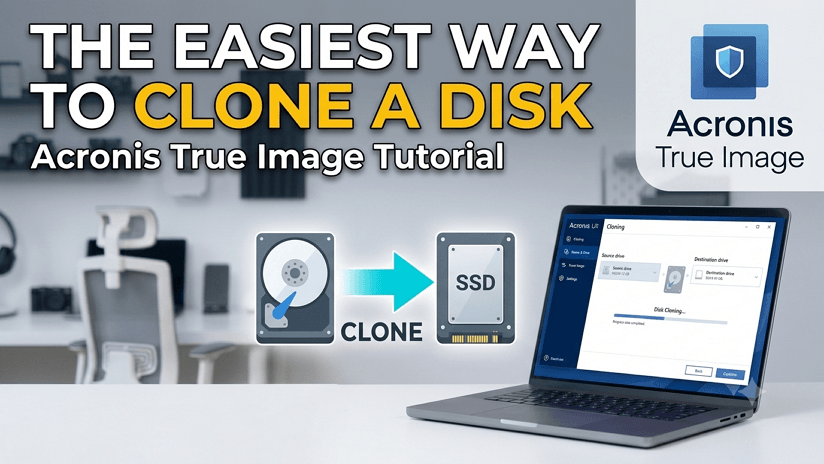
Acronis is rated highly for advanced features and security, combining disk cloning with backup and ransomware protection. Users value its all-in-one approach, though some note higher system resource usage. Acronis True Image is a strong and dependable choice for anyone seeking the additional data protection provided by making disk image-based backups.
Key Features
- Backup & Recovery: Full, differential, or incremental backups to local drives, NAS, or Cloud.
- Active Disk Cloning: Clone Windows/macOS systems to a new disk without rebooting.
- Ransomware Protection: Behavioral AI detects, blocks, and reverses unauthorized modifications.
- Acronis Cloud Integration: Up to 5TB of cloud storage is available on selected plans.
Experts Insight - Trusted Review from Bestbackupreview
“Acronis True Image remains a highly functional piece of software with very good backup, security and cloud storage credentials all provided at a very reasonable price, an all-round great backup solution.”
Vendor-Specific Tools
Top rated: Brand SSD migration
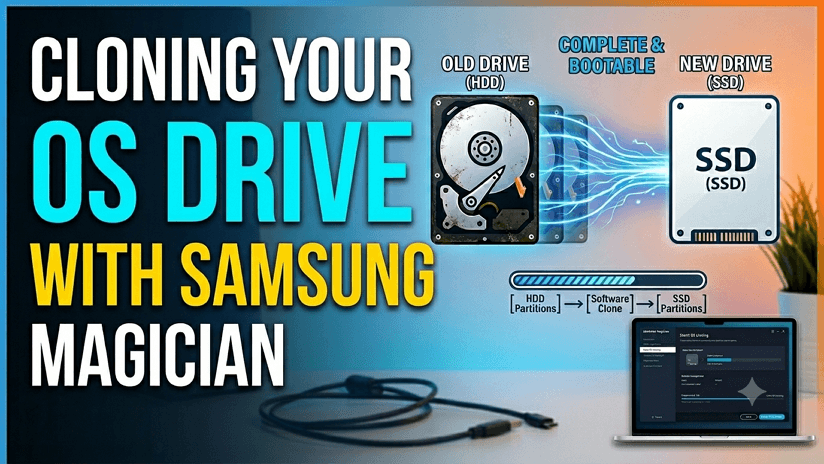
OEM cloning tools from SSD brands are often free and optimized for specific hardware, earning decent user ratings for basic tasks, but limited features and compatibility reduce their flexibility compared to full-featured tools. They are Samsung Magician for Samsung SSDs, Acronis True Image for WD, Crucial, SanDisk, Kingston, etc.
Key Features
- Brand Locking: Requires a specific brand SSD/HDD to function.
- Ease of Use: User-friendly wizards guide simple cloning.
- Reliability: Highly reliable for system files and hidden partitions transfer.
- Limited Features: Lacks advanced cloning settings, focuses only on migration.
Experts Insight - Trusted Review from StorageReview
“Magician software remains the best OEM SSD management utility out there; it just keeps improving. The added OS and drive support bring it to an even larger audience. If you already have a Samsung drive and don't utilize Magician, it's worth downloading it to check it out.”