Do you want to leave? Wait!
20 million users have downloaded this product
EaseUS Todo Backup TrustScore 4.7

20 Million
Users

99.9%
Efficient Backup Strategy

6K Downloads
1 Day
Thanks, I'm not interested
EaseUS Todo Backup Home
Limited-Time 10% OFF
Offer ends in:
00:00*Not Valid with other discount codes
Do you want to leave? Wait!
20 million users have downloaded this product
EaseUS Todo Backup TrustScore 4.7
20 Million
Users
99.9%
Efficient Backup Strategy
6K Downloads
1 Day
Thanks, I'm not interested

Best-Value Bundle is Live! 8 APPS Lifetime Upgrades Only $199Get it now >>

Todo Backup Home
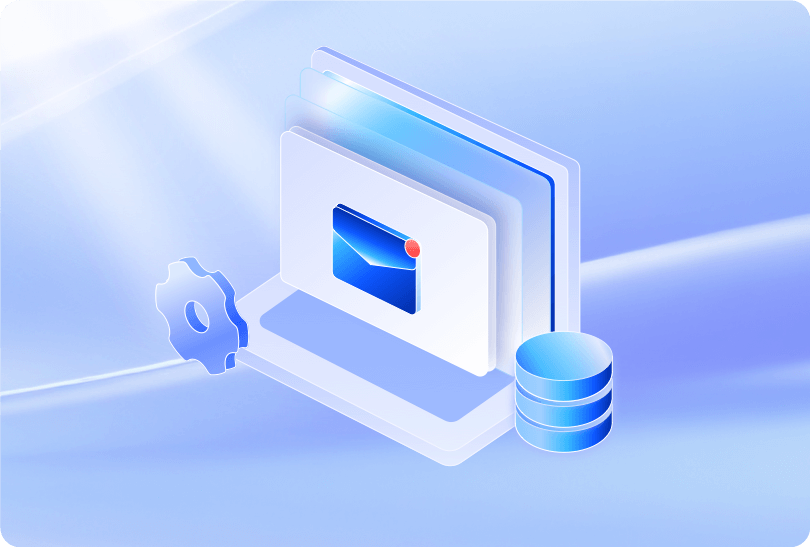
 Back up App Data like Outlook emails, Chrome setting and game files.
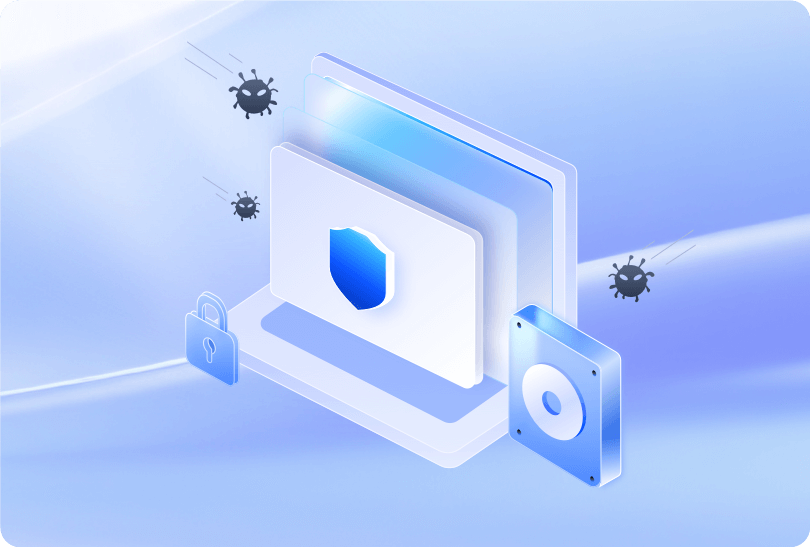
Security Zone - Protect important data from ransomware.
A complete backup and restore solution for personal use.
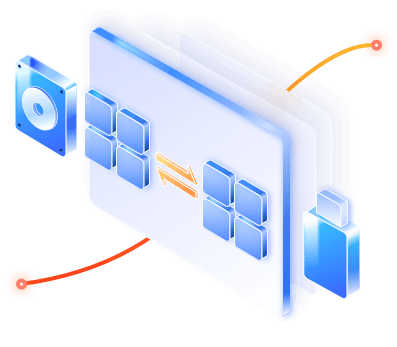
Clone, upgrade or transfer your system easily.
Cloud backup: 30-day free trial of 250GB cloud storage space.
Back up App Data like Outlook emails, Chrome setting and game files.
Security Zone - Protect important data from ransomware.
A complete backup and restore solution for personal use.
Clone, upgrade or transfer your system easily.
Cloud backup: 30-day free trial of 250GB cloud storage space.
Easeus Data Recovery Wizard Free Edition is a capable performer, even with the 2GB limit.More Reviews >>
EaseUS Data Recovery Wizard comes highly recommended -- and you have nothing to lose in trying out the free version to see if it works for you. More Reviews >>
EaseUS Data Recovery Wizard is one of the most powerful file recovery tools with simple recovery process we’ve used. More Reviews >>
EaseUS Data Recovery Wizard was shortlisted in the G2 data recovery software product leader list. More Reviews >>
Efficient & Secure Backup and Recovery
Data loss can happen at any time caused by computer malfunction or virus. EaseUS Todo Backup backs up your PC system and critical files to multi-path networks.
Disk/Partition Backup and Recovery
Back up all data and settings of a partition or all partitions(disk) to get absolute peace of mind when data is corrupted.
System Backup and Recovery
Backup systems, boot partitions and program files to have an easy, efficient, and secure way to restore your system.
Files Backup and Recovery
Back up files on separate partitions on local drives or back up to external storage devices for full-scale protection.
App Data Backup and Recovery
Backs up Outlook emails, Chrome setting including browsing history, bookmarks, password, extensions, and cookies, and game files.
Recover Data with Instant Access
By chance you'll need a backup recovery, you should never mind the recovery speed because EaseUS Todo Backup allows you to view and edit files instantly.
Get reliable disk and system cloning with EaseUS Todo Backup. Disk clone instantly and customize with options like partition scaling.
System Clone
Whenever you want to Migrate/Move OS to SSD, Upgrade to a larger disk, Todo Backup can clone OS and all the boot-related partitions or files to make sure it's bootable.
Disk Clone
Clone hard drive to SSD or create a bootable USB or CD/DVD drive. You can escape from the tedious work of transferring data and programs to the new drive.
Clone Options

It is supported to clone a smaller drive to a large one and vice versa. Clone an active Windows system directly to a new drive.
Reliable Hard Disk Drive Cloning Tool
Clone a hard drive with EaseUS Todo Backup makes an exact copy of any disk or partition. It can be used for backups, PC upgrades or disk duplication purposes. When the computer fails, use the cloned drive as replacement for instant system recovery.


It allows users to create an emergency USB disk or CD/DVD. It is indispensable when Windows system fails to boot.

Store backup files to a created security zone. It is an inaccessible partition so malware or ransomware cannot affect it.

Perform the backup while the system is running normally, even if the data you want to back up is being read or edited.

Back up the used sector of file systems only. It will reduce the size of the image file and backup time.

Mount backup image to extract individual files.

Easily perform system backup restore or other backup restore operations when the system crashes.

Back up your data to the target location, and it will automatically make a copy to your FTP, which will provide an extra layer of insurance for your backup image.

This function can be used to send a report of the execution result to an email address you provide.
Smart Backup is an exclusive backup option of EaseUS Todo Backup. Different from Scheduled Backup, Smart Backup is mainly designed for file/folder backup. Every 7-day is a complete backup circle and the 1st day is the date when you create the backup task. The first image of each circle is always full. For the other 6 days in this circle, every day starts with a differential image. And the rest image files on every valid day will be incremental backups.
For users who have only stored backup to the local disk, EaseUS Todo Backup creates a secure and encrypted partition, which is called Security Zone. Once it is created, the ransomware cannot access its contents. So even if your computer is attacked, you can still keep backup files and restore data from them.
It offers an email notification to inform you of the state of your backup mission. The email subject contains your computer's name and the backup plan name. You could choose to receive the email notification when the backup operation is succeeded or when it is failed. Your computer's name and the plan name can help you make a record every backup you have created with EaseUS, in case you need to recover a specific backup.
EaseUS Founded
EaseUS Backup Users
Loyal Partners
Countries Are Covered
Windows 11/10/8/7
Copyright © EaseUS. All rights reserved.












 Operating System Supported:
 Backup Storage Devices:
 What's New in Version 2026
