Big Differences on Windows 11
With Windows 11, Microsoft is introducing modern touches to the experience of using a PC. It comes with a brand new design and some updated features.
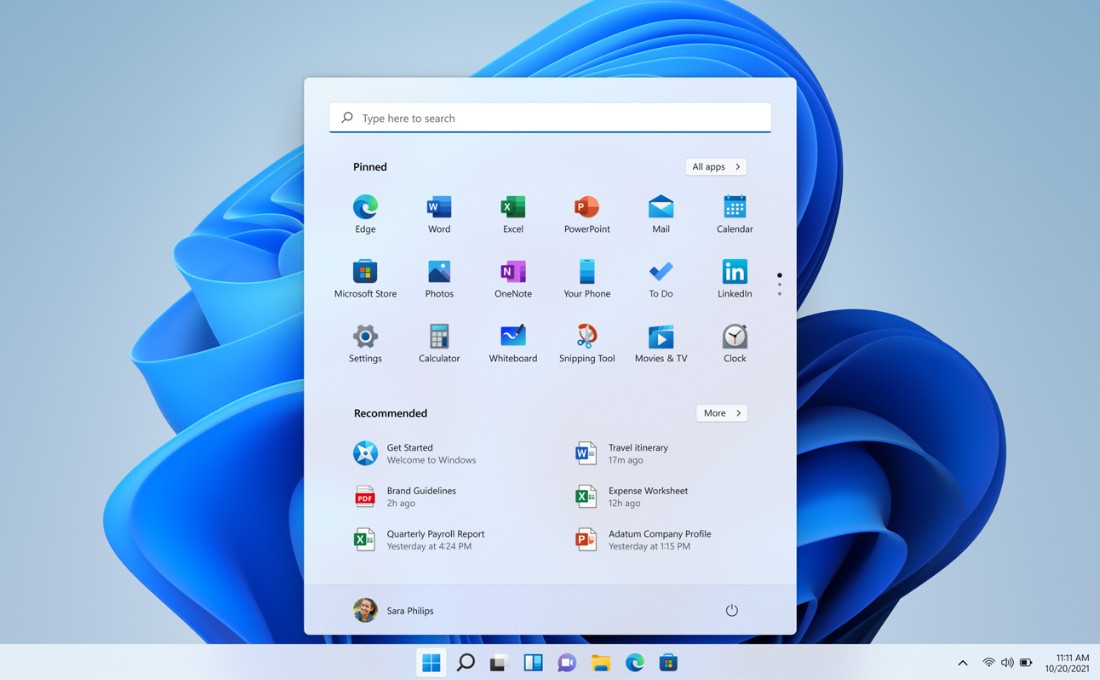
- Brand-new Interface and Design
- It is a new, more Mac-like interface. Perhaps the biggest change is the movement of the Start button from the left corner of the task bar to the center.
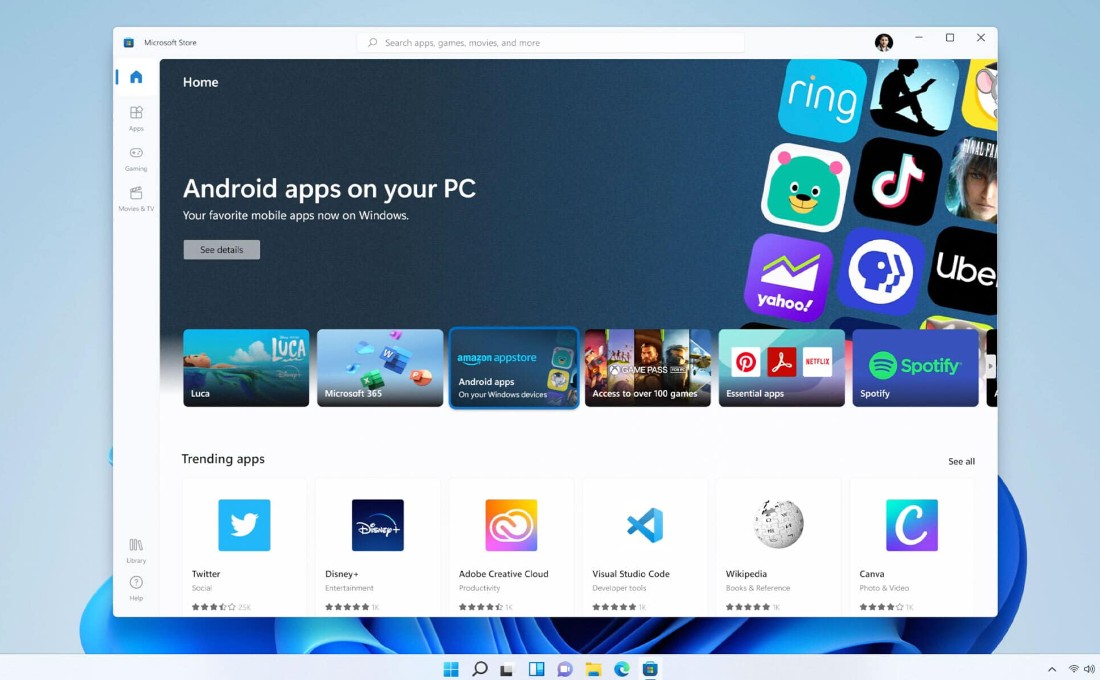
- Android App Integration
- Microsoft is bringing Android apps to Windows 11. Android apps will run natively on Windows 11 and will be downloadable from Amazon’s Appstore via the new Windows Store that’s included in the operating system.
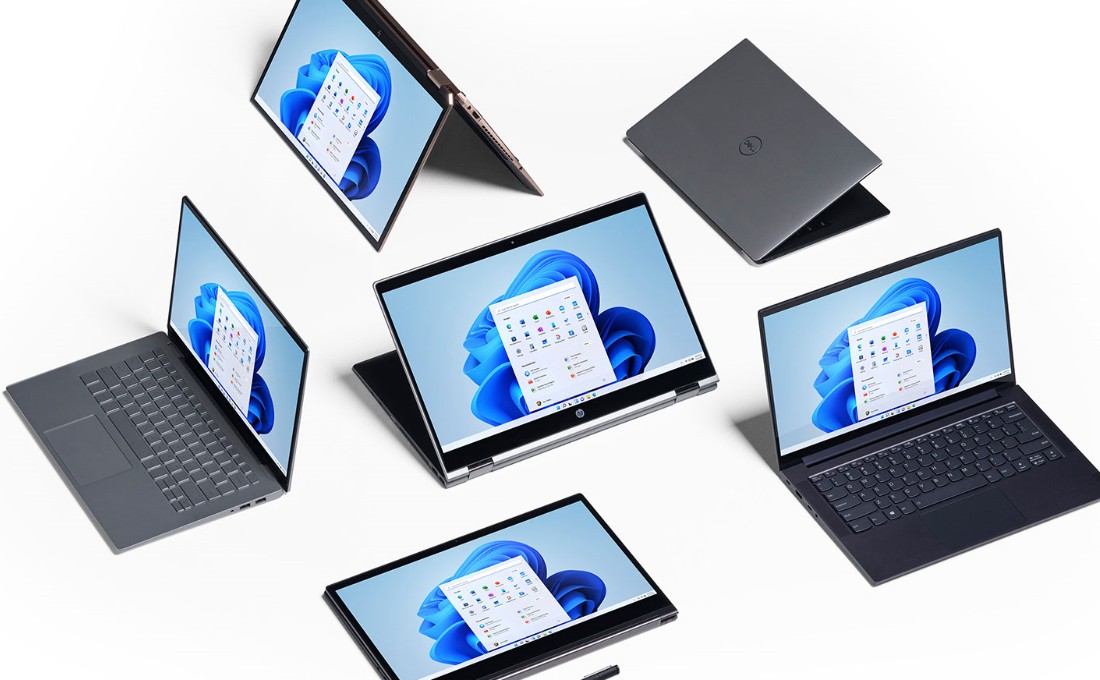
- Easier transition from monitor to laptop
- It'll be easier to group different sets of windows and apps together and move between a desktop and a monitor, thanks to Snap Layouts and Snap Groups.
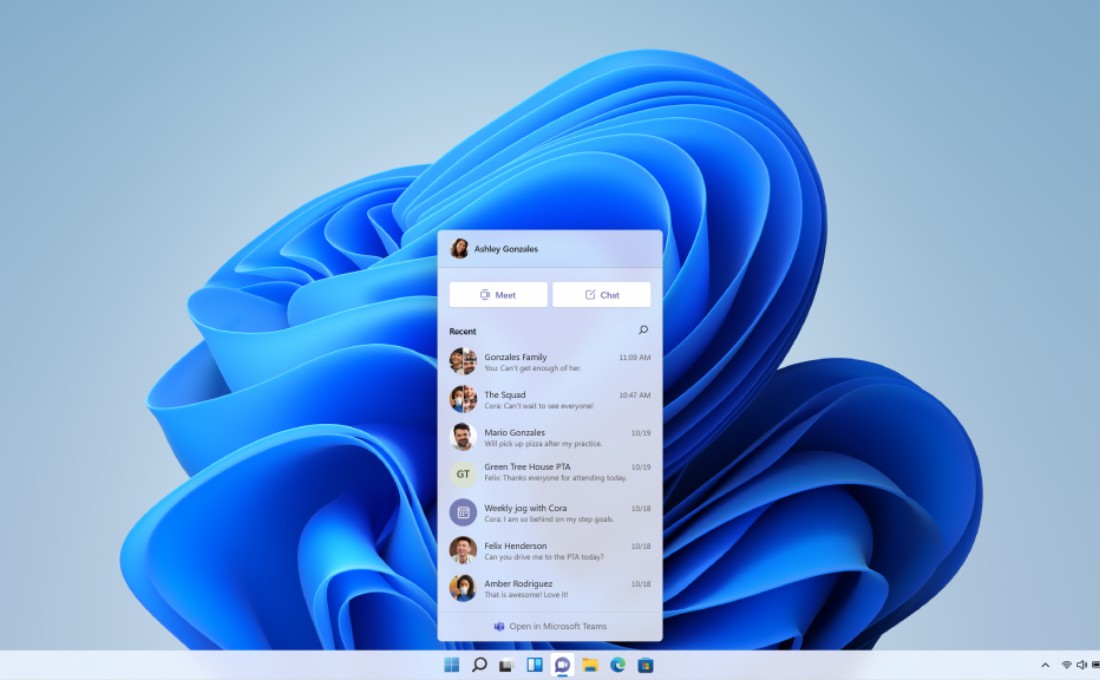
- Microsoft Teams added to the Taskbar
- Microsoft Teams is built directly into the Taskbar in Windows 11 for easier video calling.