






-
![]() EaseUS Data Recovery Wizard Review [Latest Info in 2026]
EaseUS Data Recovery Wizard Review [Latest Info in 2026] October 14,2026
 6 min read
 -
![]() Recuva for Mac Free Download - Recover Deleted Files!September 22,20266 min read
Recuva for Mac Free Download - Recover Deleted Files!September 22,20266 min read -
![]() EaseUS Data Recovery Wizard 20.1 vs 20.0: Savior for Old DevicesOctober 14,20266 min read
EaseUS Data Recovery Wizard 20.1 vs 20.0: Savior for Old DevicesOctober 14,20266 min read -
![]() R-Studio Review (A Comprehensive Data Recovery Solution)October 14,20266 min read
R-Studio Review (A Comprehensive Data Recovery Solution)October 14,20266 min read -
![]() Stellar Data Recovery Review: Performance, Pros & Cons [Full Review in 2026]October 14,20266 min read
Stellar Data Recovery Review: Performance, Pros & Cons [Full Review in 2026]October 14,20266 min read -
![]() What Are the Best Alternatives to EaseUS Data RecoveryOctober 14,20266 min read
What Are the Best Alternatives to EaseUS Data RecoveryOctober 14,20266 min read -
![]()
-
![]() DMDE Review: Evaluation of the Data Recovery SolutionOctober 14,20266 min read
DMDE Review: Evaluation of the Data Recovery SolutionOctober 14,20266 min read -
![]() Top 10 Photo Recovery Software for Free [Easily & Safely]October 14,20266 min read
Top 10 Photo Recovery Software for Free [Easily & Safely]October 14,20266 min read -
![]() Top 4 Disk Drill Alternatives in 2026 [Free Download]October 14,20266 min read
Top 4 Disk Drill Alternatives in 2026 [Free Download]October 14,20266 min read
Page Table of Contents
In this article, you'll learn:
- Background: About the User
- Scenario: How Does the Data Loss
- Reasons: Choosing EaseUS Products
- Experience: Using EaseUS Data Recovery Wizard
- Product Innovation Suggestions
This case features Tasha, a paid user from Washington, the United States, who faced severe data loss after mistakenly writing Windows 11 installation files onto her SD card, resulting in complete data corruption. At first, all recovered files could not be opened, which led her to doubt the product and submit a refund request. With professional guidance from the support team, she finally restored all important files, including crucial tax documents, and actively canceled her refund. This case fully demonstrates the strong deep-scan capability of EaseUS Data Recovery Wizard and the value of professional technical support.
Background: About the User
Tasha is a regular user who stores a large amount of personal and work-related data on her SD card, including documents, photos, and tax-related Excel files that are highly important to her daily life and work. While trying to create a Windows 11 installation drive, she incorrectly wrote the system files to her SD card instead of a USB drive. This accidental operation directly overwrote and damaged all original data on the card.
As a paid user of EaseUS Data Recovery Wizard Professional 20.x, Tasha immediately used the software to scan and recover data. However, the files restored from the default directory could not be opened. Frustrated and disappointed, she believed the software had failed and decided to request a refund, even comparing it unfavorably to another recovery tool she had used before.
Scenario: How Does the Data Loss
- Device: SD card
- System: Windows 11
- Data loss cause: Accidentally overwritten by Windows 11 installation files
- Lost data types: DOCX, XLSX, PDF, JPG, NEF (Nikon RAW), MOV, MP3
- Critical data: Excel tax documents
- Initial problem: All recovered files could not be opened
- Turning point: Following the support instructions to use the deep scan and check the Reconstructed folder
- Final result: All important data successfully recovered; refund canceled voluntarily
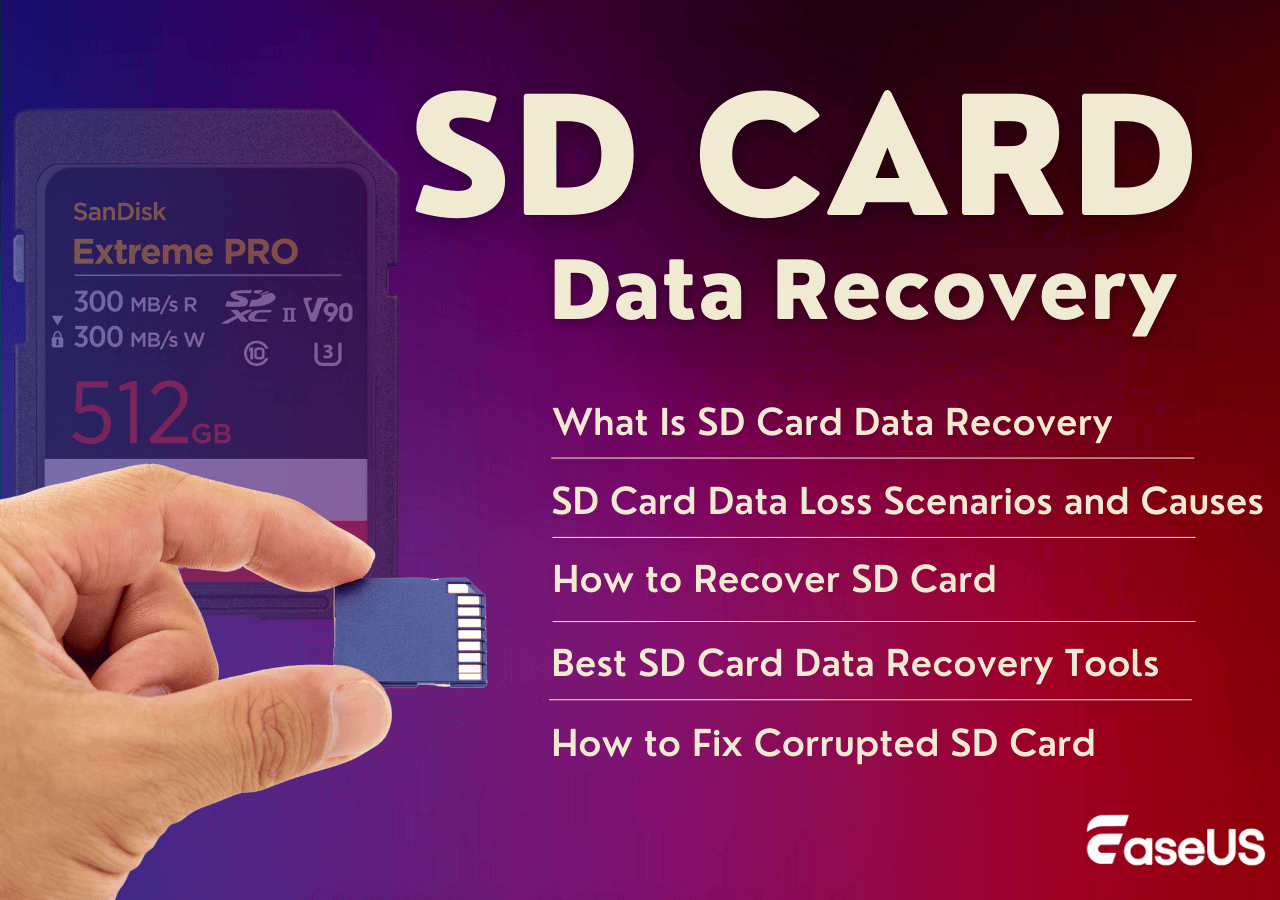
SD Card Recovery Full Guide: Recover Lost Files from SD Cards
Learn what SD card recovery is, common data loss scenarios, and how to recover deleted, formatted, or corrupted SD card files safely and effectively. Read more >>
Reasons: Choosing EaseUS Data Recovery Wizard
Tasha chose EaseUS Data Recovery Wizard for its strong reputation in data recovery and comprehensive support for various storage devices. As a user with urgent data recovery needs, she trusted the product's ability to handle overwritten and corrupted data scenarios. After the initial setback, the patient received professional guidance from the support team, which further strengthened her confidence and helped her complete the recovery correctly.
Consult with EaseUS data recovery experts for one-on-one manual recovery service. We could offer the following services after a FREE diagnosis
- Repair corrupted RAID structure, unbootable Windows OS, and corrupted virtual disk files
- Recover/repair lost partitions and re-partitioned drives
- Unformat hard drives and repair RAW drives(BitLocker-encrypted drives)
- Fix disks that become GPT-protected partitions
Experience: Using EaseUS Data Recovery Wizard
✅Positive Experience
- Powerful deep-scan recovery capability. The deep-scan feature successfully detected files that were not found during regular scanning. The Reconstructed folder, which stores deeply scanned data, became the key to retrieving all her important files, including irreplaceable tax documents.
- Professional and responsive technical support. The support team provided clear, step-by-step guidance, helping her quickly locate the correct recovery path. The efficient troubleshooting directly solved her problem and turned her negative experience into a positive one.
- Stable and reliable recovery performance. The software ran stably while recovering about 500 MB of data, supporting continuous scanning and restoration without errors. After a successful recovery, Tasha continued to use the software for batch recovery, demonstrating strong confidence in its stability.
🤔Key Pain Points
- Unopenable files in the initial recovery. Files restored from the default directory could not be opened, causing confusion and leading her to question the product's effectiveness.
- Lack of clear guidance for deep-scan results. Without support instructions, users may not know to check the Reconstructed folder for deeply scanned data, which affects the overall recovery experience.
Product Innovation Suggestions
Based on Tasha's experience, the following targeted optimization suggestions are put forward:
- Enhance guidance for deep-scan results. Add more explicit prompts and tutorials in the software interface for the Reconstructed folder to help users independently locate valid recovered files.
- Improve file preview and integrity detection. Optimize the preview function to support more accurate judgment of file recoverability before recovery, reducing user anxiety and misunderstanding.
- Simplify operation steps for overwritten data scenarios. Provide one-click or guided recovery modes for users who encounter data overwritten by system files, lowering the operating threshold for non-technical users.
Was this page helpful?
 Why Trust EaseUS
 Editor Reviews

20+
Years of experience

160+
Countries and regions

72 Million+
Downloads

4.9 +
Trustpilot Score





