





-
![]()
-
![]()
-
![]() How to Recover Files From SD Card That Was Partially Overwritten
How to Recover Files From SD Card That Was Partially Overwritten September 22,2026
 6 min read
 -
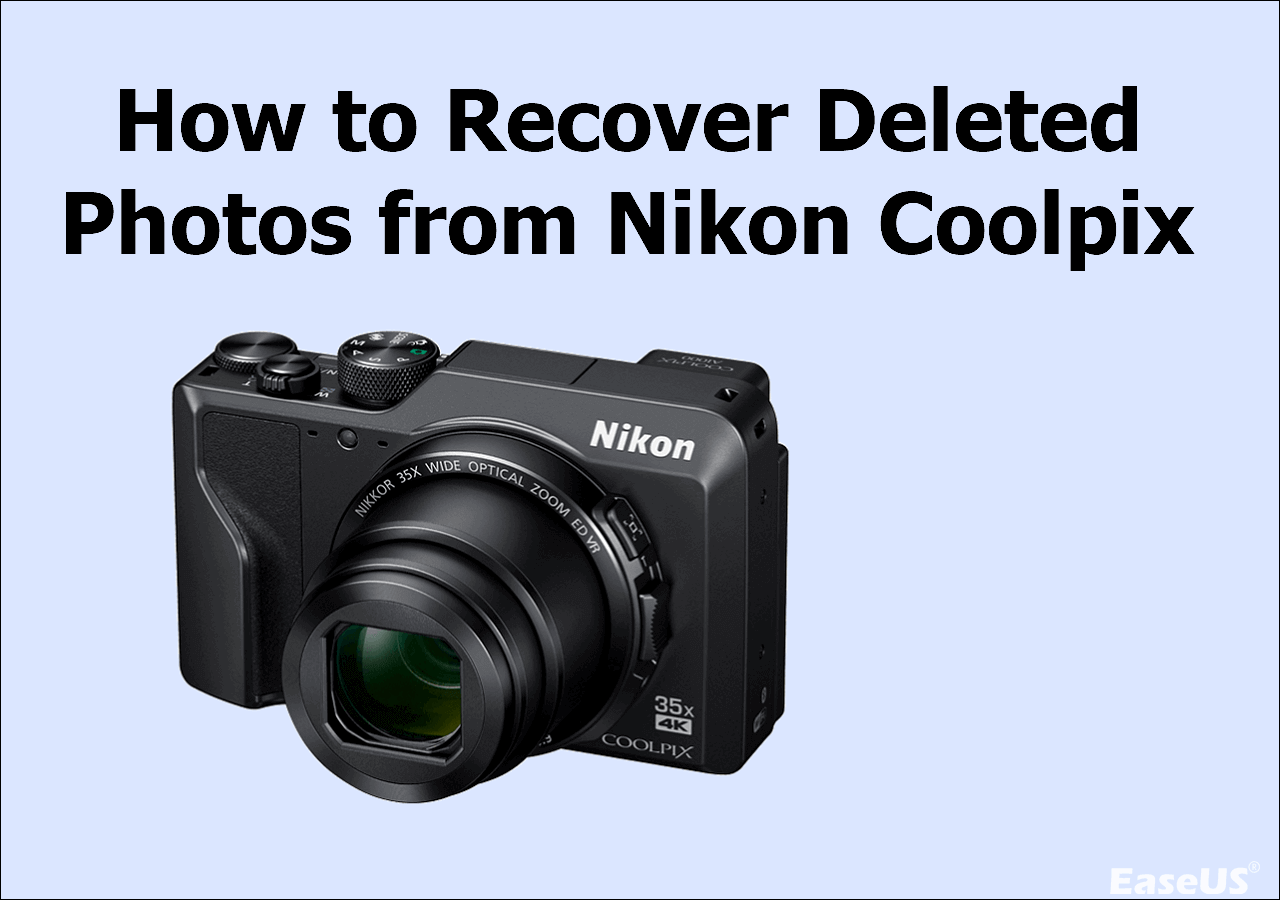
![]() How to Recover Deleted Photos from Nikon Coolpix (2026)September 22,20266 min read
How to Recover Deleted Photos from Nikon Coolpix (2026)September 22,20266 min read -
![]()
-
![]()
-
![]()
-
![]() SanDisk Memory Card Repair Tool Free Download for Windows/MacSeptember 22,20266 min read
SanDisk Memory Card Repair Tool Free Download for Windows/MacSeptember 22,20266 min read -
![]() Recover Deleted Photos from Olympus Digital Camera | Top Recovery MethodSeptember 22,20266 min read
Recover Deleted Photos from Olympus Digital Camera | Top Recovery MethodSeptember 22,20266 min read -
![]() [Solved] Cannot Connect to Camera Please Make Sure to Close Other AppsSeptember 22,20266 min read
[Solved] Cannot Connect to Camera Please Make Sure to Close Other AppsSeptember 22,20266 min read
Page Table of Contents
PAGE CONTENT:
What Is SD Card Data Recovery
- 📝I was using my Canon 6d and accidentally hit format on my SanDisk 128GB SD card :sob: It had all my vacation photos and some video clips I really need. I didn't save them anywhere else. Is there any way to recover them? I haven't taken any new photos since. Please help, this is super important to me. - from SanDisk Forums
- 📝Accidentally formatted by card while it had photos that I wanted. I've found softtwares that claim that they can, but i don't know if its actually possible, does anyone have a way? -from Reddit
Most times when files vanish from an SD card, they aren't truly gone. Pulling them back usually requires specialized SD card recovery software designed to recover missing videos and photos. Cameras, phones, and drones rely on memory cards to store data.
Mistakes like formatting an SD card on a camera by accident, corrupt systems, sudden ejection, or sneaky malware can scramble access.
Recovery becomes possible because erased doesn't always mean overwritten. The moment videos or photos are removed or formatted, they aren't wiped clean right away. Space just gets labeled ready again by the system, open for new data later. Recovery tools can help you hunt for traces and recover deleted files from an SD card.
Is SD card data recovery possible? Yes, with the right tools, plus quick moves, usually bring photos, clips, and key records back safely. In this hub content, you'll learn how to recover data from an SD card in various scenarios. Let's start with some common SD card recovery scenarios and data loss causes.
SD Card Data Loss Scenarios and Causes
SD card data loss can occur unexpectedly and may be caused by both user activity and technical malfunctions. Determining the cause helps choose the best memory card recovery strategy. Typical situations for SD card data loss include:
- Accidental deletion of photos or videos on cameras or phones.
- Formatting the SD card without backup.
- SD card showing as RAW or unrecognized.
- File system errors after improper ejection.
- Virus or malware attacks.
- SD card corruption caused by a power interruption.
- Incompatibility between the SD card and the device.
SD card data recovery is not that difficult if you act fast after data loss. In this part, you'll learn all the basic memory card recovery solutions. When things go sideways, along with a proper recovery solution that actually helps.
How to Recover Deleted Files from an SD card
One of the most frequent causes of SD card data loss is accidental deletion. Files are not instantly removed from storage when they are erased from an SD card. Rather, the file system identifies the space as available and eliminates its references.
To recover deleted videos and photos from an SD card, SD card recovery software like EaseUS Data Recovery Wizard may look for erased file records on the card and retrieve any undamaged images, movies, or documents.
1️⃣Recover Deleted Photos from SD Card
With a reliable recovery tool, you can even recover permanently deleted photos from Android SD card. The likelihood of a successful recovery increases with the timing of your actions.
If you want to recover deleted files from an SD card without software, you can try some Windows built-in backup & restore tools like File History. If you have copied SD card files to a Windows computer and File History is enabled, you can restore them from File History. It's also helpful to check all the backup disks and cloud drives.
2️⃣Recover Deleted Videos from SD card
The basic idea behind recovering deleted video clips from an SD card is the same as that of recovering photos, however videos frequently need special attention due to their bigger file sizes and increased possibility of partial corruption. Usually, when a video is erased, the file entry is eliminated, but the real data may still be on the card until it is overwritten.
Professional SD card video recovery tools like EaseUS Data Recovery Wizard typically support common video formats like MP4, MOV, AVI, and MTS, making them suitable for SD cards used in cameras, drones, and smartphones.
How to Recover Formatted SD Card
One of the most frequent and infrequent causes of data loss is formatting an SD card. When a camera asks to format a card that has already been used on a computer, or when they encounter system alerts like "The SD card needs to be formatted," many people format a card. Data is not always permanently deleted in these circumstances.
Stop using an SD card right away if it has been formatted by accident. Don't copy files to the card or take fresh pictures. In order to avoid file system problems, it is usually advised for camera users to format SD cards directly in the camera while using it normally. Once data loss is identified, formatting should be avoided.
Some tutorials may tell you that you can recover a formatted SD card using Command Prompt, but this method can only show hidden files. For a formatted SD card, you'd better download a trustworthy SD card data recovery program and move fast. Here's a complete guide for formatted SD card data recovery.

3 Steps to Recover Formatted SD Card
When you accidentally format your SD card and delete all files, don't panic! Stop using your card first. Then, turn to a reliable formatted SD Read more >>
How to Recover a Corrupted SD Card
Pulling out an SD card without ejecting safely might scramble its data. Power cuts during use can cause SD card corruption, too. A corrupted SD card may ask to be formatted, show incorrect capacity, or become inaccessible altogether.
Prior to undertaking any repairs, it is advised to recover data from the corrupted SD card.
Advanced SD card recovery tools can read an unrecognized file system and perform RAW SD card recovery.
After crucial data has been securely restored, you can use the built-in disk repair tools or format the SD card to fix it. This arrangement aids in preventing irreversible data loss.
The following passage mentions common SD card corruption issues and how to recover data from a damaged SD card.

How to Fix Corrupted SD Card [10 Fixes]
How to fix a corrupted or damaged SD card? The best 10 methods are available here to repair corrupted SD cards without losing... Read more >>
How to Recover Data from SD Cards of Different Brands, Types, and Devices
By choosing the right recovery method based on your data loss scenario, you can significantly improve the chances of restoring files from an SD card safely and successfully. Check the following table, choose a specific brand, type, or device, and click the link to check more:
| SD Card Brands | SanDisk SD card, Lexar SD card, Toshiba SD card, Sony SD card, Kingston SD card, PNY SD card, etc. |
| Memory Card Types | microSD card, CF card, etc. |
| Storage Devices | Nikon photo recovery, Canon photo recovery, DJI OSMO recovery, Panasonic Lumix recovery, etc. |
How to Fix Common SD Card Issues
Here come three frequent glitches people face with the memory cards, along with detailed tutorials that can help you fix SD card errors.
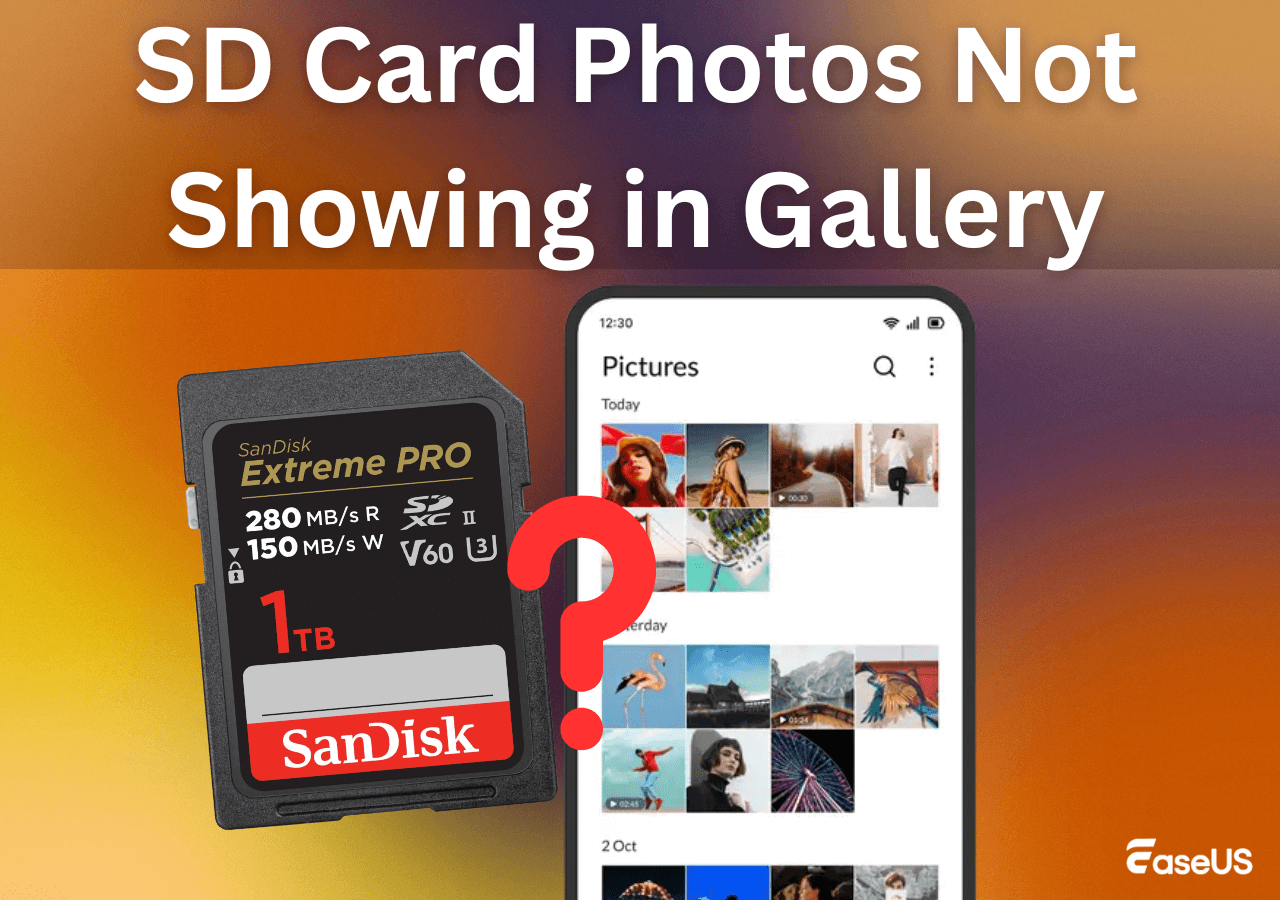
⚠️SD Card Not Showing Up / Not Detected / Not Recognized
Connection problems, driver conflicts, or file system issues are frequently the cause of your SD card not detected. Try a different USB port or card reader first, then test the card on another computer.
You can determine whether a card is detected on Windows but lacks a drive letter by looking at Disk Management. Reinstalling or updating card reader drivers could fix the issue. Check the more detailed steps in the following passage:
/data-recovery-solution/sd-card-not-working-or-showing-up.html
⚠️SD Card RAW or Unreadable
Most times, a RAW SD card points to a damaged file system layout. Sudden unplugging, electricity cuts, or even shifting between storage devices might trigger it.
An SD cannot be accessed because of a wrong file system. Sometimes, you can convert the file system to fix this issue. Remember that formatting an SD card or converting the file system will erase all the data on your card. Scan the SD card first and repair file system errors if possible.

How to Fix Unreadable SD Card? Check Here
Have you encountered an SD card unreadable problem on the PC or digital camera? This page provides easy solutions for various... Read more >>
⚠️SD Card Is Write-Protected
You cannot remove, copy, or alter files on an SD card that is write-protected. First, see if the card or adapter has a physical lock switch. If the lock isn't the problem, you can unlock the SD card without the switch by checking disk characteristics, registry settings, or file system faults that may have enabled software-level write protection. It is frequently necessary to combine disk repairs with command-line checks in order to remove write protection.
Don't forget to share these SD card fix solutions on social media to help more users!

Trustworthy SD Card Recovery Software
A reliable SD card recovery solution should be able to manage various data loss situations, support common memory card file systems, and restore files without endangering further data. A helpful suggestion is given below, followed by further recovery alternatives that are worth considering.
👑EaseUS Data Recovery Wizard [Top Choice]
The popular SD card recovery tool EaseUS Data Recovery Wizard is frequently used to retrieve erased data from SD and microSD cards.
It functions effectively in cases of abrupt card removal, file system corruption, SD card formatting, and unintentional deletion. SD cards found in cameras, cellphones, and other portable electronics are supported by the software.
When your SD card loses important files, its deep scanning can still find pictures, videos, and documents.
With the advanced SSR(SmartSector Rebuild) technology, you can recover more files from SD cards. You can learn more about this from the following video:
Recommended SD Card Recovery Software
Other SD card recovery software applications, each with unique benefits, are available in addition to EaseUS. While some solutions concentrate on photo recovery, others provide more sophisticated management for managing complicated data loss situations or damaged SD cards.
Since SD card data loss can happen in many ways, comparing multiple tools can help you find the most suitable solution. Here's our recommendation list:
Top 5 free SD card recovery software:
- EaseUS Data Recovery Wizard
- Recuva
- TestDisk
- PhotoRec
- Windows File Recovery Tool
Top 5 Paid SD card recovery software:
- R-Studio
- Disk Drill
- Stellar Data Recovery
- DMDE
- Recover My Files
Please see our guide for a comprehensive list and in-depth comparisons.

10 Best SD Card Data Recovery Tools (2026 Expert Review)
This article covers the 10 best SD card recovery software, both free and paid, and also 3 reliable SD card data recovery services to help... Read more >>
SD Card Recovery FAQs
The answers below address some of the most common recovery-related questions users search for when dealing with SD card problems. You can also check more SD card recovery FAQs here:

SD Card Recovery Guide: Common Problems & Expert Answers
If you are looking for SD card recovery help, here's a hub page that can answer most of your questions. Explore FAQs on recovering... Read more >>
1. How to recover photos from a corrupted SD card?
It's possible to recover photos from corrupted SD cards with reliable SD card recovery software. If your SD card becomes RAW and inaccessible in File Explorer, a professional recovery tool can read the RAW file system and help you find lost photos.
2. How to Recover RAW Photos from a Camera?
For digital cameras, RAW images like Canon's CR2 or Sony's ARW are very common. If you accidentally remove these photos, it's possible to recover RAW photos from a camera with SD card recovery software like EaseUS Data Recovery Wizard. This software can
3. Why Is my SD card not working in my camera?
SD card not working in the camera may be because of file system incompatibilities, card capacity restrictions, or corruption from incorrect removal, which can all cause an SD card to stop functioning in a camera.
Errors may also occur while using the same SD card on several devices. Frequently, a card with faulty information or a different format cannot be read by the camera. Usually, the problem may be fixed by backing up the data and resetting the SD card in the camera.
4. Why my dash cam keeps saying format SD Card?
SD cards are under a lot of strain since dash cameras write data continually. Over time, dash cam keeps saying format SD card frequently results in file system issues. Dash cam keeps saying format SD card is typically an indication of corruption, an incompatible card speed, or a worn-out card. Using the dash cam itself, format the card after recovering any crucial video. High-endurance SD cards are highly advised for extended use.
Was this page helpful?
-
Dany is an editor of EaseUS who lives and works in Chengdu, China. She focuses on writing articles about data recovery on Mac devices and PCs. She is devoted to improving her writing skills and enriching her professional knowledge. Dany also enjoys reading detective novels in her spare time. …

 Why Trust EaseUS
 Editor Reviews

20+
Years of experience

160+
Countries and regions

72 Million+
Downloads

4.9 +
Trustpilot Score






