





-
TestDisk vs EaseUS Data Recovery: Full Comparison & 2025 Review
 October 14,2026
 6 min read
 -
![]() EaseUS Data Recovery Wizard Review [Latest Info in 2026]October 14,20266 min read
EaseUS Data Recovery Wizard Review [Latest Info in 2026]October 14,20266 min read -
![]() How to Get EaseUS Data Recovery License Code | Safe & Full VersionOctober 14,20266 min read
How to Get EaseUS Data Recovery License Code | Safe & Full VersionOctober 14,20266 min read -
![]() Top 10 Photo Recovery Software for Free [Easily & Safely]October 14,20266 min read
Top 10 Photo Recovery Software for Free [Easily & Safely]October 14,20266 min read -
![]() Top R-Studio Alternatives for Windows: Complete ReviewOctober 14,20266 min read
Top R-Studio Alternatives for Windows: Complete ReviewOctober 14,20266 min read -
![]() Recuva for Mac Free Download - Recover Deleted Files!September 22,20266 min read
Recuva for Mac Free Download - Recover Deleted Files!September 22,20266 min read -
![]() EaseUS Data Recovery Wizard VS. DMDE: 2026 Full ReviewOctober 14,20266 min read
EaseUS Data Recovery Wizard VS. DMDE: 2026 Full ReviewOctober 14,20266 min read -
![]() EaseUS Data Recovery Wizard Free Version Safe Download (2026)October 14,20266 min read
EaseUS Data Recovery Wizard Free Version Safe Download (2026)October 14,20266 min read -
![]() Data Recovery Software Review Hub | Tests, VS & Top PicksOctober 14,20266 min read
Data Recovery Software Review Hub | Tests, VS & Top PicksOctober 14,20266 min read -
![]() IUWEshare Mac Data Recovery Wizard [Professional Alternative Available]October 13,20266 min read
IUWEshare Mac Data Recovery Wizard [Professional Alternative Available]October 13,20266 min read
Page Table of Contents
PAGE CONTENT:
Choosing the right data recovery tool can be confusing—PhotoRec is renowned for its powerful technical capabilities, while EaseUS Data Recovery Wizard is the poster child for user-friendly commercial solutions. This Photorec vs EaseUS data recovery review provides a detailed, side-by-side comparison of their recovery performance, features, user experience, and real-world results.
📔Summary (TL;DR)
-
💙EaseUS Data Recovery Wizard: Best overall user experience, ideal for most everyday data loss scenarios for typical users, especially formatted drives, lost partitions, and RAW photo recovery.
-
💜PhotoRec: Most powerful deep recovery engine, completely free with no file size limits, but command-line only with a steep technical learning curve.
-
🧡The Bottom Line: Choose EaseUS for a guided, hassle-free recovery process. Choose PhotoRec if you're a technical user, on a tight budget, or facing severe corruption.
What Are EaseUS Data Recovery Wizard & PhotoRec
What are these data recovery tools, and why do users choose them? Guess you want some detailed information on both tools. Below is the data recovery software review.
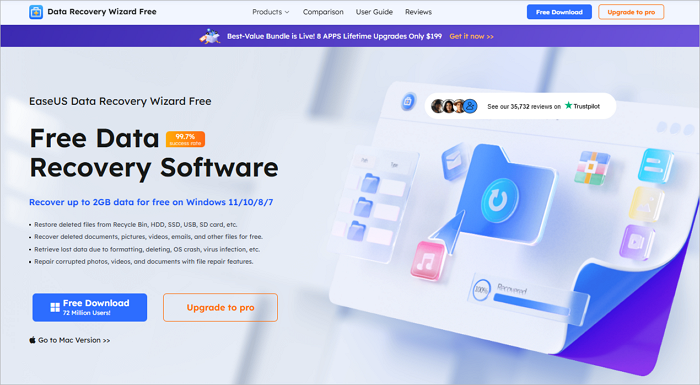
What Is EaseUS Data Recovery Wizard
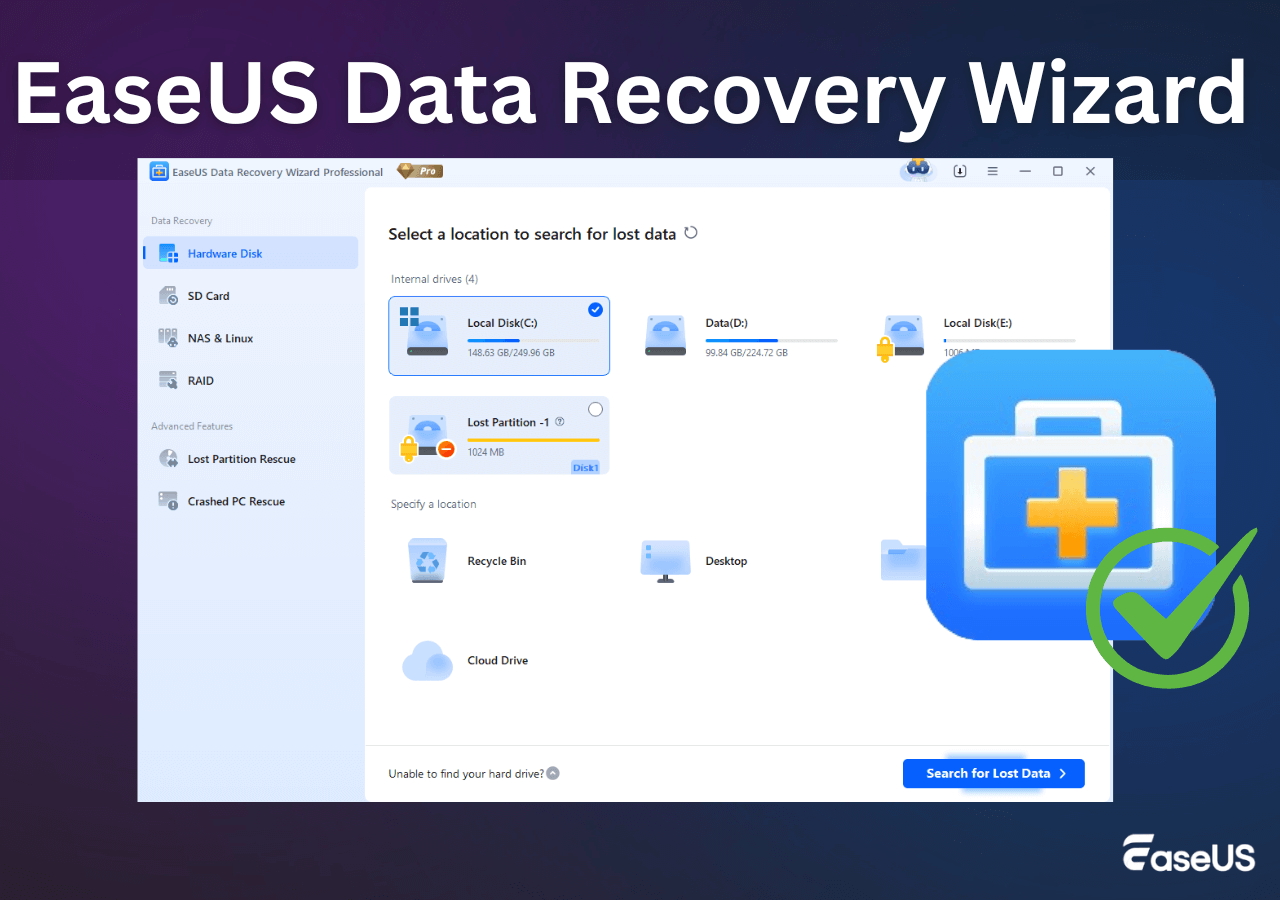
EaseUS Data Recovery Wizard is a widely recognized data recovery software suite designed for Windows and macOS. Its core purpose is to recover deleted files—including photos, videos, documents, media files, and emails—from hard drives, SSDs, USB drives, and other storage media.
Positioned as an all-in-one data recovery solution, the software integrates additional features in its higher-tier versions, such as disk health monitoring and specialized file repair (particularly for photos and videos). The product line caters to a range of users, from individual consumers to professional use cases, offering options that span from a basic free edition to advanced professional versions designed for severe data corruption scenarios.
What Is PhotoRec
A free, open-source data recovery tool from CGSecurity, specializing in file signature scanning (file carving). As a sister tool to TestDisk, it is completely free, has no graphical interface, and operates entirely via the command line.
PhotoRec is a highly regarded, free, and open-source data recovery utility primarily designed for Windows, macOS, and Linux. Its core purpose is to recover lost files—including photos, videos, documents, archives, and emails—from hard drives, SSDs, USB drives, memory cards, and various other storage media.
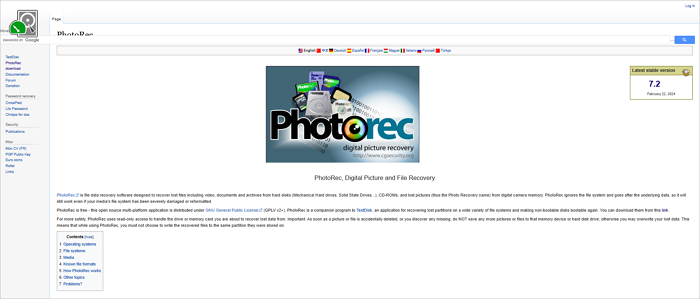
PhotoRec positions itself as a specialized, file-carving recovery tool, focusing on raw data recovery by analyzing the underlying storage for specific file signatures. It does not include additional commercial features such as disk monitoring or file repair. Instead, it offers a powerful, no-frills solution aimed primarily at technically proficient users and IT professionals, providing a robust, cost-free option even for severe data loss scenarios.

PhotoRec Review: Still Capable of Recovery in 2026
PhotoRec is a file recovery program designed to recover lost files, including video, documents, and archives, from hard disks, CD-ROMs, and other media. Read more >>
Feature-by-Feature Deep Comparison: EaseUS & PhotoRec
To ensure a fair comparison, both tools were tested under identical conditions:
🖱️Devices Tested:
- 64GB SanDisk SD Card (formatted recovery)
- 1TB Crucial SSD (partition loss scenario)
- External HDD (mixed file type recovery)
- Smartphone Internal Storage (photo recovery)
📐Test Scenarios:
- Simple deleted file recovery
- Formatted media recovery
- Corrupted partition table recovery
- Specific file type recovery (photos, documents, videos)
🟠Feature Comparison Table
| Feature | EaseUS Data Recovery Wizard | PhotoRec |
|---|---|---|
| Recovery Success Rate | ★★★★★ | ★★★☆☆ |
| Deep Scan Technology | Advanced (signature + metadata) | Excellent (file carving) |
| Formatted Drive Recovery | Excellent | Excellent |
| User Interface & Ease of Use | Graphical, intuitive wizard | Command-line, technical |
| File System Support | NTFS, FAT, exFAT, HFS+, APFS | 480+ file families |
| Supported File Formats | 1000+ types | 300+ file extensions recognized |
| Free Version | 2GB Free | Completely free, no limits |
| OS Support | Windows, macOS | Windows, macOS, Linux, DOS, BSD |
| Scan Speed | Moderate | Fast (no GUI overhead) |
| File/Folder Structure Retention | Excellent | Poor (usually lost) |
| File Preview | Yes (images, docs, etc.) | No |
| Best For | Every day data loss, ease of use | Technical recovery, severe corruption, no budget |
🔴Key Feature Analysis
Deep Scan Engine:
- PhotoRec: Uses file carving, ignoring file system metadata. This allows it to recover files even from severely damaged or formatted drives where the file table is gone.
- EaseUS: Employs a combination of file signature scanning and metadata analysis, providing better results in retaining original filenames and folder structures.
Usability:
- EaseUS: Features a standard 3-step process (Select location → Scan → Recover). Suitable for all user levels.
- PhotoRec: Requires navigating command-line menus and parameters. Users need knowledge of storage devices and file systems.
Share this review with users who are choosing a data recovery tool:

Real-World Recovery Results: EaseUS & PhotoRec
Deleted File Recovery
| Software | Success Rate | Scan Time | Filename & Structure Retention | |
 |
PhotoRec | 90% | Moderate | Poor |
 |
EaseUS | 98.30% | Fsat | Excellent |
Formatted Drive Recovery
| Software | Success Rate | Usable Structure Post-Recovery | |
|
PhotoRec | ~80% | Virtually no structure; files are renamed |
|
EaseUS | ~85% | Partial directory structure is often intact |
RAW Photo Recovery
| Software | CR2 / CR3 (Canon) | NEF (Nikon) | ARW (Sony) | |
|
PhotoRec | Excellent | Excellent | Good |
|
EaseUS | Excellent | Excellent | Excellent |
Severely Corrupted Media Recovery
| Scenario | EaseUS Result | PhotoRec Result |
| Corrupted Partition Table | Excellent | Good |
| Damaged File System | Excellent | Good |
| Logical Bad Sectors | Good | Moderate |
✒️Verdict: In severe corruption cases, EaseUS's technical superiority is evident. Its file-carving approach excels where other tools fail.
Large Drive Performance
| Software | 1TB HDD Scan Time | RAM Usage | |
|
PhotoRec | ~2-3 hours | Higher |
|
EaseUS | <1h |
Lower |
✒️Verdict: PhotoRec is generally more efficient and less resource-intensive.
Pricing Comparison: EaseUS & PhotoRec
| Software | Edition | Price (USD) | Remarks |
| PhotoRec | / | Completely Free | / |
| EaseUS | Pro | $69.95 for a month $99.95 for a year |
Main plan for Windows or Mac. |
| Pro (Lifetime License) | $149.95 | One-time purchase with lifetime upgrades. | |
| Student | $89.97 | Requires student verification. |
💗Important Note: EaseUS offers a free version with a 2GB recovery limit.
Pros & Cons: EaseUS & PhotoRec
Here's a summary of the advantages and disadvantages of both data recovery software, PhotoRec and EaseUS Data Recovery Wizard.
EaseUS Data Recovery Wizard
Expert's Rating:
 Pros
Pros
- Intuitive, guided graphical user interface (GUI)
- Excellent retention of filenames and folder structures
- Built-in file preview for images, videos, documents
- Regular updates with new features and format support
- Official technical support available
 Cons
Cons
- Free version is limited to 2GB of recovery
Overall, the ease of use and fast scanning of EaseUS would make it a breeze to get your lost files back.
PhotoRec
Expert's Rating:
Pros
- Completely free and open-source with zero restrictions
- Cross-platform (including full Linux support)
- High transparency as an open-source project
Cons
- No GUI – steep learning curve for non-technical users
- Recovered files lose their original names and folder locations
- Requires comfort with command-line interfaces and technical concepts
Final Verdict
Choose EaseUS Data Recovery Wizard if:
-
You are a casual or business user with limited technical expertise.
-
Preserving filenames and folder structure is essential to you.
-
You want a preview function to verify file integrity before recovery.
-
You are willing to pay for convenience, support, and a polished experience.
-
You are dealing with everyday data loss situations (accidental deletion, quick format).
Choose PhotoRec if:
-
You are a technician, sysadmin, or power user comfortable with command lines.
-
Your budget is zero, and you need a fully-featured, unlimited recovery tool.
Professional Recommendation: For 95% of users, EaseUS Data Recovery Wizard provides the best balance of power and usability. Its guided process and structured results prevent additional stress during data loss. Reserve PhotoRec for the most challenging technical recovery scenarios or when budget is the absolute primary constraint.
FAQs on PhotoRec vs EaseUS Data Recovery Full Review
Here are some questions you may be curious about on this comparison review:
1. What is the most fundamental difference between Photorec and EaseUS Data Recovery?
The core differences lie in their operating mode, user interface, and recovery methodology.
Photorec: A free, open-source command-line tool. It specializes in "file carving," scanning disk sectors to reconstruct lost files based on their headers and footers, independent of the file system. This makes it powerful for severe corruption or post-formatting recovery.
EaseUS Data Recovery: A commercial graphical user interface (GUI) software. It uses a combined strategy: first attempting a quick scan using remaining file system metadata, then a deep scan (which includes carving). Its strength is an intuitive interface and the potential to recover original filenames and folder structures.
2. Which software has a higher recovery success rate?
Photorec may be more effective when:
- A partition is fully formatted or the file system is severely damaged (e.g., prompting for format).
- You need to recover raw file data (photos, videos, documents) and don't mind losing original names and paths.
- Other tools have failed, and you need a final, deep "file carving" attempt.
EaseUS Data Recovery may be more effective when:
- Dealing with accidental deletion or emptied Recycle Bin.
- Recovering from partition loss or repartitioning.
- Preserving original filenames and directory structure is a priority.
- Performing quick recovery from a reasonably healthy file system with file preview.
Was this page helpful?



 Why Trust EaseUS
 Editor Reviews

20+
Years of experience

160+
Countries and regions

72 Million+
Downloads

4.9 +
Trustpilot Score





