






















EaseUS Data Recovery Wizard

External Hard Drive Recovery: Recover Data from Any External Devices

Recover deleted files from damaged/formatted external storage devices

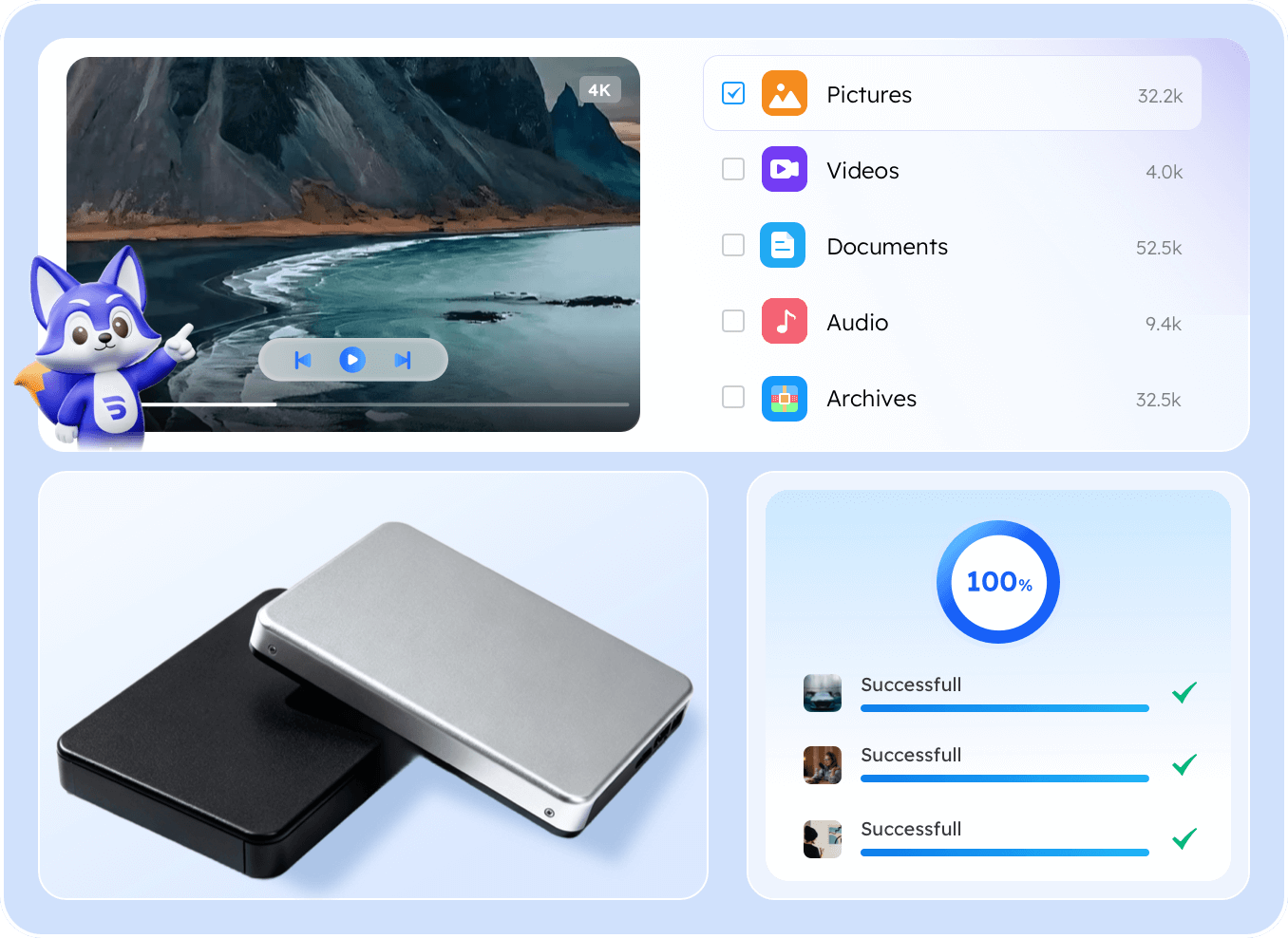
  • Restore lost files from almost all external storage devices you use in daily life.
  • Perfectly handle different data loss scenarios, even if your device is formatted or not recognized.
  • Support 1000+ file formats, including videos, photos, Office documents, etc.
banner image
  • Easeus Data Recovery Wizard Free Edition is a capable performer, even with the 2GB limit.More Reviews >>

  • EaseUS Data Recovery Wizard comes highly recommended -- and you have nothing to lose in trying out the free version to see if it works for you. More Reviews >>

  • EaseUS Data Recovery Wizard is one of the most powerful file recovery tools with simple recovery process we’ve used. More Reviews >>

  • leader

    EaseUS Data Recovery Wizard was shortlisted in the G2 data recovery software product leader list. More Reviews >>

leader

Why External Hard Drive Data Loss Happens

Many factors contribute to data loss on the external hard drive. Understanding the causes can help you better recover deleted or lost files ASAP.

Accidental Deletion of Files

Accidental Deletion of Files

EaseUS Data Recovery Wizard can recover accidentally or unintentionally deleted files, no matter photos, documents, videos, audio, email, or other recoverable files stored on your external devices. Even permanently deleted files can be restored within three steps.

virus attack

Virus or Malware Attack

A virus or malware attack may corrupt, hide, or even delete your files; in this regard, EaseUS Data Recovery Wizard will serve as a powerful tool of countermeasure. It can deeply scan the infected storage to restore your documents, photos, and other critical data lost due to malicious software.

formatted drive

File System Errors

When your external device develops file system errors and messages such as "You need to format the disk" become inaccessible, or shows RAW when you open it, this tool can repair the logical structure and restore access to your files. It solves corruption problems without requiring a destructive reformat.

external hard drive physical damage

Physical Damage

In the case of external devices with minor physical damage but still detectable by the computer, that is, it can be recognized but not accessed, this data recovery tool from EaseUS performs a logical recovery of the data. It reads the drive and extracts as much data as possible from the damaged media, salvaging your critical files.

software errors

Software Glitch or Crash

Sudden system crashes, frozen software, or application failures during file transfers or saves can also lead to data corruption or loss on your external storage devices. EaseUS Data Recovery Wizard is designed to recover files that are lost or damaged due to unpredictable software instability.

formatting drives

Formatting External Hard Drives

Accidentally formatted or reformatted external drives are no longer a concern. With EaseUS Data Recovery Wizard, it will expertly reconstruct lost partitions and file systems, enabling you to retrieve your valuable data even after a complete format and return your drive to its pre-formatted state.

Best External Hard Drive Software for Windows

Easy to use, able to get your files back with simple clicks effectively and securely.

quick scan

Quick Scan

Recover your files find even during the scanning process

Safe Recovery

Help save recovered files to a safer location to prevent furtehr data loss

simple steps

Simple Steps

Almost all recovery processes can be finished in three steps

high sucess rate

99.7% Success Rate

High success rate helps you get all files you want back

External Hard Drive Recovery Software: Covers a Wide Range of External HDD Brands

EaseUS Data Recovery Wizard can recover data from almost all brands of external hard drives, like WD, Seagate, Toshiba, and more.

wd logo

Western Digital

Restore deleted files from Western Digital Elements Desktop HDD, My Book, and more

seagate logo

Seagate

Recover data from Seagate Portable Drive, Seagate Ultra external hard drive, and more

toshiba logo

Toshiba

Restore lost files from Toshiba Canvio Basics, Canvio Ready and more

samsung logo

Samsung

Perform Samsung T7 and Samsung T9 recovery with ease

sandisk logo

SanDisk

Retrieve data from SanDisk external hard drive no matter the volume

lacie logo

LaCie

Recover lost files from LaCie Rugged Mini, Rugged Thunderbolt and more

Support and Recover 1000+ File Types from External Hard Drives

EaseUS Data Recovery Wizard supports various file types, including documents, audio, video, and more. Regardless of how they were lost, you can restore them effectively from the external hard drives.

Image

Images

JPG/JPEG, TIFF/TIF, PNG, BMP, GIF, PSD, CRW, CR2, NEF, ORF, RAF, SR2, MRW, DCR, WMF, DNG, ERF, RAW, SWF, SVG, DWG, NRW, etc

Video

Videos

AVI, MOV, MP4, M4V, 3GP, 3G2, WMV, MKV, ASF, FLV, SWF, MPG, RM/RMVB, MPEG, etc

Document

Documents

DOC/DOCX, XLS/XLSX, PPT/PPTX, PDF, CWK, HTML/HTM, INDD, EPS, etc.

Audio

Audios

AIF/AIFF, M4A, MP3, WAV, WMA, APE, MID/MIDI, RealAudio, VQF,FLV, MKV, MPG, M4V, RM/RMVB, OGG, AAC, WMV,APE, etc.

Archives

Archives

ZIP, RAR, SIT, ISO, JAR, PST, RAR5, TAR, etc.

Other Files

Other Files

Such like exe, html, SITX, etc.

Perform External Hard Drive Recovery with 3 Simple Steps

Step 1. Choose and Scan

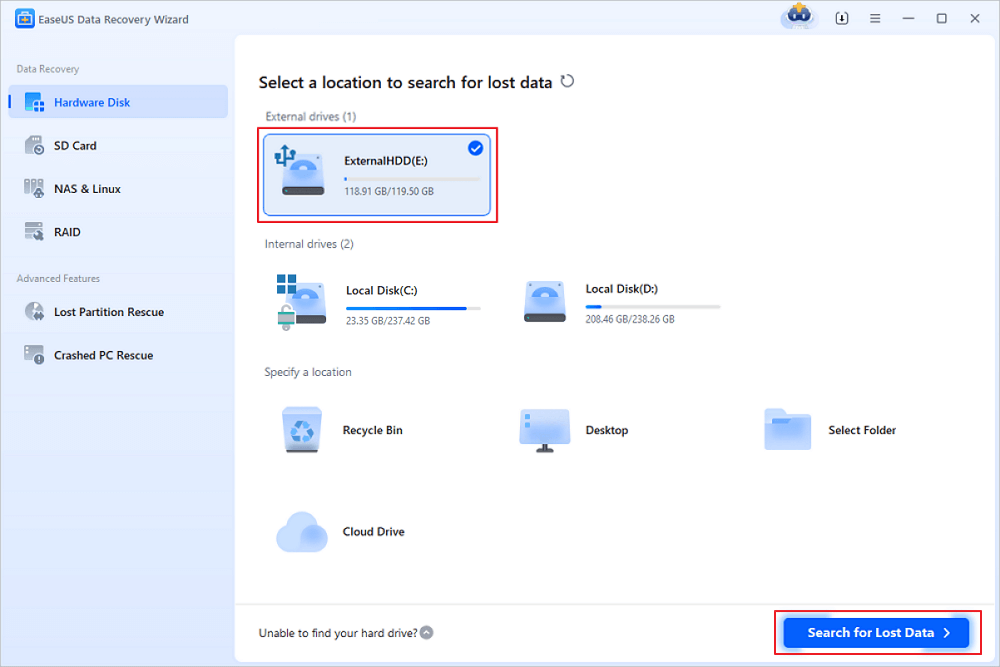
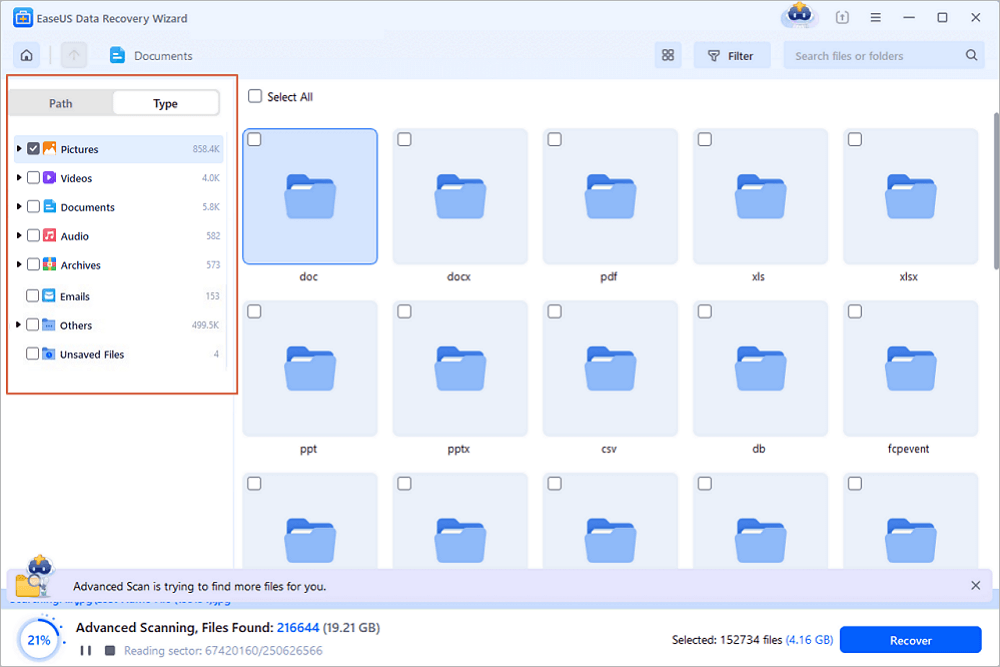
Carefully connect your external hard drive to your computer and launch EaseUS Data Recovery. Choose the external hard drive you want to recover data from and tap on "Search for Lost Data". 

Step 2. Check and Filter

You can start locating your lost files during the scanning process. Use the Filter feature to find your files with their file formats, file size or date modified.

Step 3. Preview and Recover

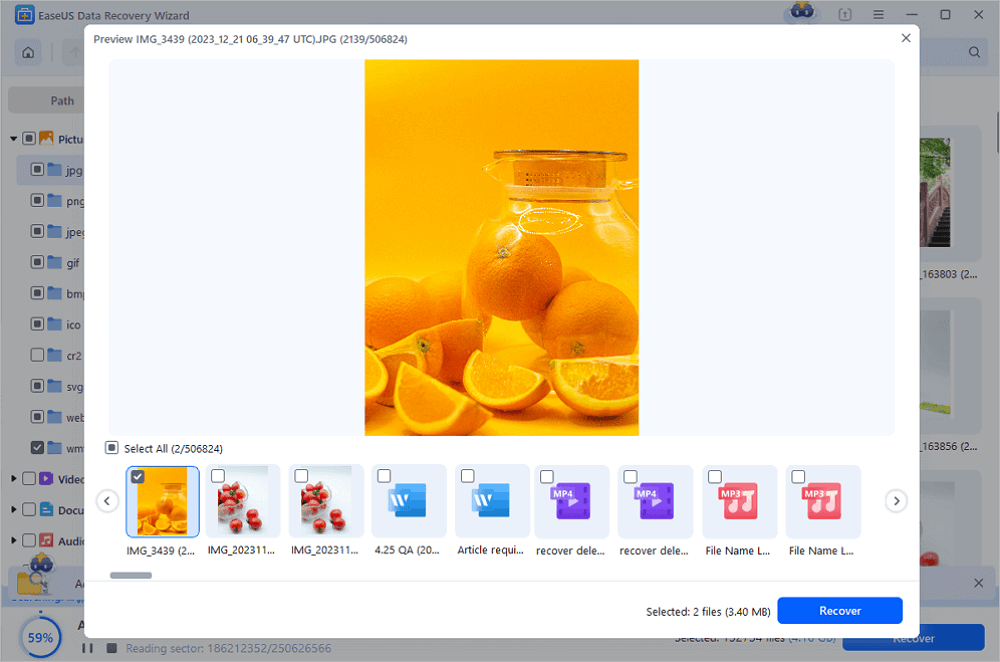
Once you find the files you want to recover, check them and tap on the Recover button to restore them to a different location.

Video Tutorial

  • recover external disk step1
  • recover external disk step 2
  • recover external disk step 3
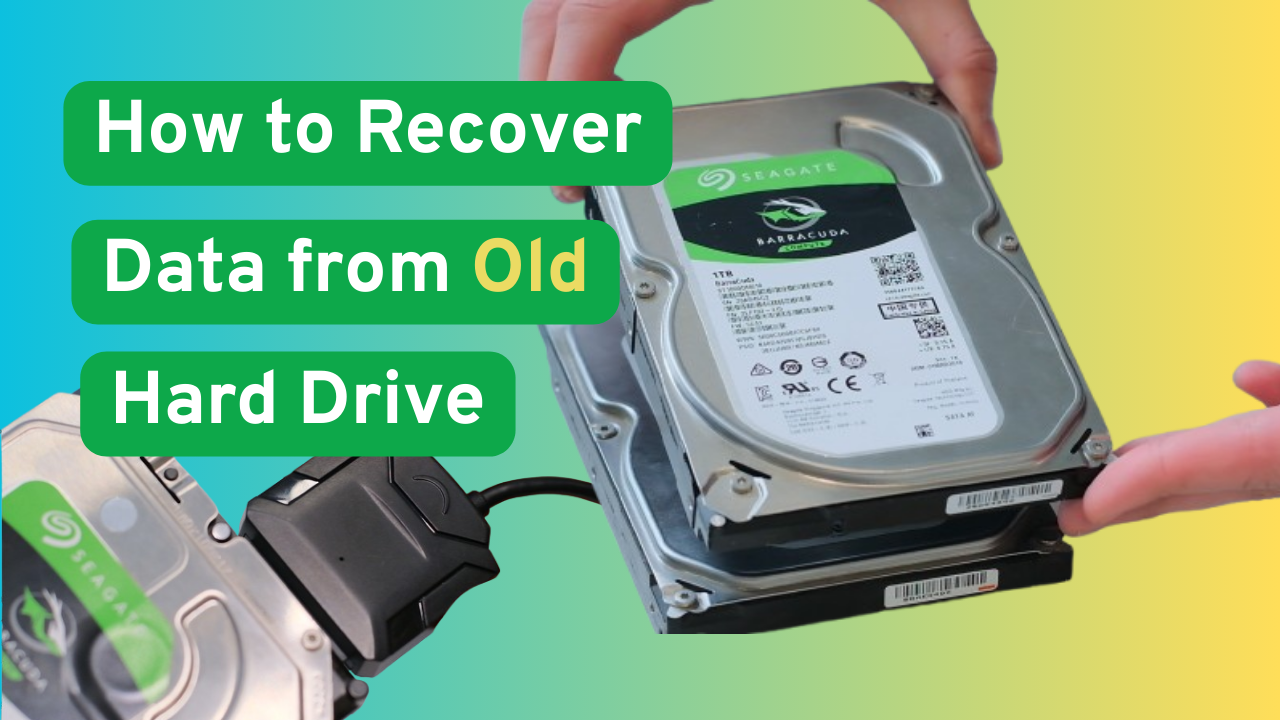
  • recover data from old hard drive

Recover Data from External Hard Drive with Online Data Recovery Service

Data Recovery Service

Watch and Learn

You may encounter many problems that require external hard drive data recovery. But if your external hard drive is formatted, crashed, corrupted, inaccessible, dead, or RAW, you need to then consult data recovery service.

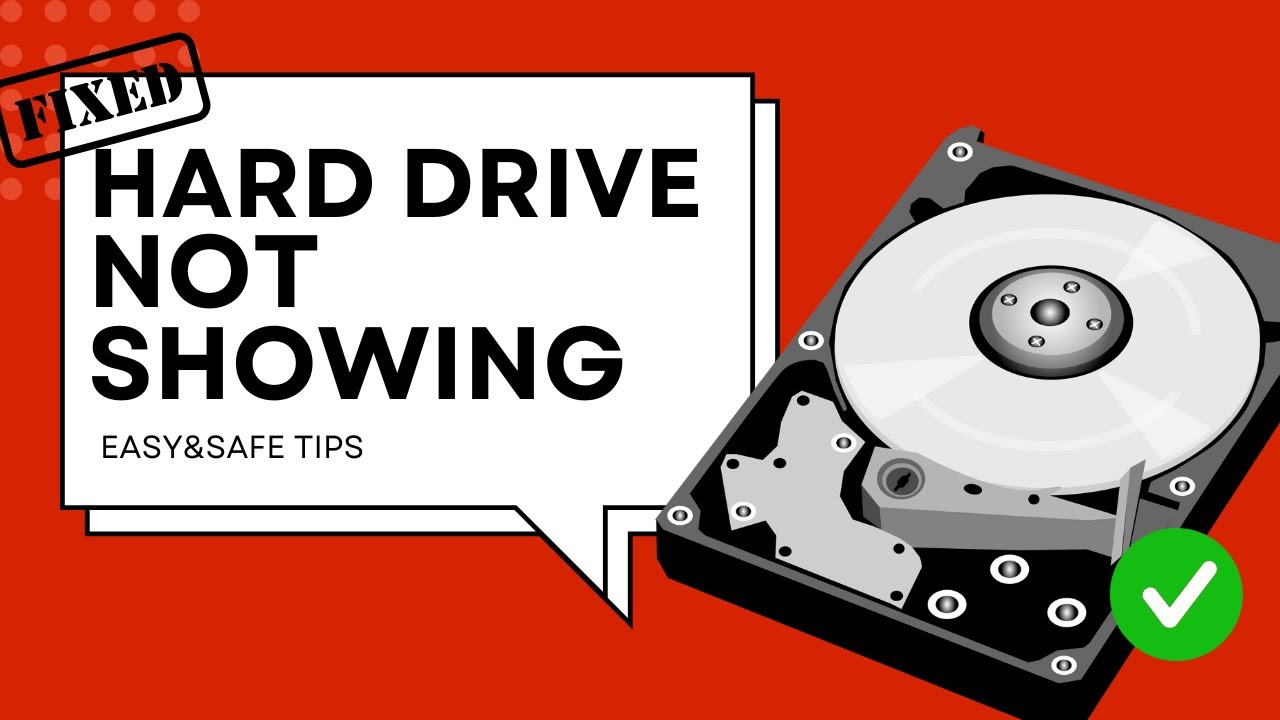
fix hard drive not showing

How to recover data from external hard disk which is not detected?

When a computer does not detect your hard drive, it often indicates a physical or severe logical failure, and standard data recovery software is ineffective. In such a critical situation, EaseUS Data Recovery Services is professional and reliable. When the problem is assessed, you receive a transparent quote with no obligation.

Your recovered files will then be returned on a new storage device to ensure the process is secure and confidential from start to finish.

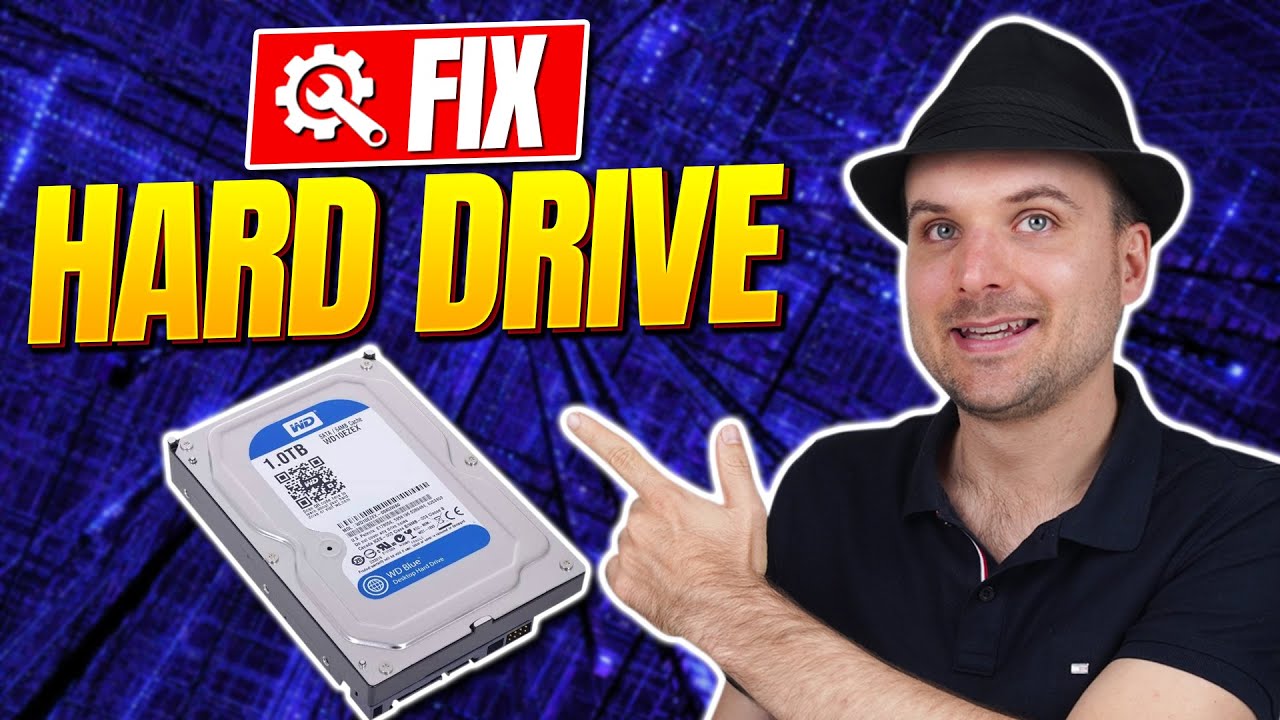
fix hard drive not showing

How can I recover data from an external hard drive that is not showing?

When your external hard drive becomes corrupted and is inaccessible, displaying errors or failing to show your files, EaseUS Data Recovery Services comes in with a professional solution to retrieve your data. Their process starts with a free diagnosis where certified engineers pinpoint the cause of corruption, be it severe logical errors, firmware issues, or physical damage.

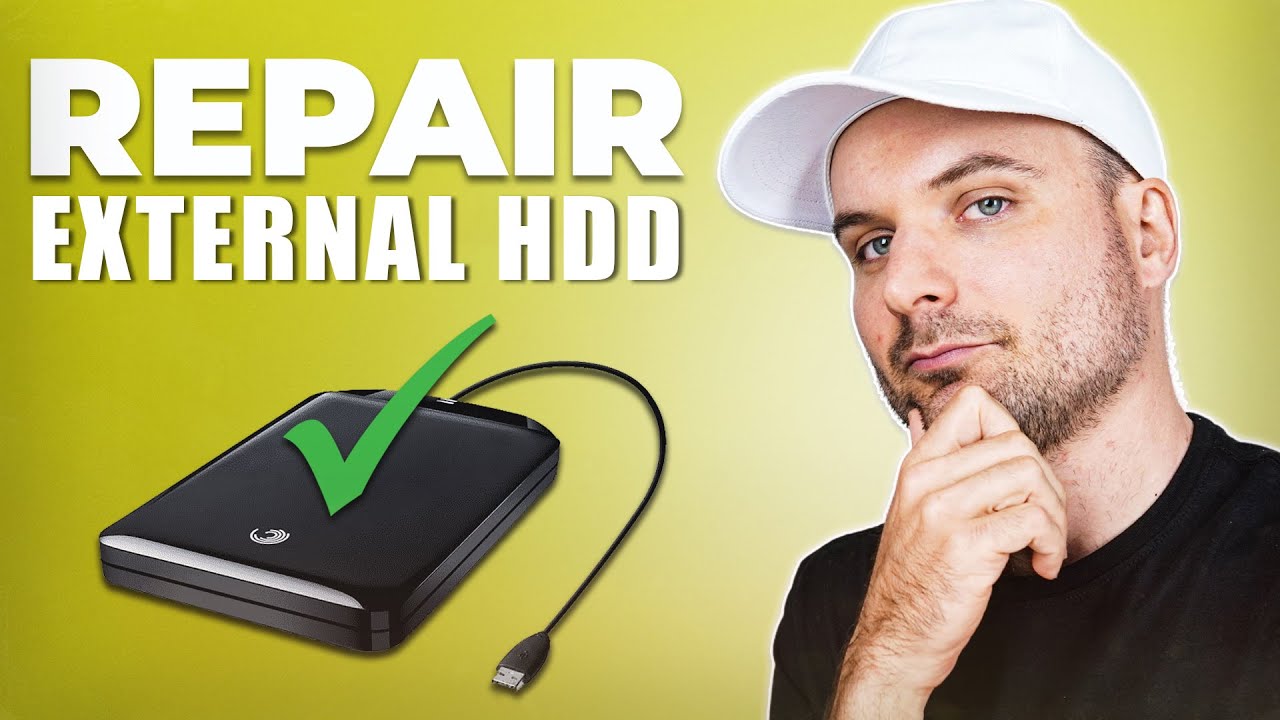
repair corrupted hdd

How can I repair and recover corrupted extearnal hard drive?

Consulting data recovery services would be a great way to help your external hard drive that is not detected or recognized. The online service from EaseUS can help you diagnose the existing error and get your files back as many as possible.

Trusted By Leading IT Experts

EaseUS Data Recovery Wizard is a reliable and efficient external hard drive recovery software that help to restore data easily. It has gained many positive reviews from its users, and here are some comments from famous review websites.

  • cnet
    The EaseUS Data Recovery Wizard Free is a powerful tool that’s also surprisingly easy to use, making it a top pick for when you need to recover lost files.
  • techradar
    In our first test, EaseUS Data Recovery Wizard lived up to its name, as it was able to retrieve all of the files on the drive which had previously been deleted from the Recycle Bin.
  • softpedia
    The free edition of Data Recovery Wizard by EASEUS is exactly as its name suggests: wizard driven interface that helps you recover your data one step at a time. It will build up the directory structure so you can easily find what you need. Also, you can use the search function in order to get specific items.
  • softonic
    EASEUS Data Recovery Wizard is a tool that scans your unused data on your computer and tries to recover full files.
  • G2
    EaseUS Data Recovery Wizard is a professional data recovery software for you to get what you have lost back simply. It is a handy and powerful tool for you to recover data in various situations, like format, virus attack, accidental file deletion, or sudden system crash.
  • iseepassword
    Accidental file deletion, system crashes, and formatting errors can result in valuable data loss. In such situations, EaseUS Data Recovery Wizard comes to the rescue. This powerful software is designed to help users recover lost or deleted files from various storage devices.
  • sourceforge
    Over 75,000,000 users trust EaseUS Data Recovery Wizard in more than 160 countries. Pro version can completely recover lost files, pictures, documents, videos, after deleting, formatting, partition loss, OS crash, virus attack, and other data loss scenarios

FAQ & Help Center

 Frequently Asked Questions

Can an external hard drive be recovered?
Of course, data loss on an external hard drive can be recovered with the help of a data recovery tool like EaseUS Data Recovery Wizard or online data recovery services. Also, if the files are just deleted, you can try restoring them from the Recycle Bin or File History.
Can a corrupted external hard drive be repaired?
You can repair a corrupted external hard drive with the CMD command or TestDisk. If it is physically damaged, you need to consult an online data recovery service to get your files back and then go to a local service to get your drive fixed.
How to recover an external hard drive that is not detected?
Download and install EaseUS Data Recovery on your PC or laptop.
Connect the external hard drive to your computer.
Run EaseUS Data Recovery Wizard and choose the external drive from External drives list.
Then, click "Search for Lost Data".
Double-clicking a file from the scanned results to preview.
Choose the files you want and click "Recover".
Select a different drive to save the recovered files instead of the original one.
How to fix an external hard drive that is corrupted and unreadable?
To fix a corrupted and unreadable external hard drive, try the following steps:
1. Do some basic checking, like trying a new USB port or unplugging the drive and plugging it again.
2. Run some Windows commands like CMD to scan system or disk errors.
3. Check for the virus and malware to see if they are hindering the way.
How to fix a corrupted external hard drive without formatting?
To fix a corrupted external hard drive without formatting, try following methods:
1. Repair the corrupted file system with the TestDisk command
2. Assign a new drive letter
3. Reinstall or update the drivers
4. Run the CHKDSK command to fix file system errors

 Self-Service Support

Get useful materials in our FAQ, Knowledge Base, video tutorials and documentation here.

 Contact Technical Support

Customers with active product maintenance or subscription are entitled to 24/7 technical support.