Data Recovery Wizard
Common causes include failed components, overwritten data, severe malware, or attempts to recover deleted data that is already fragmented from a drive, where the data is truly gone or unreadable.
"Why are recovery tools not working? Why are all my photos only showing halfway?"
"My lost video is recovered, but the screen is still black when playing!"
"Can an SD card that has been formatted many times be recovered?"
Generally, files are stored on a hard drive in contiguous fragments. After deletion, the connection information between these fragments is lost, and the file becomes a set of "puzzle pieces." The following demonstrates how a complete file becomes fragmented, and the problems encountered by recovery software when attempting to recover it:
All data is stored contiguously and can be opened normally.
The file was deleted/formatted, resulting in scattered fragments.
Critical fragments are missing or overwritten, making complete reconstruction impossible.
We can use fragment reconstruction technology to piece together damaged photos and black-screen videos, enabling devices that have undergone multiple read/write operations or formatting to recover their original data.
Our automated data recovery technology eliminates tedious manual steps for both beginners and pros handling FAT32/EXFAT/RAW-fragmented data, ensuring hassle-free operation while maintaining high recovery accuracy.
Comprehensive, user-centric data recovery solution for FAT32/EXFAT/RAW drives – catering to fragmented file recovery needs of beginners, IT pros, and business users.

Recovering partitions and photos/videos/files deleted from USB drives, even if the drives have been repeatedly formatted.

Recovering RAW format photos; data recovery from a damaged memory card, where recovered photos cannot be opened.

Full video recovery; fixing corruption of recovered video footage post-accidental deletion flawlessly.
Most regular data recovery tools can only retrieve intact files, yet the files you need to recover are often fragmented and broken into pieces. EaseUS Data Recovery Wizard, however, excels at recovering these fragmented files seamlessly.
Compared to previous version, EaseUS Data Recovery Wizard 20.1.0 has a 30% higher success rate in data fragment recovery!
0%
0%
0%
0%
0%
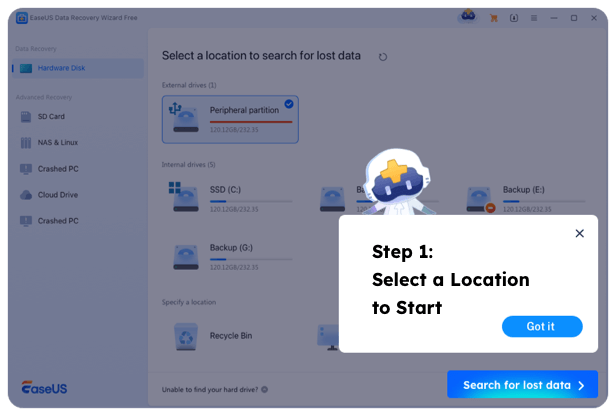
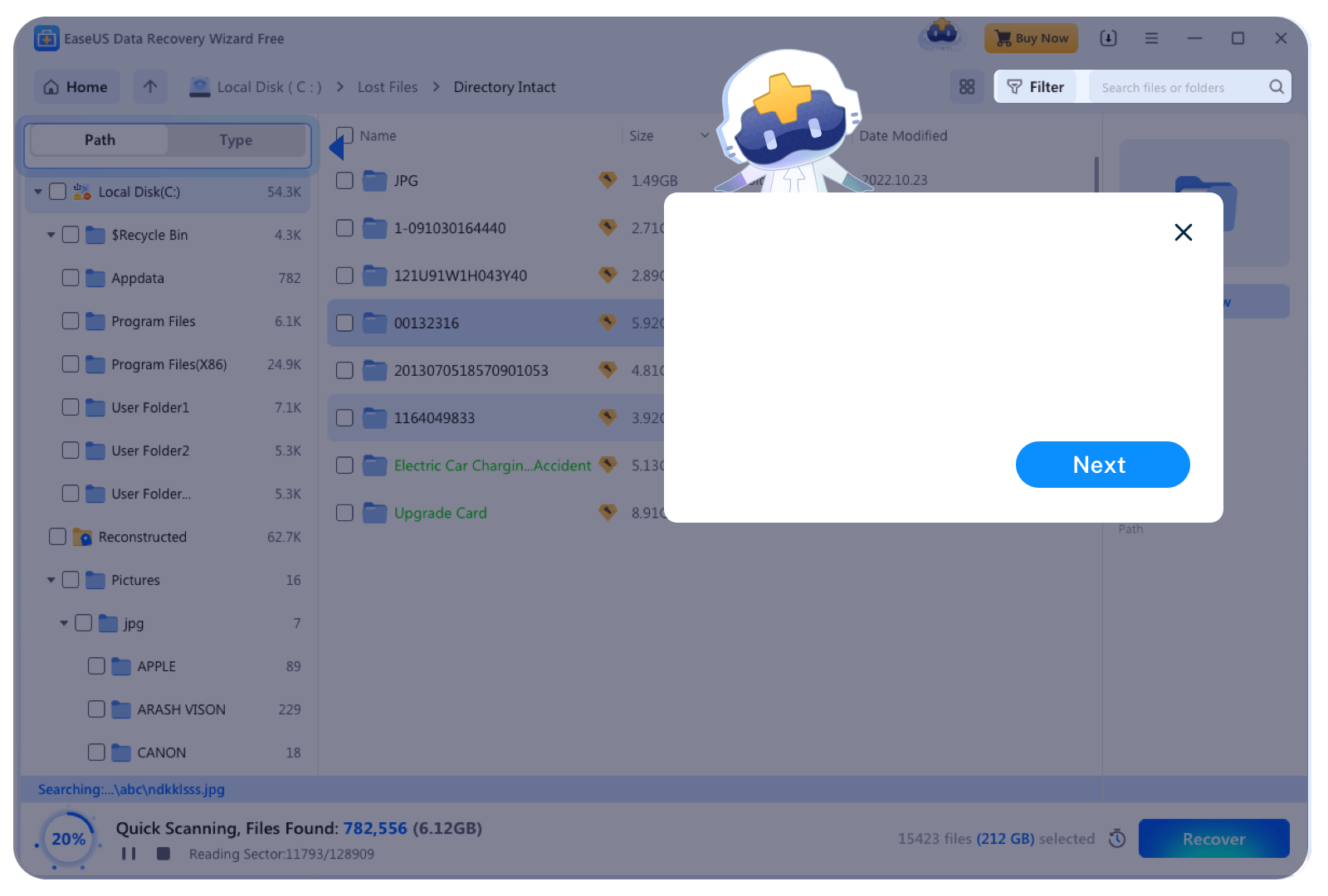
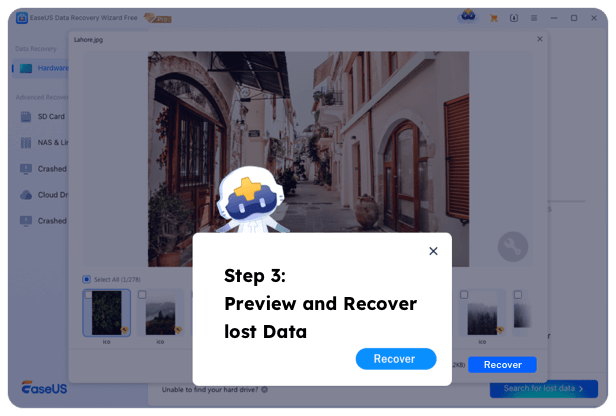
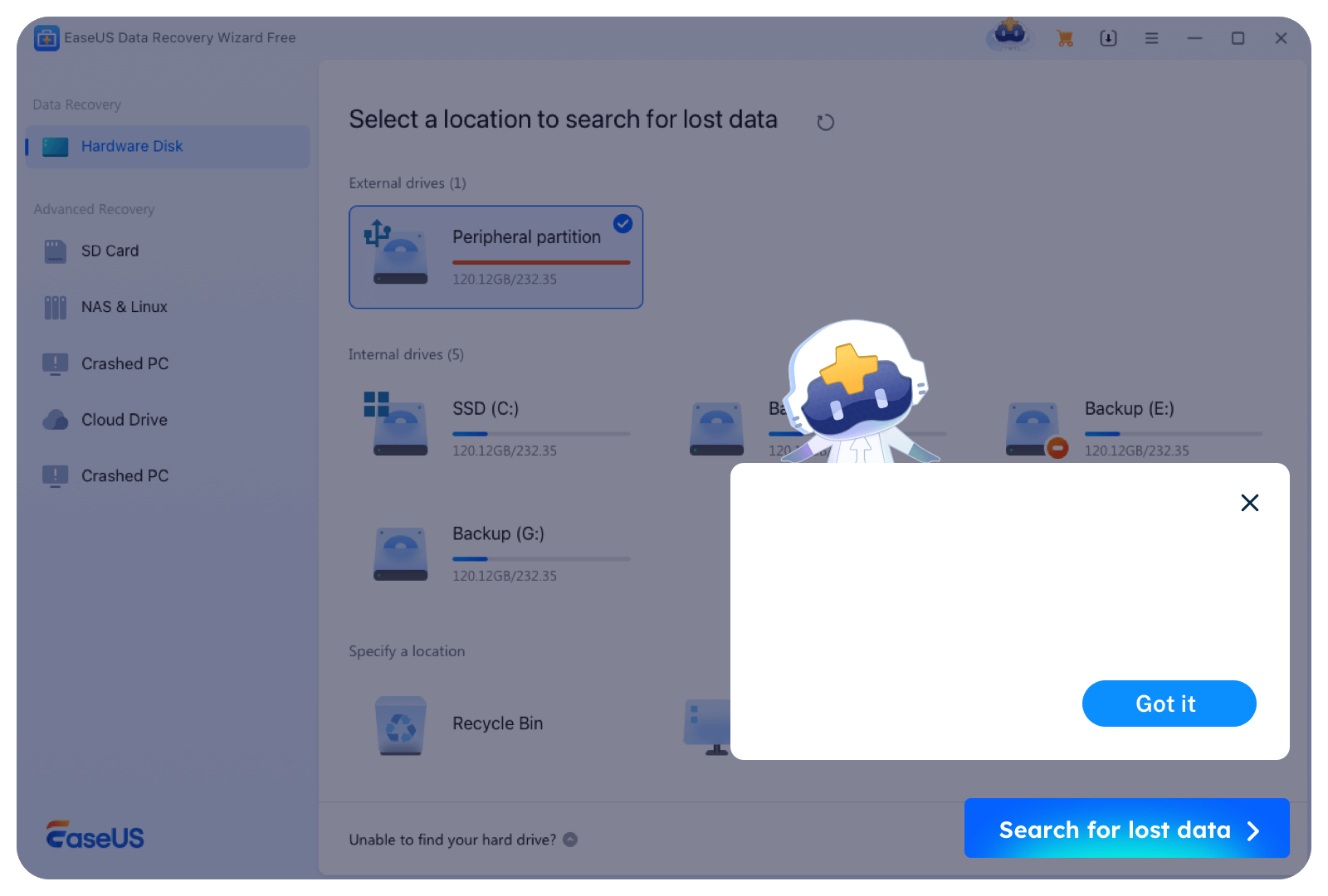
A simple data recovery interface suitable for all users, requiring no complicated operations. EaseUS automatically identifies whether your files are fragmented and then reassemble them.
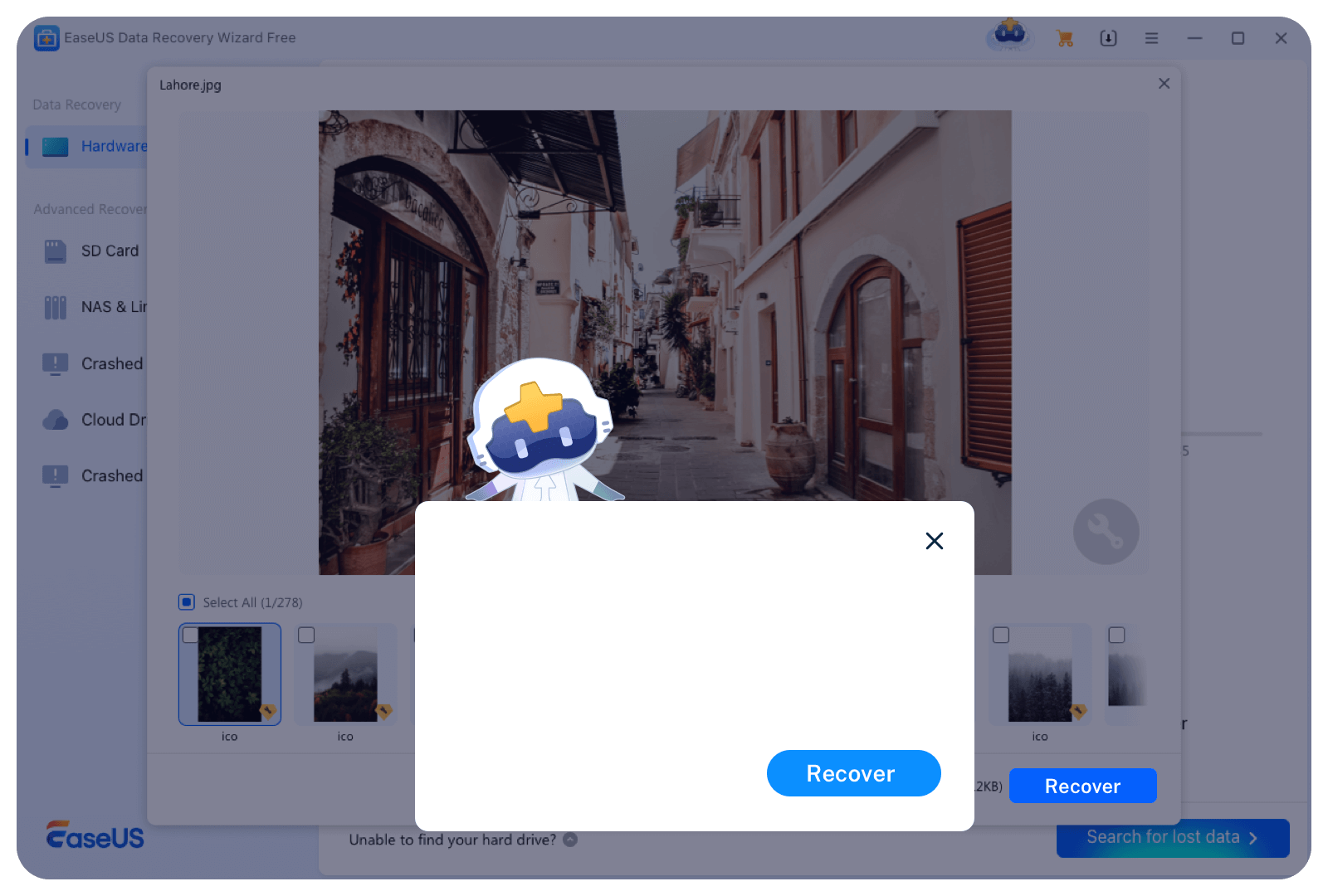
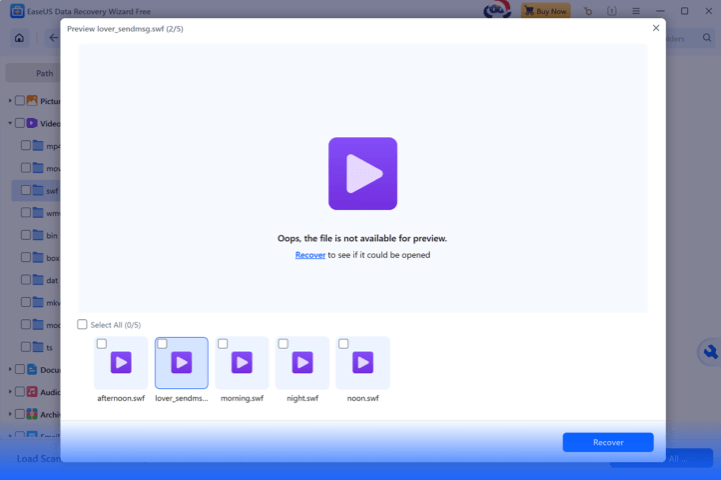
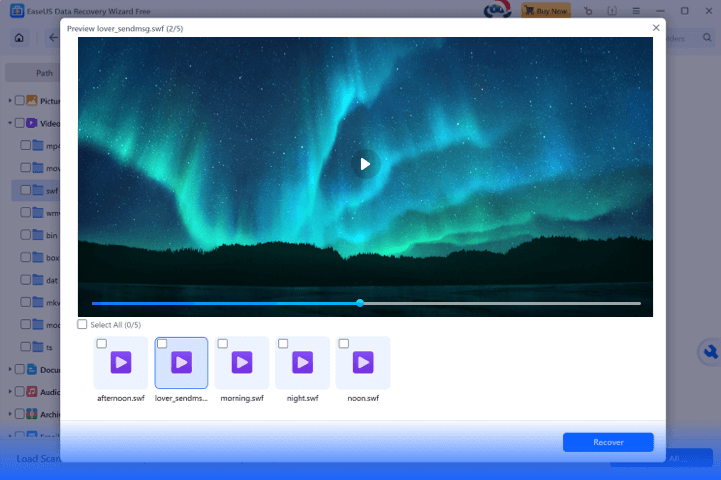
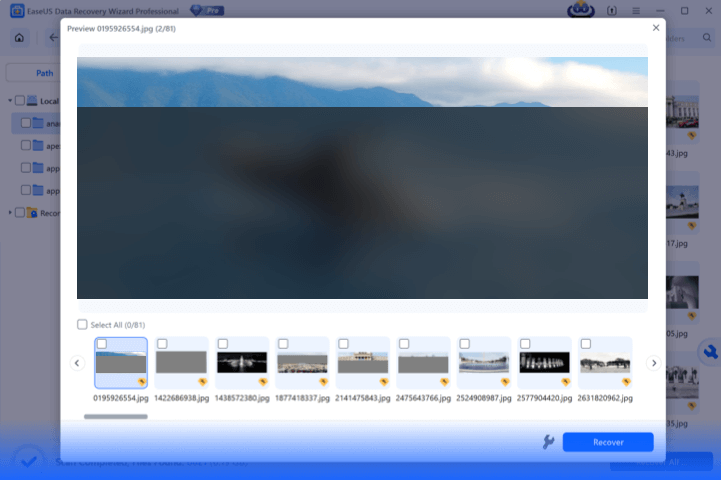
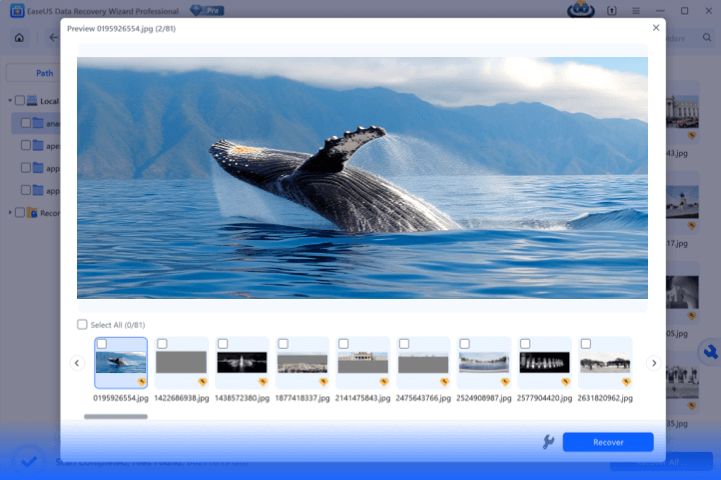
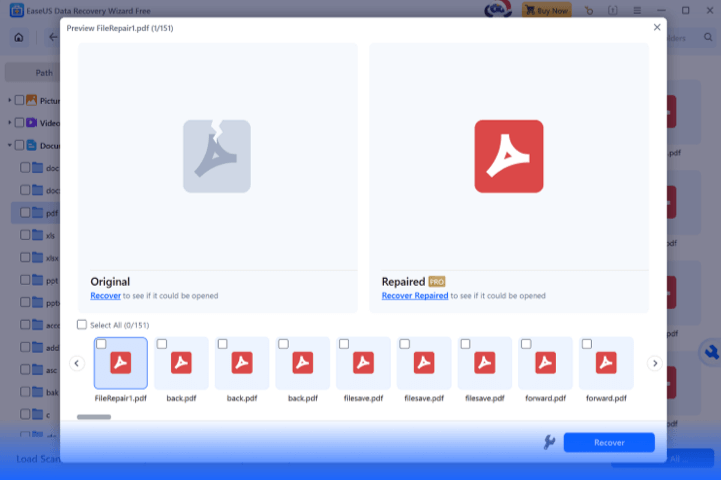
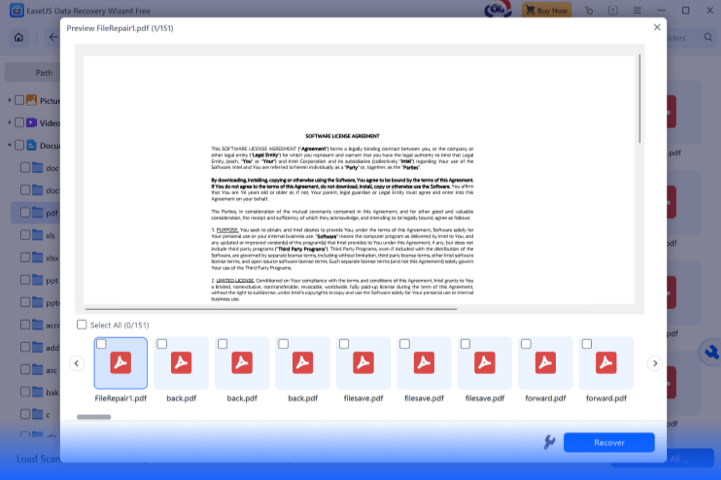
With the support of new technologies, the newly upgraded EaseUS Data Recovery Wizard boasts significantly improved data recovery performance, reaching industry-leading levels. Below are comparison images showing the improved recovery preview before and after.
2004
EaseUS Founded
720M+
EaseUS Data Recovery Users
20,000+
Loyal Partners
160+
Countries Are Covered
Which operating systems and storage devices does EaseUS 20.1.0 support?
It works on Windows and macOS, and is compatible with USB drives, camera cards, external hard disks, RAW-format devices, and various memory card recovery.
Can it recover data from ZFS file systems, and what scenarios is this for?
Yes, it fully supports ZFS file systems—ideal for recovering server data, engineering files, and workstation storage used by businesses and professional users.
When should I use the fragmented data recovery feature?
It's designed for FAT32/EXFAT/RAW format issues: corrupted files from cluster chain loss, unplayable video fragments (camera/drone footage), and unreadable data on RAW devices.
How is EaseUS Data Recovery Wizard 20.1.0 different from older versions?
Key upgrades: SmartSector Rebuild (SSR) engine (30% higher fragment recovery success), ZFS support, faster recovery speed, and a refreshed interface with enhanced preview features.
Do I need technical skills to use the fragmented recovery function?
No - its automated SSR engine requires no manual mode selection, technical knowledge, or extra settings. Both beginners and pros can operate it easily.