


loading…
 
Rules
  • Event Info
  • 1. Event Period: April 15, 2026 – May 31, 2026 (UTC+8)
  • 2. Participants: All users
  • How to Join
  • 1. Provide a valid email for reward delivery and identity verification; no email means no eligibility for prizes.
  • 2. Share a data security story (max 100 per user) with at least 1 hashtag and within 500 characters. You may upload up to 3 images in JPEG/JPG/PNG format to enrich your story.
  • 3. Click 【Join Now】 to submit. Content will be displayed within 72 hours after review. You can search and view your content in the content area by your bound email. If it cannot be found, your submission has not passed the review.

Rewards & Redemption

  • Prize Tiers
  • 1. 1st Place: Apple iPad 128GB (1 winner)
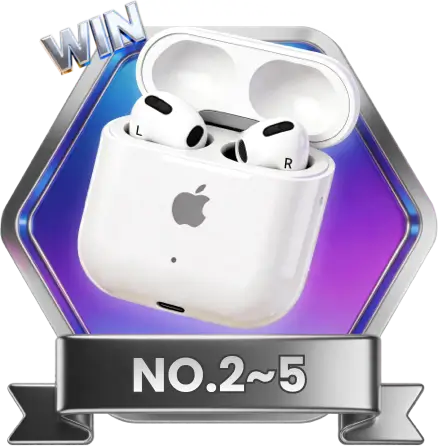
  • 2. 2nd–5th Places: AirPods 4 (4 winners)
  • 3. 6th–10th Places: $100 Amazon Gift Card (5 winners)
  • 4. Universal Reward: All valid participants
  • Winner Selection
  • 1. Top 10 users with the most likes will be selected as winners.
  • 2. Each user can like once per post per day.
  • 3. If the number of likes is tied, the post with the latest like time will be ranked higher.
  • Prize Collection
  • 1. Universal Reward: Claimable immediately on the success page.
  • 2. Top 10 winners: Will be notified by email within 10 business days after the event.
  • 3. Winners must provide required information within 10 days of notification, otherwise the prize will be forfeited.
  • 4. Physical prizes (1st–5th places) will be shipped within 15 business days after confirmation.
  • 5. Gift cards (6th–10th places) will be sent via email within 15 business days after the event.
  • Content Policy
  • 1. Content must be original and authentic. No plagiarism.
  • 2. No illegal, violent, pornographic, defamatory or infringing content.
  • 3. No fake likes or cheating. Violators will be disqualified.
  • 4. For questions, contact: [email protected]

EaseUS reserves the right of final interpretation of this event.

  • Solve Data Issues
  • Watch KOL Tests
  • See Media Voices
  • What Users Say
  • Win iPad

How We Solve Your Data Problems

kilObit

176,000 subscribers

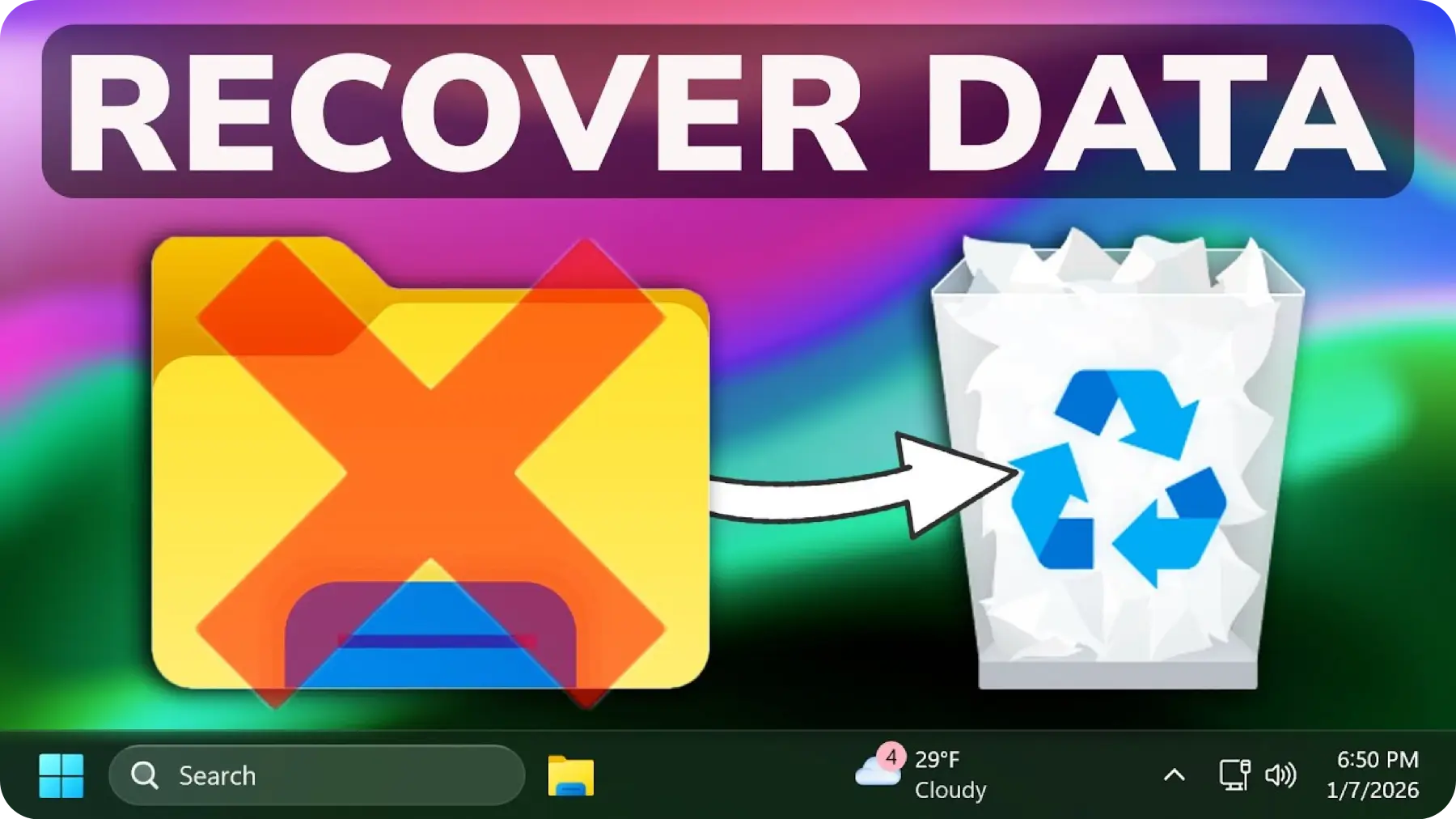
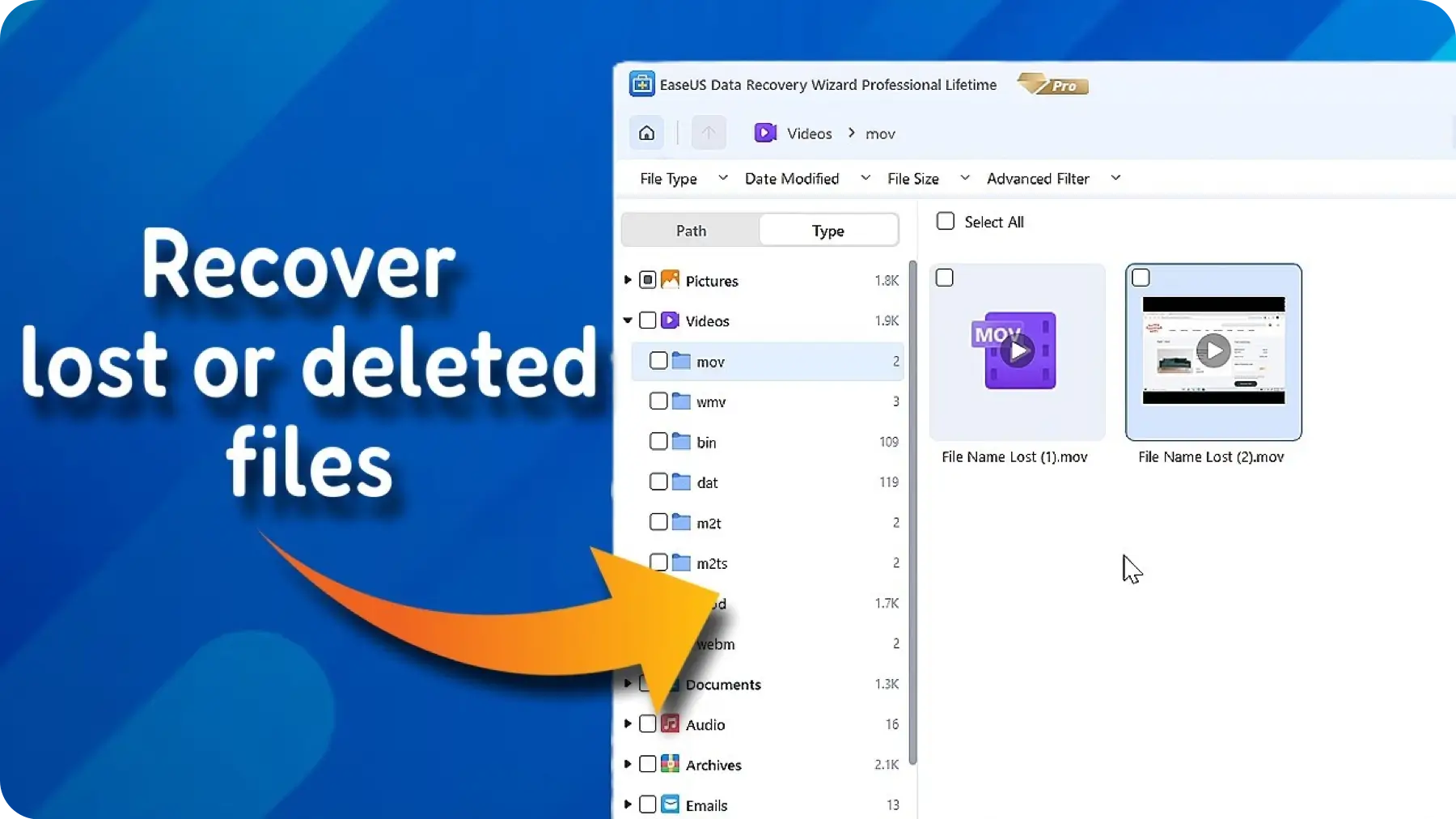
Recover Deleted or Lost Files in Minutes

Accidentally deleted photos, documents, or data? Restore everything easily with just a few clicks.

Why Experts Highly Praise Us

What Experts Say Our 2026 Achievements
 

You Can TrustEaseUS Data Recovery Wizard

No data-recovery app can retrieve everything, but EaseUS Data Recovery Wizard Pro does the best job in testing at recovering lost and deleted files—including files that rival products couldn't find a trace of.

- By Chris Barylick

EaseUS has the best user interface of any data recovery software we reviewed. It’s very easy to use, even for beginners.

- By Katherine Haan

You Can TrustEaseUS Partition Master

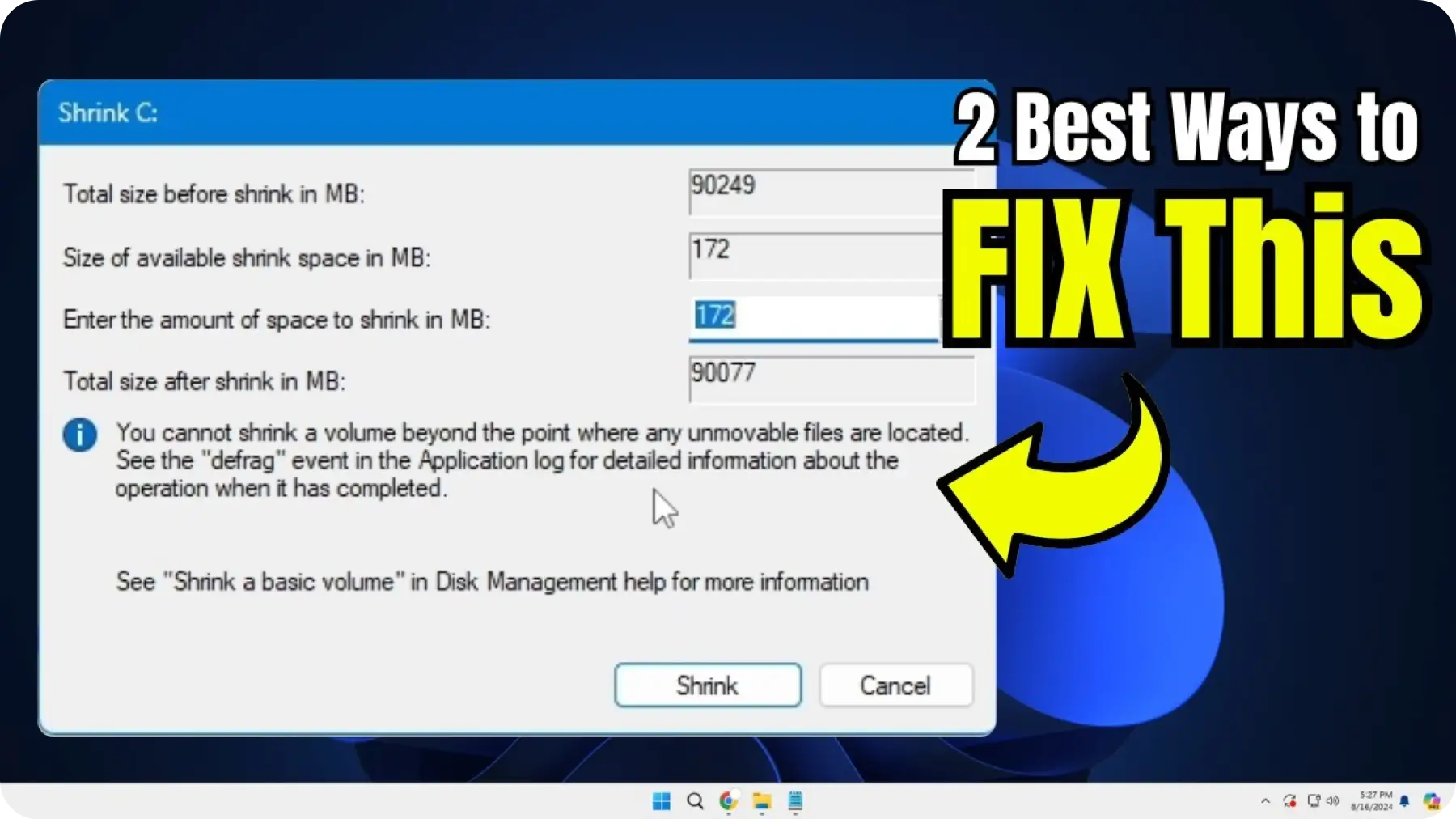
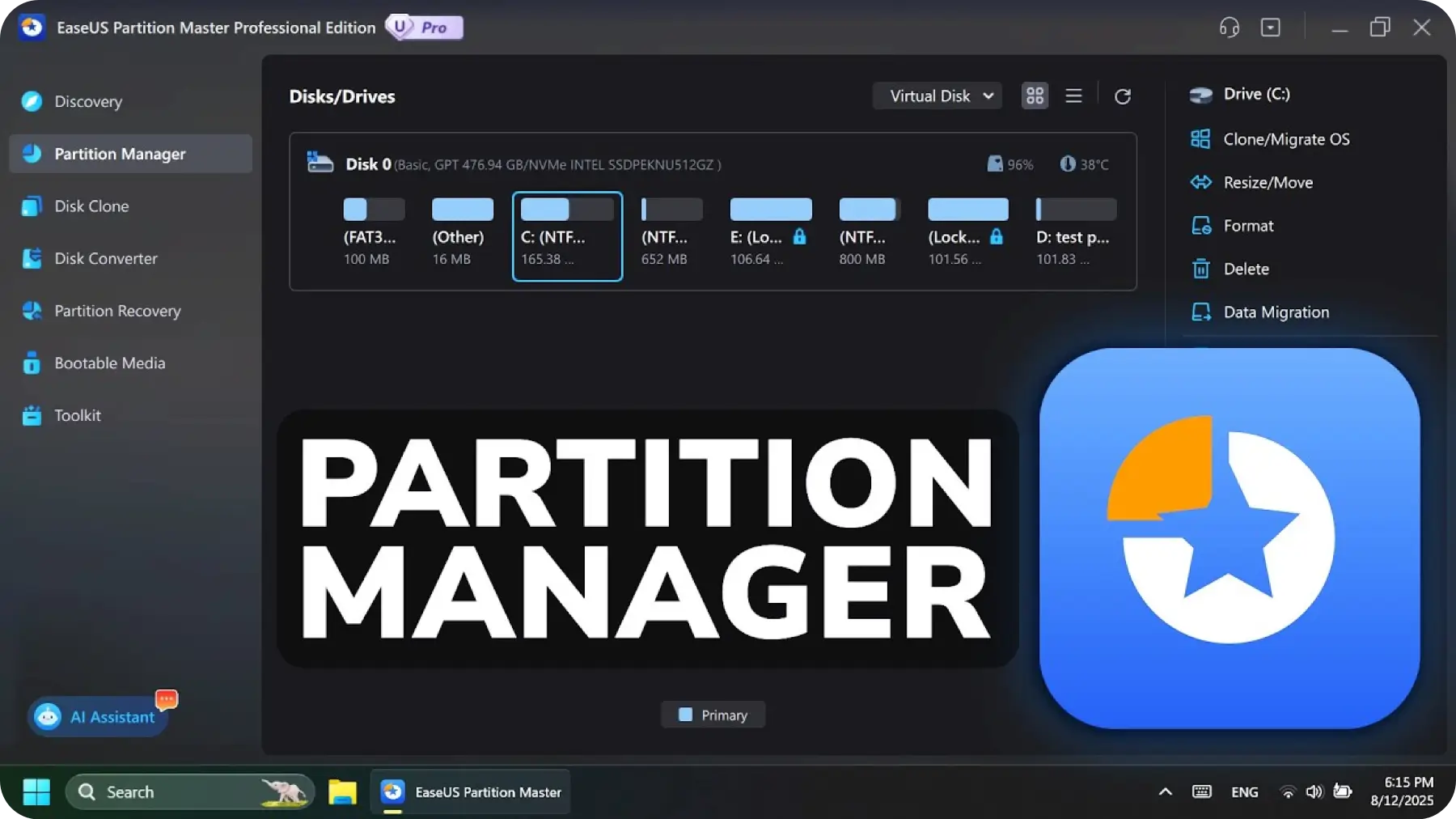
If Disk Management can't shrink the partition as far as you want it to,it's time to go with a third-party program. I recommend EaseUS Partition Master Free. It's simple and, as the name implies, free. And it can shrink your partition until there's almost no empty room.

- By Lincoln Spector

EaseUS Partition Master Free is a great tool enjoyed by millions worldwide. It features means for moving and resizing partitions, wiping them clean, and altering labels and designations.

- By Jon Martindale

You Can TrustEaseUS Todo Backup

EaseUS Todo Backup is the fastest backup app we’ve tested, and it’s got a good range of features, too.

- By Daniel Blechynden

Slicker than ever, super capable, and super easy to use, Todo Backup 2025 has become one of our favorite backup suites.

- By Jon Jacobi

You Can TrustEaseUS Disk Copy

EaseUS Disk Copy lets you move all data from one SSD to another without losing data or reinstalling Windows OS.

- By RP Staff

EaseUS Disk Copy is a no-nonsense tool for users who simply want to migrate their OS to a new drive or create a drive backup. Its uncluttered UI and feature set don’t overwhelm the user.

- By Tanveer Singh


What Our Customers Love Most

Lost Data Rescue
Disk Space Fix
One-Click Backup
Disk System Migrate
  • Lucas Davis

    When my system crashed and I couldn’t access my boot drive, the bootable media feature saved all my critical business data. It’s stable during recovery and preserves original file names and folder structure flawlessly.

    September 5

    9999

  • Emma Johnson

    Deleted the wrong partition during a clean OS install, and 2TB of data vanished instantly! The Deep Scan mode is incredibly powerful. it even found files from years ago. This advanced search capability is truly top-tier and saved my entire digital life.

    January 16

    9999

  • Liam Smith

    Literally a lifesaver! I accidentally emptied the trash with my final PPT inside after pulling an all-nighter. DRW scanned the drive incredibly fast, and the file preview feature ensured I was recovering the right version. It's a must-have for every pro.

    April 3

    9999

  • Lily Jackson

    SD card error? Don't hit format! DRW bypassed physical bad sectors to rescue my precious travel photos. It recovered memories I thought were gone forever while other free tools just crashed. Highly reliable for professional photographers and hobbyists.

    October 26

    9999

  • Benjamin Taylor

    This software does an amazing job recovering data from lost or deleted partitions. It quickly identified my missing partition, displayed all recoverable files clearly, and let me preview them before recovery. It saved me from paying for expensive professional recovery services.

    July 22

    9999

  • Leo Miller

    The search and filter features are extremely useful when dealing with large drives. I could easily sort files by type, size or date, and find exactly what I needed without scrolling through thousands of items. It’s efficient, stable and rarely lags during scanning.

    February 7

    9999

Tell Us Your Story• Win iPad

Event Rewards

>>> ViewFull Rules

iPad 128GB

AirPods 4

Amazon Card

Surprise Gift

Share story for rewards

Share your data story with the hashtags below & click [Join Now] for a chance to win an iPad!

Hashtag #MyEaseUSStory #NoMoreDataPanic #ABackupSavedMe #WhenMyDriveDied

Share your story here...

0/500

 
Upload images
(<1MB each, max 3)
Join Now

Likes Ranking

#MyEaseUSStory #NoMoreDataPanic #ABackupSavedMe #WhenMyDriveDied