



Data Recovery Wizard Tech
Your Important Data, right back on your PC
For Mac& Windows
 Free Trial
For Mac
Learn Morefor files Repairing
Learn MoreSeamless Disk Migration
Learn MoreDisk Partiton Manager
Learn MoreTransfer Data Between PCs
Learn MorePDF Editor Powered by AI
Learn MoreAll-around Video Download
Learn MoreA cutting-edge audio tool
Learn MoreYour Important Data, right back on your PC
For Mac& Windows
Data loss happens from time to time. EaseUS data recovery technician, a powerful tool for enterprise and data recovery service providers,
can rescue you or your customers from any complex data loss scenario.
Supports all data loss situations, including accidental deletion, disk format, disk corruption, virus attacks, and more.
Automatically scan a large hard drive and get your lost data back without having to wait for a long time at the computer.
A technician license allows EaseUS data recovery software to be used on all of your business’s machines.
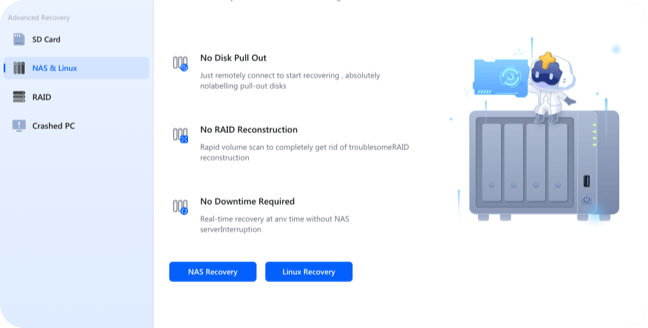
Remotely connect to NAS Server without RAID reconstructions and hard drive disconnection & reconnection to recover lost data.
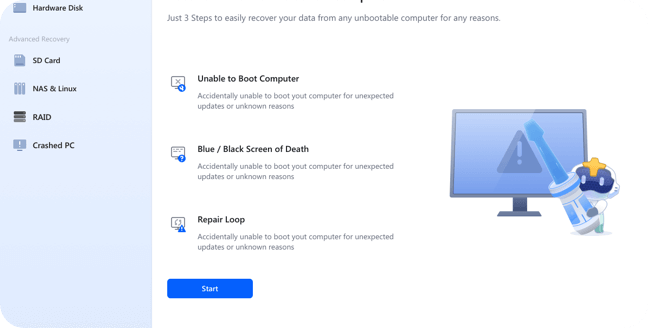
Perform data recovery on any of your or your customers' computers that fails to boot by creating a WinPE bootable disk.
EaseUS data recovery software only help you find and retrieve your lost files, and will not make any copies or changes to the data.
Support offline activation & data recovery to avoid any commercial data or sensitive information leaking.
Restore any data type from RAID arrays such as RAID 0, RAID 5, RAID 6, etc.
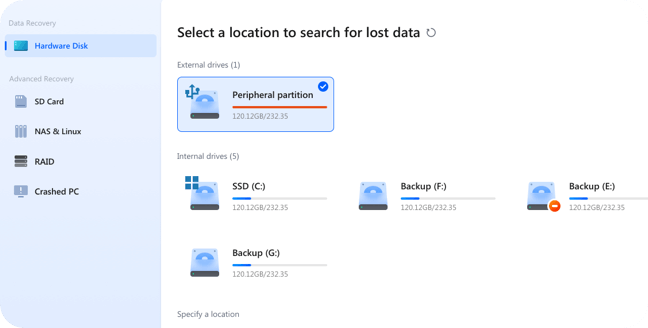
Recover data lost due to deleting, formatting, partition loss,unbootable or crashed system, virus attack, etc from PC, USB drive,SD card, cameras, and other devices.
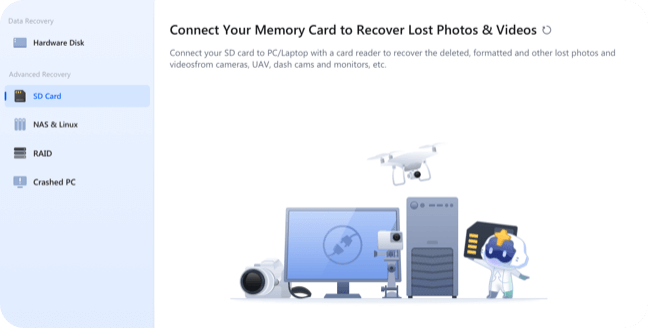
EaseUS Data Recovery Wizard is your ultimate solution for recovering lost files fromSD cards. Whether you’ve accidentally deleted important photos, documents, or videos, our powerful and intuitive software ensures quick and reliable recovery of all your valuable data.
EaseUS Data Recovery Wizard is your ultimate solution for recovering lost files fromSD cards. Whether you’ve accidentally deleted important photos, documents, or videos, our powerful and intuitive software ensures quick and reliable recovery of all your valuable data.
EaseUS Data Recovery Wizard is here to support you every step of the way during your NAS and Linx recovery journey. From SD cards to external drives or network storage, our tools are engineered to simplify data loss recovery, giving you peace of mind as you reclaim your lost files
The system constantly reboot and freeze with an error message displayed on the screen or even stop working entirely without any notifications? Don't worry. Try EaseUS data recovery software to copy out all the critical files.
Run a full scan to find all videos on your device. You can select the missing parts to recover, and easily repair the corrupted.
One-on-one technical expert service, quickly diagnoses the probability of data recovery, if the data cannot be recovered, there is no charge!
You can recover your files without having to wait for the data recovery software to finish scanning the whole drive.
Supports previewing files prior to restoration. You can browse the folders as you would in Explorer.
Operating Systems Supported
File Systems Supported
Hardware Requirements
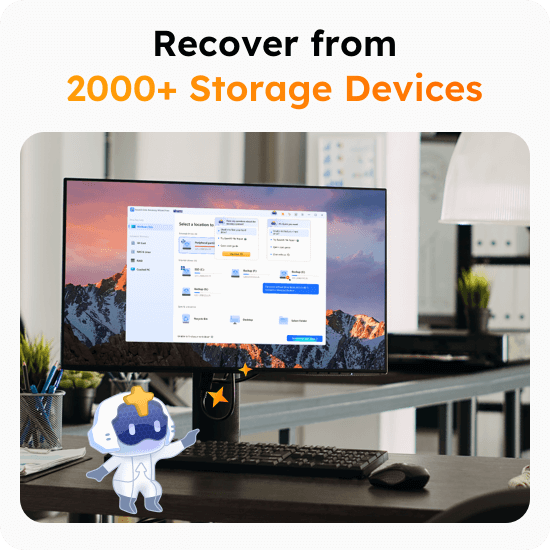
Storage Devices Supported
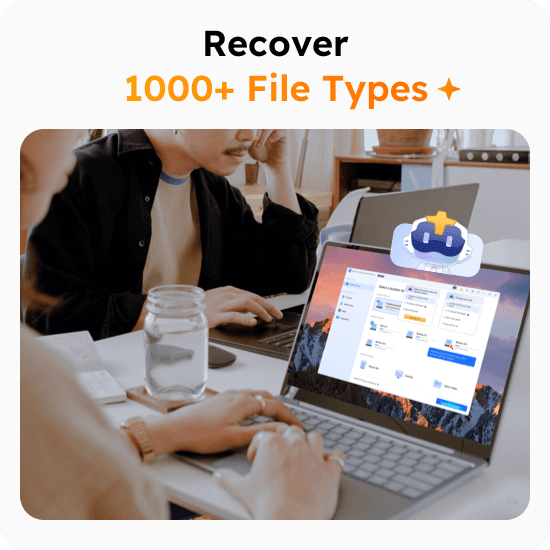
File Types Supported
Is there a 100% chance of success when using a data recovery tool?
For anything non-physical, such as accidental file deletion, file corruption, and deleted partitions, data recovery software can come in handy. But if your hard drive or other device is physically damaged, data recovery software won’t work. EaseUS data recovery software supports previewing files before paying for recovery.
How old deleted data can be recovered?
As long as the deleted files on storage devices were not overwritten by new data, there is still a chance to restore them. The key point of restoring deleted files is whether you have saved new data onto the device where the deleted files were. It doesn't matter if the files were deleted a week ago, a month ago, or a year even years ago.
You can try EaseUS data recovery software to check if your data is recoverable. It supports previewing files before paying for recovery.
Why deleted data can be recovered?
Anytime you delete a file, Windows doesn’t get rid of the file. It only marks the space occupied by the file as being available. Before new data is saved on this available space, the deleted file still exists on the hard drive and could easily be retrieved with data recovery software.
Is EaseUS Data Recovery software safe to use?
The answer is yes. EaseUs is a safe and secure solution, as it has 256-bit SSL. The method it uses to encrypt files and data is far better than other solutions on the market right now.
Installing software from the legal and trusted EaseUS website that holds significant influence in the global data security field, with more than 530 million users in over 160 countries, is completely safe.
Can I recover data without professional skills?
Yes, EaseUS data recovery software offers a user-friendly interface. Only need three simple steps, it can help you recover lost data. Any novice without professional skills can operate it easily.
1. Select and scan the disk or storage media where you lost your data.
2. Preview the recoverable files and choose the files you want to recover.
3. Save the recovered files to a specified directory.
We also provide 7*24 hours of technical services, helping you solve any problems encountered in the process of data recovery.
What are the limitations of the Trial version?