










Data Recovery Wizard
Your Important Data, right back on your PC
For Mac& Windows
 Free Trial
#1 Best Seller
in Business & Office Software
For Windows
Learn Morefor files Repairing
Learn MoreDisk Partiton Manager
Learn MoreTransfer Data Between PCs
Learn MorePDF Editor Powered by AI
Learn MoreAll-around Video Download
Learn MoreA cutting-edge audio tool
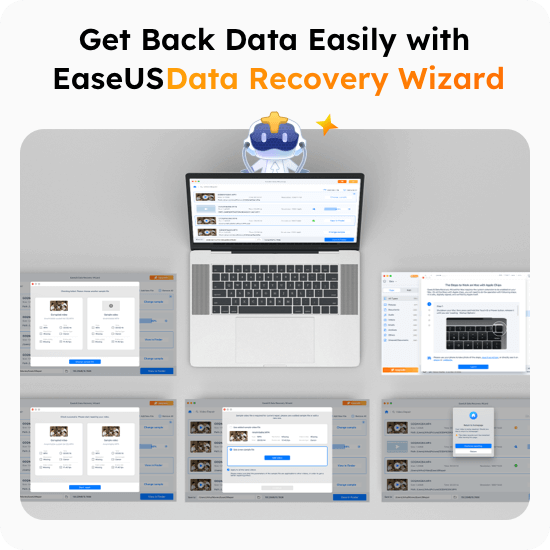
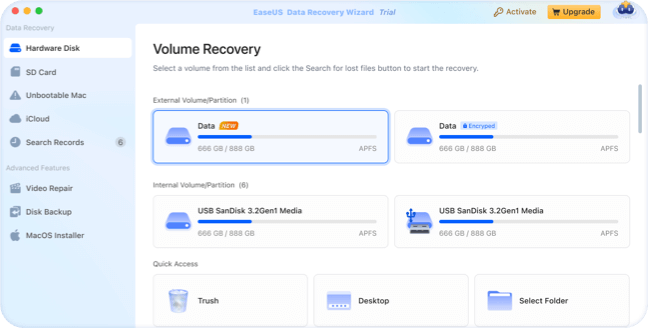
Learn MoreAn all-in-one data recovery solution that can recover data from various data loss scenarios. Choose a hard drive, scan to find deleted files, and preview all recoverable files. We make data recovering smart, easy and powerful.
Document
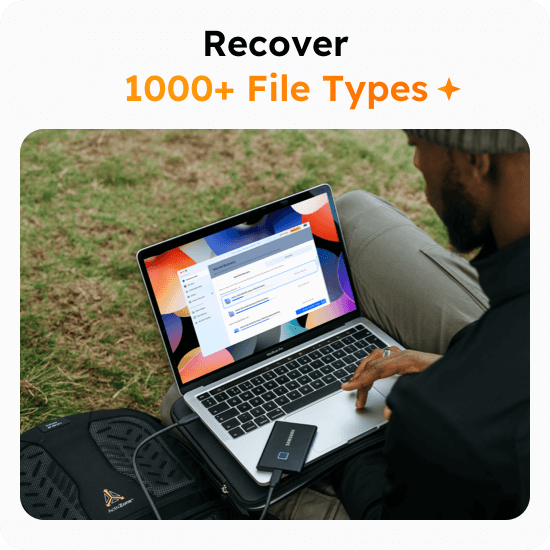
DOC/DOCX, XLS/XLSX, PPT(PPT/PPTX ), PDF, CWK, HTML(HTM), INDD, EPS, PAGES, KEY, NUMBERS, VSD, ODT, ODP, ODS, ODG, ODF, etc.
Video
AVI, MOV, MP4, M4V, 3GP, 3G2, WMV, ASF, FLV, SWF, MPG(MPEG), RM(RMVB), MKV, MXF, etc.
Photo
JPG/JPEG, TIFF/TIF, PNG, BMP, GIF, PSD, CRW, CR2, NEF, ORF, RAF, SR2, MRW, DCR, WMF, DNG, ERF, RAW, SWF, SVG, DWG, NRW, etc.
Music
AIF/AIFF, M4A, MP3, WAV, WMA, APE, MID/MIDI, OGG, AAC, RealAudio, VQF etc.
Archives
7Z, ARJ, CAB, DMG, ISO, JAR, MBX, MSI, PST, RAR5, RAR, RDB, TAR, TAR., XZ, ZIP, etc.
Other Files
Such like Email files, EXE, SIT/SITX, FCPEVENT, DMG, abcddb, pkg, itl, olm, emlx, ipa.
Recover data lost due to deleting, formatting, partition loss,unbootable or crashed system, virus attack, etc from PC, USB drive,SD card, cameras, and other devices.
EaseUS Data Recovery Wizard is a trusted and powerful tool designed to recover all lost files from any storage device, ensuring you can restore your data with ease and confidence.
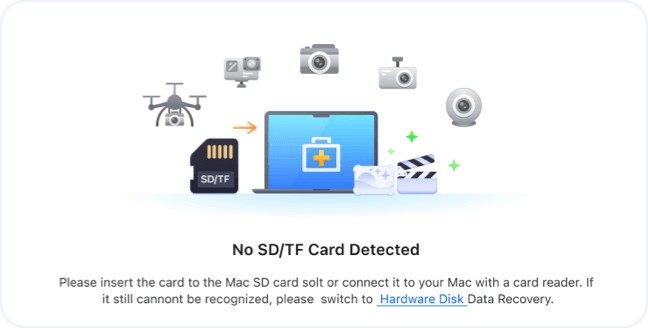
EaseUS Data Recovery Wizard is your ultimate solution for recovering lost files fromSD cards. Whether you’ve accidentally deleted important photos, documents, or videos, our powerful and intuitive software ensures quick and reliable recovery of all your valuable data.
EaseUS Data Recovery Wizard is here to support you every step of the way during your NAS and Linx recovery journey. From SD cards to external drives or network storage, our tools are engineered to simplify data loss recovery, giving you peace of mind as you reclaim your lost files
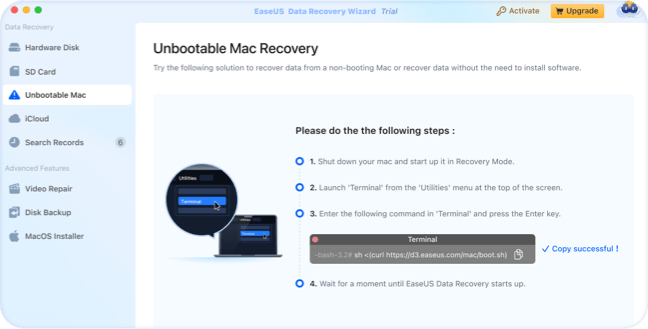
The system constantly reboot and freeze with an error message displayed on the screen or even stop working entirely without any notifications? Don't worry. Try EaseUS data recovery software to copy out all the critical files.
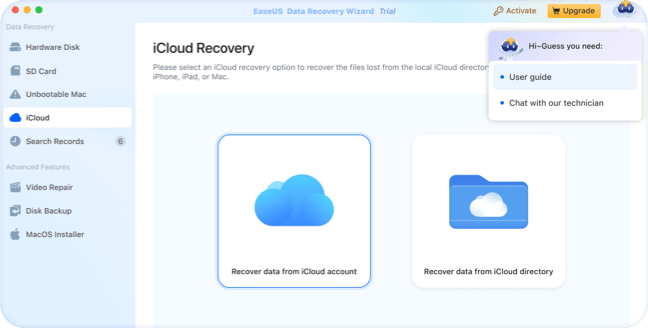
Send your recovered data to cloud storage - Dropbox, GoogleDrive, OneDrive, iCloud, another hard drive, USB, memory card, etc.
EaseUS bootable USB drives support data recovery for macOS, even when the system is unbootable.
Create a backup image to safeguard data from corruption by new writes or viruses, then scan it for effective recovery.
Supports the Latest macOS 15 Sequoia and all previous systems
APFS/HFS+/HFS X/FAT( FAT16 FAT32)/ exFAT/NTFS
Disk Spac 32MB minimum space for EaseUS Data Recovery Wizard for Mac installation
32bit or 64bit
At least 1GB
Improved raw file recovery quality
More user-friendly & intuitive UI
Fixed some bugs
Can I recover data if the drive shows as unmounted?
Why many found files have random file names?
How long does it take to scan the drive?
Why the drive cannot be detected by the software?
How can I find the lost data from the scan result?



 Operating System Supported:
 Files System Supported
 Hardware Requirements
 CPU
CPU
 RAM
RAM

