Manage Partitions
Partition Master Pro Simplify Your PC Disk Management Partition Master Free Free and Powerful Partition Manager Diskcopy Next-Generation Disk Copy ExperienceBackup Datas
Todo Backup Home Most Advanced PC Backup Strategy Todo Backup Free Simple and Smart Backup Todo Backup Enterprise Effective Solution for Business Todo Backup Technician Designed for Service ProvidersVoice AI
AI Vocal Remover Removes Vocals Online for Free AI Voice Changer Change Voice in Real Time with AI AI Voice Generator Free Online AI Voice GeneratorVideo AI
AI Video Kit Download, Convert & Play Video with AI AI Video Transcription Transcribe Online Videos, Audios and Local Files AI Video Enhancer Instantly Improve Video QualityVideos, photos or files get corrupted or fail to open? EaseUS one-stop solution will help you repair corrupted videos, photos and files regardless of the level of damage.
Video Repair
Repair Any Corrupted or Unplayable Video
Videos become corrupted or inaccessible after sudden power surges and failures, complete system crashes, updating errors, file mishandling or some other reasons? The video repair software - EaseUS Fixo enables you to repair a wide variety of video file formats including MOV, MP4, M2TS, MKV, MTS, 3GP, and more easily, no matter how it is damaged.
Photo Repair
Repair Corrupted Photos from Any Device
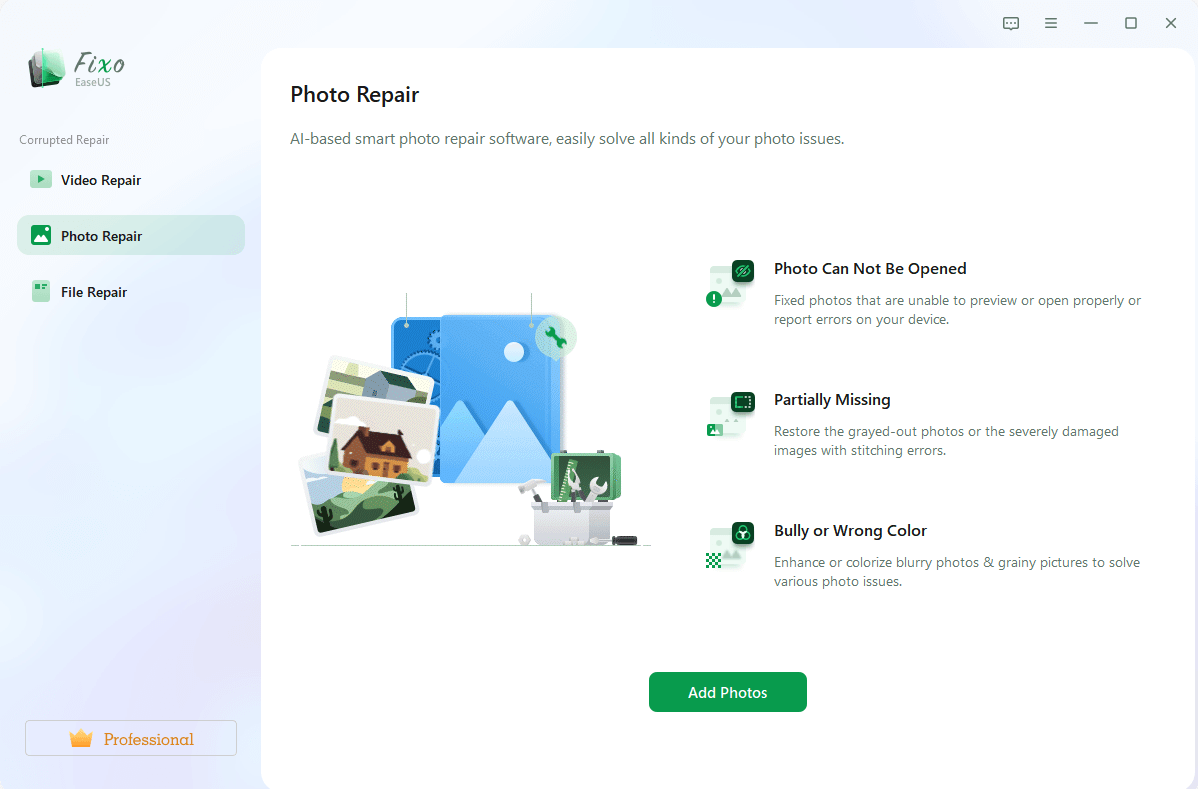
Photos with precious memories or essential information become corrupted and unopenable? The photo repair software - EaseUS Fixo can intelligently and smartly repair your corrupted and damaged photos from your computer or other external storage devices like USB flash drives, memory sticks, SD cards, digital camera and phones regardless of their level of damage.
File Repair
Repair Corrupted Word, Excel, PPT, and PDF Files
Office files and pdf files become corrupted, inaccessible or unreadable unexpectedly for unknown reasons? EaseUS Fixo which has an intuitive interface is the best file repair software for novices to fix the corrupted office documents, including PDF, Word, Excel, and PowerPoint files.


Step 1: Add Photos, Videos or Files
Add the corrupted data you want to repair.
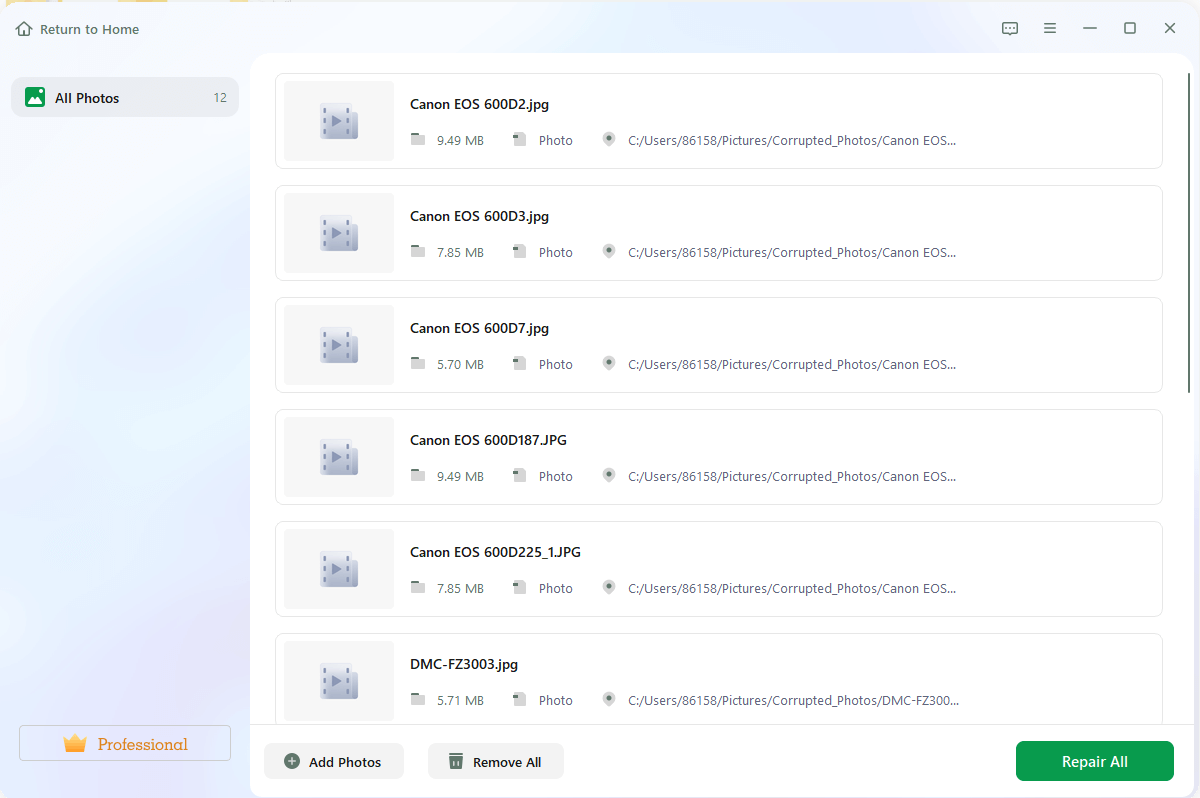
Step 2: Start Repair Process
Click the "Repair" button to start the Repair Process.
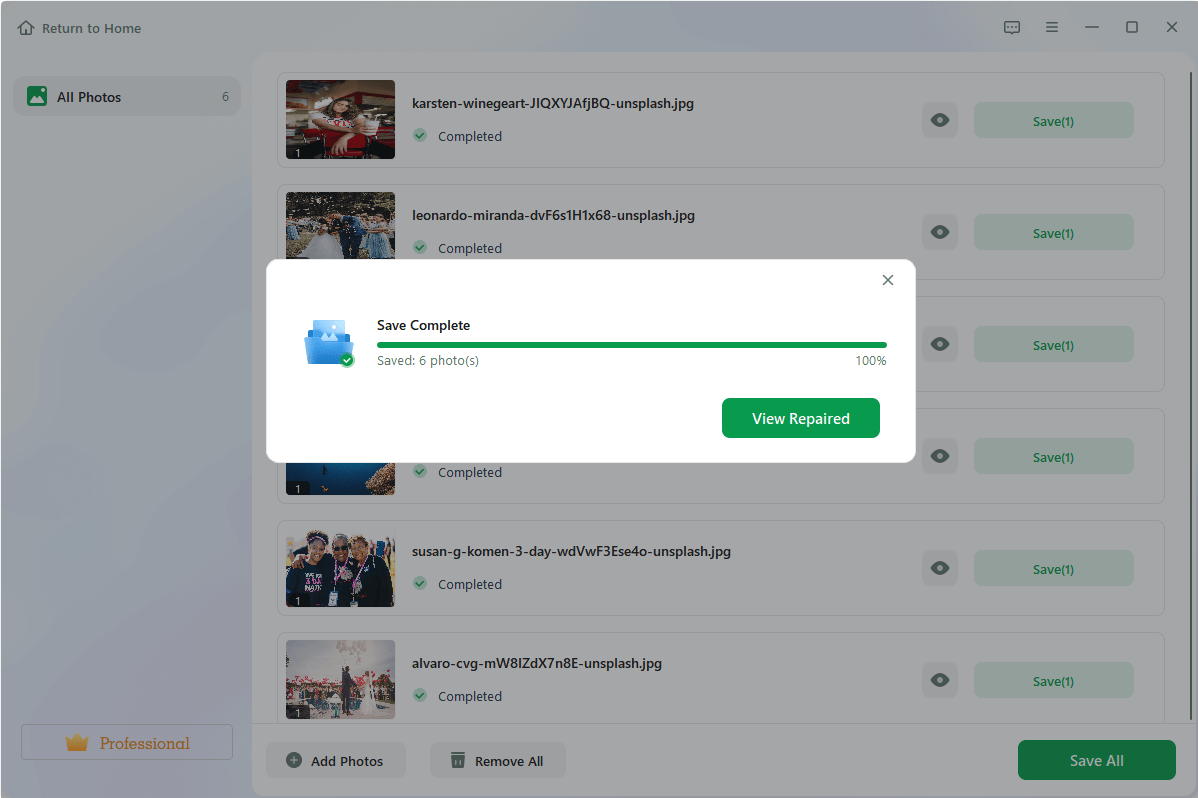
Step 3: Preview and Save Repaired Photos, Videos or Files
Preview the repaired data and save the files to your desired location.
EaseUS Fixo Video Repair
Success, thanks for submitting!